 Orvus
OrvusWhat is Yoast SEO used for? A systems guide
January 27, 2026
What yoastseo does at a glance
Yoast is a WordPress plugin that exposes editable controls for meta titles and meta descriptions, generates XML sitemaps, emits canonical tags, and outputs basic JSON-LD schema for common page types, reducing routine work for editors and site owners. Yoast features overview
Yoast handles meta fields, sitemaps, canonical tags, content and readability hints, and basic schema for common page types; involve developers when you need custom schema, have headless rendering, or require complex canonical rules.
Alongside those outputs, Yoast provides a live SEO analysis and a separate readability check that together produce a content score editors can use to prioritise edits and QA steps. How the Yoast content and readability analysis works
That automation lowers friction around on-page signals, but it does not replace manual verification, developer review, or architectural decisions on complex or dynamic sites. For crawl and index behaviour you still need to verify outputs in search tools and check motifs like canonical logic and sitemap scope. Yoast plugin listing on WordPress.org
Core features and automation
At a core level Yoast exposes fields and templates for meta titles and descriptions, creates XML sitemaps automatically, writes canonical link tags, and emits JSON-LD for typical content types. These features are intended to standardise common metadata so teams can focus on content and structure. Yoast features overview
Editors see live feedback while they edit, and the plugin’s outputs are accessible for audit in page source or via testing tools. This combination is useful for repeatable content workflows on standard WordPress sites. How the Yoast content and readability analysis works
What yoastseo does not replace
Yoast does not replace architectural decisions such as URL design, how to handle parameterised feeds, or bespoke schema requirements for non-standard content. In those cases you will need a developer or an SEO audit to confirm the plugin’s defaults match site routing and content models. Consolidate duplicate URLs guidance
For indexing and coverage behaviour, automation helps discovery but does not guarantee outcomes; sitemaps and canonical tags aid crawling and consolidation, yet verification in search consoles remains essential. Sitemaps overview from Google Search Central
How yoastseo handles on-page elements
Meta titles and descriptions
Yoast provides editable fields on every post and page for meta title and meta description and supports site-wide template settings that populate those fields automatically when editors do not overwrite them. This template option helps enforce consistent title structure and can be adjusted per content type. Yoast features overview
When you use templates, check a representative sample of pages after launch to ensure the substituted values read naturally. Templates reduce repetitive work but still require human review for intent, tone, and brand constraints. Kinsta Yoast tutorial and examples
Slugs and canonical tags
Yoast exposes the slug field and appends a canonical link tag in page source to indicate the preferred URL for similar or duplicated content. That canonical output is a helpful default but owners should audit the canonical logic on paginated lists and parameterised pages. Consolidate duplicate URLs guidance
Common tests are to view the page source, confirm the canonical tag matches intended routing, and check server headers for any redirects that might conflict with the canonical. These simple checks highlight mismatches early. Yoast plugin listing on WordPress.org
XML sitemap generation and what it means
Yoast automatically builds XML sitemaps and updates them as content changes, which helps search engines discover new and updated URLs more efficiently. XML sitemaps in the Yoast plugin Sitemaps overview from Google Search Central
After enabling sitemaps, submit the sitemap to Google Search Console and check the sitemap coverage report for excluded URLs or unexpected errors. This verification step is part of a production-grade setup. Yoast plugin listing on WordPress.org
Yoast's content and readability analysis explained
JSON-LD outputs and supported content types
Yoast runs two visible checks while editors work: an SEO analysis that checks keyphrase presence, meta tags, slug, internal links and other signals contributing to a content score, and a readability analysis that flags sentence length, passive voice, and heading structure. Use these checks as signals rather than absolute rules. How the Yoast content and readability analysis works

The SEO analysis aggregates multiple checks to produce a content score that helps prioritise which pages need edits. Typical checks include whether the focus keyphrase appears in the slug and title, whether a meta description exists, and whether there are internal links. These indicators are helpful for editor workflows when combined with intent checks. Kinsta Yoast tutorial and examples
The readability analysis highlights technical style signals such as long sentences and passive voice but does not evaluate user intent or commercial fit. Treat readability flags as editorial aids and include them in content QA rather than using them as the final acceptance criterion. How the Yoast content and readability analysis works
What the SEO analysis checks
The SEO module checks for the presence and distribution of the chosen keyphrase, a filled meta description, a succinct slug, internal link counts, and other on-page items that influence how editors prioritise improvements. It is a checklist-style aid, not a substitute for intent-driven editing. How the Yoast content and readability analysis works
Readability signals and editor guidance
Readability outputs include sentence length flags, passive voice warnings, and heading structure suggestions. Use them to speed editorial QA but prioritise human judgement where readability recommendations conflict with technical terminology or legal phrasing. Kinsta Yoast tutorial and examples
Structured data and schema from yoastseo
JSON-LD outputs and supported content types

Yoast emits JSON-LD for common types such as articles, pages, and organization information, which reduces manual tagging work for typical pages and helps standard rich result eligibility in many cases. Test outputs to confirm they match your content model. Yoast features overview
For many standard sites the built-in schema is sufficient, but outputs should be validated to ensure the right types and properties are present for your content. Use a Rich Results test to check whether structured data is syntactically correct and aligns with expected page types. Kinsta Yoast tutorial and examples
When and how to customise schema
Complex pages often need manual schema customization or developer involvement, particularly for non-standard content models or applications such as event feeds, product variants, or aggregated offers. In those cases Yoast’s defaults are a starting point rather than a final solution. Yoast features overview
Validation steps include running the Rich Results test, checking the JSON-LD in page source, and ensuring any custom schema does not conflict with plugin output. When conflicts appear, coordinate with developers to choose a single source of truth for structured data. Kinsta Yoast tutorial and examples
Practical setup workflow for yoastseo on WordPress
Install the plugin through WordPress, run the initial configuration wizard, set site-wide title and meta templates under site/search appearance, and enable the XML sitemap feature as a baseline. These steps establish a repeatable baseline for most sites. Yoast plugin listing on WordPress.org
After initial setup, pick a sample of canonical URLs, product pages, and blog posts to review in source and in Google Search Console. Confirm the sitemap is submitted and that canonical tags match intended preferred URLs. Sitemaps overview from Google Search Central
Practical next step for Yoast setup
Review a small set of representative pages after setup to confirm templates, sitemap submission, and canonical behaviour before rolling changes site-wide.
Use page-level SEO and readability checks in the editor during content creation and add a short QA step that verifies meta fields and internal linking before publish. This turns Yoast’s signals into a practical editorial workflow. How the Yoast content and readability analysis works
Finally, verify structured data using the Rich Results test and address any warnings or missing properties. If your site is headless or uses custom routing, involve developers to map plugin outputs into your rendering and routing model. Yoast features overview
When yoastseo is not enough - audit and decision criteria
Yoast is reliable for classic WordPress setups but can be insufficient for headless WordPress instances, sites with many parameterised or ephemeral URLs, or systems that require bespoke schema. In those cases plan a focused audit to confirm plugin outputs align with your routing and content model. Yoast plugin listing on WordPress.org
Audit checkpoints should include canonical logic checks, sitemap coverage across content types, schema completeness for key page templates, and interactions with other plugins or custom templates. These checks reveal where defaults might silently misrepresent site structure. Consolidate duplicate URLs guidance
Decision rules for involving developers include requirements for custom schema, complex canonical rules that depend on runtime parameters, or when you see persistent sitemap exclusions that do not match expected content. If you lack internal capacity, a systems-focused growth partner can help scope an audit in context. Kinsta Yoast tutorial and examples
Common mistakes and troubleshooting with yoastseo
Canonical tags are common and often result from conflicts between plugin output and server redirects or template logic. Test canonical tags in page source and confirm any redirect chains do not override intended canonical URLs. Consolidate duplicate URLs guidance
ToolType: | Purpose: | Fields: | Notes:
A second common mistake is overreliance on the content score. That score is useful for prioritisation, but editors should still check intent, user experience, and conversion signals before accepting content. How the Yoast content and readability analysis works
Another frequent issue is assuming sitemap submission equals indexing. Sitemaps help discovery; check indexing status and crawl errors in Google Search Console to diagnose why pages may not appear. Sitemaps overview from Google Search Central
Examples and scenarios: ecommerce, blogs, and headless CMS
Small ecommerce store example
For a small ecommerce store, Yoast templates for product title and meta description plus the sitemap generator give a quick baseline for discoverability. Custom fields for product variants may require adjustments in templates or added schema for offers. Yoast features overview
Check product page canonicals when filters or sort parameters are used and verify that the sitemap includes the preferred product URLs not parameter variants. When in doubt, export a sitemap sample and review entries. Sitemaps overview from Google Search Central
High-volume blog example
In a high-volume editorial workflow, the content analysis speeds up QA by flagging missing meta descriptions and internal linking shortfalls, letting editors focus on intent and topical depth. Pair the plugin checks with an editorial checklist to avoid mechanical acceptance of the content score. How the Yoast content and readability analysis works
Use site-wide templates for consistency but audit a sample weekly to ensure templates produce readable titles and descriptions at scale. Automation reduces manual work but does not remove the need for periodic sampling. Kinsta Yoast tutorial and examples
Headless CMS with custom schema
Headless setups often render content outside the WordPress normal output, so Yoast’s JSON-LD and canonical outputs may need mapping into the front-end rendering pipeline or bespoke endpoints. This typically requires developer work to ensure structured data and canonical tags are present where rendering differs from server HTML. Yoast plugin listing on WordPress.org
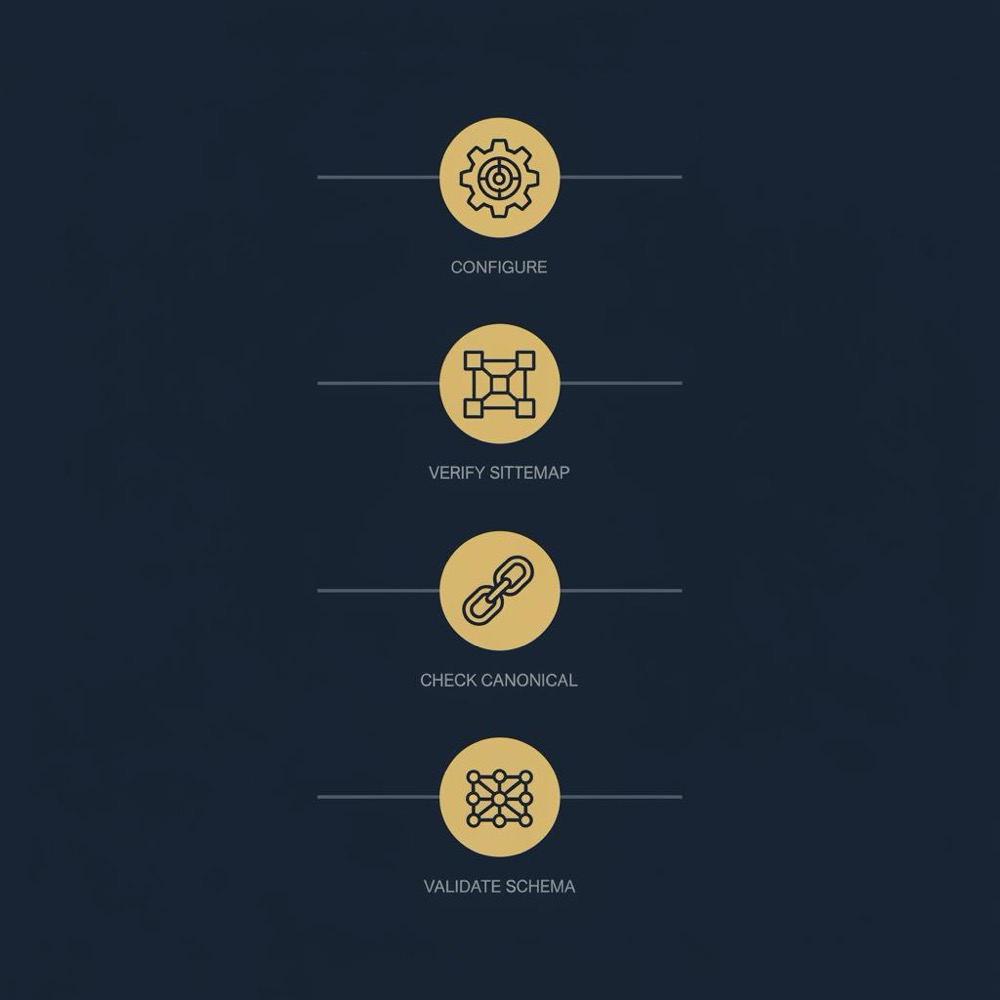
Plan an integration test that renders sample pages in the front end, inspects the final HTML or JSON output for schema and canonical tags, and iterates until outputs match expectations. This is a common engineering task for headless rollouts. Yoast features overview
Next steps and measuring impact after yoastseo setup
Validate Yoast outputs using Google Search Console, the Rich Results test, and schema validators to confirm the sitemap, canonical tags, and JSON-LD appear as expected. Track crawl errors, sitemap coverage, and indexing status as primary checkpoints. Sitemaps overview from Google Search Central
Set a reporting cadence to review sitemap coverage and selected canonical mappings, and prioritise fixes based on pages that matter for conversions or strategic funnel steps. Small automations or dashboards can reduce the manual monitoring work over time. Yoast plugin listing on WordPress.org
When requirements exceed the plugin’s defaults, commission a scoped audit to map gaps and specify developer tasks such as custom schema, canonical rules tied to runtime parameters, or front-end mapping for headless setups. This ensures Yoast is part of a stable search architecture rather than an isolated tool. Kinsta Yoast tutorial and examples
No. Yoast generates sitemaps and canonical tags to aid discovery and consolidation, but indexing decisions are made by search engines and should be verified through Google Search Console.
Yoast provides basic JSON-LD for common types, but complex or non-standard schema typically needs manual customization or developer work to ensure completeness and accuracy.
No. The content score is an editorial aid that highlights potential issues; human judgement about intent, UX, and commercial fit should guide final decisions.
References
- https://yoast.com/features/
- https://yoast.com/help/content-analysis/
- https://wordpress.org/plugins/wordpress-seo/
- https://developers.google.com/search/docs/crawling-indexing/consolidate-duplicate-urls
- https://developers.google.com/search/docs/crawling-indexing/sitemaps/overview
- https://kinsta.com/blog/yoast-seo/
- our services
- our knowledge base
- about Orvus
- https://yoast.com/help/canonical-urls-in-yoast-seo/
- https://yoast.com/help/xml-sitemaps-in-the-wordpress-seo-plugin/
- https://developer.yoast.com/features/seo-tags/canonical-urls/functional-specification/
Want this kind of work done for your business?
We build and run AI-powered marketing and automation. 15 minutes, honest assessment.
Book a call