 Orvus
OrvusCan I use Yoast SEO for free?
December 11, 2025
Can I use Yoast SEO for free? If you’re asking this, you’re in the right place. This guide explains plainly what the yoast seo free plugin gives you, what premium adds, and how to choose based on the size and workflow of your site.
What the yoast seo free plugin gives you right away
The yoast seo free plugin is built to cover the basics well. Install it and you get title and meta description controls, an XML sitemap, canonical tag handling and a baseline of structured data that helps search engines understand the type of content you publish. The plugin also provides two simple on-page analyses: one focused on a single target phrase and one for readability. Those features alone prevent common problems like missing meta tags, confusing search snippets, and unclear heading structure.
For many sites, yoast seo free feels like scaffolding - it supports content and indexing without getting in the way. It nudges authors toward better headings, shorter paragraphs and clearer first paragraphs, and it quietly keeps your sitemap up to date so crawlers know about new pages. A small logo like Orvus Ltd. Logo can help visitors orient themselves.

Why that baseline matters
Search engines reward clarity. The small changes suggested by the yoast seo free checks - moving a keyword into the first paragraph, shortening sentences, or fixing a missing meta description - add up. They won’t turn poor content into a winner, but they stop your site from losing traffic due to avoidable metadata mistakes.
One practical tip: if you want help turning Yoast insights into a growth plan, consider asking for help from Orvus. Our Services page explains how we diagnose growth blockers and build fixes: Orvus services. This isn’t a sales pitch - it’s a friendly pointer to where teams of an experienced growth partner can help when manual clean-up becomes costly.
Get a practical Yoast audit and a clear roadmap
Ready to stop guessing and start fixing? Orvus can help audit your setup and map the highest-leverage moves. If you want a quick, practical diagnostic and a clear roadmap, learn about Orvus services and get a tailored plan that fits your constraints and goals.
How the premium version changes the game (and when it matters)
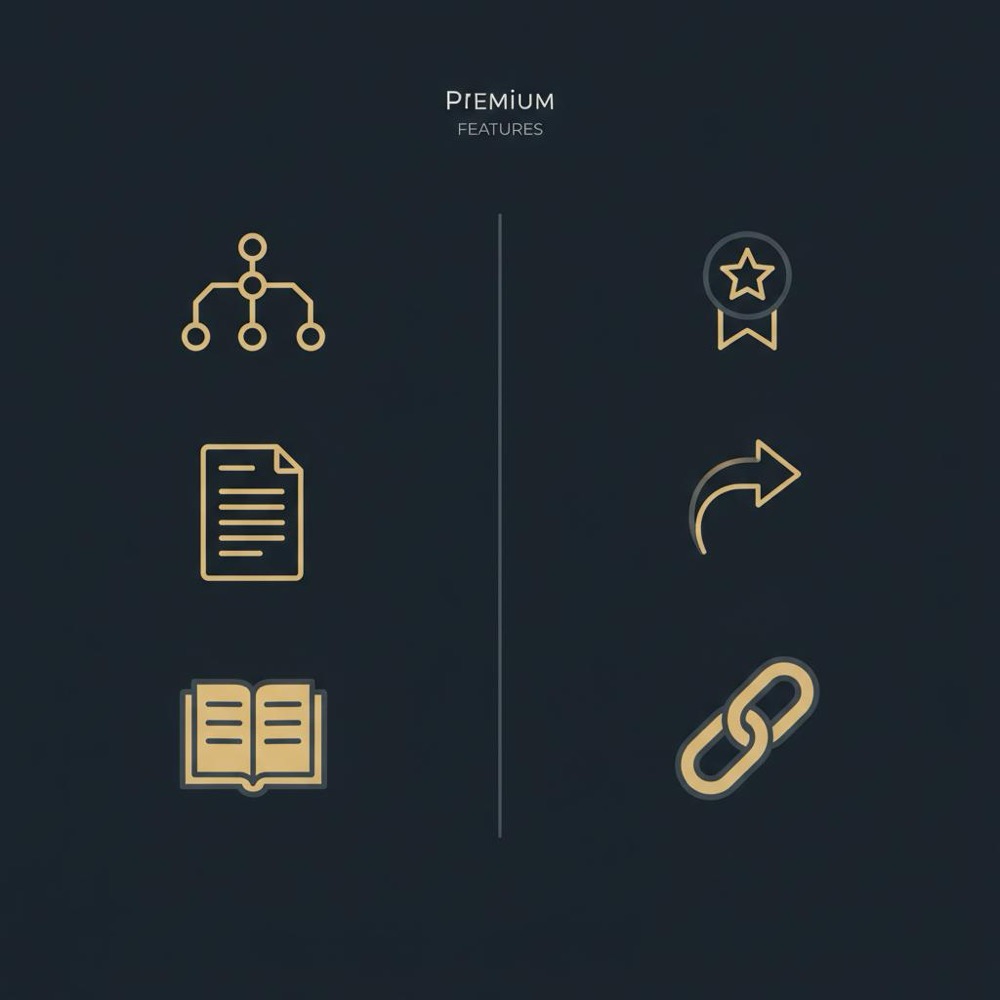
Yoast Premium layers convenience and scale on top of the essentials. The headline additions are multiple focus keyphrases, a redirect manager, internal linking suggestions, and priority support. Those features don’t directly "boost" rankings like a secret hack, but they save time and reduce errors - and for some teams, that time saved is worth the licence. See official Yoast Premium features at https://yoast.com/yoast-seo-premium-features/ for full details.
Think of yoast seo free as the compass and Yoast Premium as a power toolbelt. When you manage a few pages, the compass is enough. When you manage hundreds or thousands of pages, the toolbelt speeds work and prevents mistakes. If you want a user-friendly comparison before deciding, this write-up on How to Choose Between Yoast Premium vs Free can help.
Multiple focus keywords: when one phrase isn’t enough
Some pages must serve several nearby queries - for example, a product page that needs to rank for both a brand name and a long-tail feature query. The ability to test multiple phrases in Yoast Premium helps writers check coverage quickly. If your editorial calendar expects pages to hit multiple intents, this is where premium helps.
Is yoast seo free enough for your site? Practical scenarios
Short answer: for many websites, yoast seo free is perfectly adequate. Below are common situations and a recommended approach.
Small blogs and portfolios
If you run a personal blog, a small portfolio, or a local business site with a modest page count, yoast seo free gives the key capabilities you need. The content checks help you write clearer posts, the sitemap helps crawlers discover new pages, and the snippet preview keeps search listings tidy.
Medium sites and growing content hubs
When you reach dozens or a few hundred pages and you have multiple authors or editors, manual redirects and internal linking begin to add friction. You can continue with yoast seo free, but you should also weigh whether the premium features would save editor hours each month.
Agencies and large publishers
For agencies managing many client sites or publishers with high content volumes, Yoast Premium’s redirect manager and internal linking suggestions often pay for themselves. The time saved on audits and the reduced risk of redirect chains are the main returns.
Yes - for most small blogs, portfolios and local business pages, yoast seo free provides the core features required: title and meta management, XML sitemaps, canonical tags, basic structured data and both a single‑phrase SEO and readability analysis. Start with free and upgrade only when manual redirects, internal linking workloads, or scale make premium features a clear time‑saver.
How to install and run initial configuration
Installing Yoast is straightforward. From the WordPress dashboard search for Yoast SEO in the plugins directory, install, and activate it. Run the configuration wizard: it asks whether you’re a company or an individual, what types of content should appear in search results, and which webmaster tools you want to connect. After the wizard, double-check Titles & Meta so snippet defaults match your preferences.
Once activated, look for the XML sitemap link in the Yoast settings and submit that to Google Search Console. That single step ensures Google sees your main content quickly and reduces guessing about whether new pages are discoverable.
Quick checklist after install
Do this first:
- Run the Yoast setup wizard and confirm site identity.
- Check Titles & Meta templates for posts and pages.
- Submit the XML sitemap to Search Console.
- Verify that canonical tags are present and correct.
Redirects and migrations: when the free option feels tight
Redirects are where people often find paying helpful. If you only ever move a URL or two, you can add 301s in your host control panel or htaccess. But if a migration touches hundreds of URLs, the convenience of an in-plugin redirect manager - and the ability to audit rules centrally - can prevent broken pages and traffic loss.
Using yoast seo free plus external server redirects is a perfectly valid option. Many professional setups prefer server or edge redirects for speed. The important bit is: ensure old URLs 301 to new ones cleanly and avoid redirect chains.
Internal linking: why it matters and how suggestions help
Internal links help users discover related content and help crawlers find deep pages. For a content team that publishes regularly, remembering every internal link is unrealistic. Yoast Premium’s internal linking suggestions surface likely link opportunities while you edit, cutting time and keeping a consistent link structure. If you’re running a small site, manual linking while you edit is fine. If your content catalogue grows, the suggestions are a real productivity gain.
Simple internal linking rules
- Link to related content from within body text, not just footers.
- Use descriptive anchor text that helps users and search engines.
- Avoid excessive links on a single page.
Performance and very large sites
Any plugin can change admin performance on huge sites. Yoast is designed to be efficient, but on sites with thousands or tens of thousands of posts you should test before deploying. Set up a staging copy, enable the plugin, and run admin load checks. Monitor query times, memory use, and how the dashboard feels when editors open complex pages.
If you spot slowness, the common troubleshooting steps apply: keep object caching enabled, update PHP and MySQL, and isolate plugin conflicts by temporarily disabling non-essential plugins.
How Yoast helps content without being prescriptive
One of Yoast’s strengths is helpful nudges. The yoast seo free analysis asks whether your focus phrase appears in key places (title, URL, first paragraph) and whether the text uses accessible sentence lengths and subheadings. Those nudges are guidance, not hard rules. If a readability suggestion conflicts with your stylistic choice, use your judgement - but ask whether the change improves clarity for a human reader.
Practical tips to keep mistakes low
- Don’t rush URL changes: plan redirects first.
- Keep WordPress core, PHP and plugins up to date.
- Test updates in staging and toggle new features one at a time.
- Maintain a simple central document for redirect rules if you handle redirects outside WordPress.
Real examples: when free was enough, and when premium saved the day
Example 1: A freelance photographer with a dozen galleries installed yoast seo free, updated titles and snippets, and the site’s search listings became cleaner and more consistent. The small win: clearer snippets and fewer abandoned clicks due to confusing meta descriptions.
Example 2: A midsize publisher migrated hosts and changed URL patterns. They had Yoast Premium installed but hadn’t finished configuring the redirect rules. That's a reminder that tools help only when paired with a plan. After auditing the most important pages and adding redirects in bulk, the traffic recovered. For independent reviews before you buy, read this Yoast Premium review.
When paying for Yoast Premium is worth it
Consider premium when manual work becomes a recurring cost. If editors spend hours weekly on redirects, internal linking audits, or slug changes, the licence can save time. For agencies managing multiple sites, predictable annual licences often replace large swathes of manual work.
Common questions answered (briefly)
Can I use Yoast SEO for free forever? Yes. The yoast seo free plugin is fully usable indefinitely and covers many core needs.
Will Yoast Premium automatically make my pages rank higher? No. Premium makes work faster and reduces errors; better internal linking or fewer redirect chains can indirectly help rankings, but premium isn’t a ranking guarantee.
Does Yoast slow sites down? Usually it’s lightweight, but on very large sites any additional plugin can affect performance. Test on a staging environment and monitor.
Checklist to decide: free or premium?
Ask yourself these quick questions:
- Do you manage many pages or multiple sites?
- Do editors regularly change slugs or merge content?
- Is building a consistent internal link graph a heavy task?
- Are fast, in-plugin redirects helpful to your workflow?
If you answered yes to several, premium is worth trialing. If not, yoast seo free continues to offer strong value.
How to test performance safely
Before rolling the plugin live on large sites, use a staging copy. Enable object caching, update your PHP version, and run performance checks. If you notice slowdowns, identify conflicts by disabling other plugins and switching to a default theme temporarily.
Advanced schema and when you’ll need additional tools
Yoast provides a solid baseline of structured data, but some sites require custom schema for specific content types (product variants, complex events, niche directories). In those cases, Yoast can be one piece of the stack, while bespoke markup or a dedicated schema plugin supplements it.
Practical walkthrough: a tidy Yoast setup in 20 minutes
- Install and activate Yoast from the WordPress plugin directory.
- Run the configuration wizard and set basic indexing preferences.
- Check Titles & Meta templates for posts and pages.
- Submit the Yoast XML sitemap to Google Search Console.
- Run a quick pass on cornerstone pages to ensure titles and descriptions are clear.
Final, realistic warnings
Yoast is not a magic bullet. It helps with clarity and technical basics, but search success depends on the relevance of your content, the quality of external links, and user signals. If your site needs complex redirect rules, specialized schema, or very high performance, plan accordingly and include testing in your rollout.
Why many teams begin with the free plugin
Starting with yoast seo free lets you fix foundational issues early. It prevents obvious metadata mistakes and helps authors write clearer content without forcing an expensive licence before you know whether you need it. At Orvus we usually recommend starting free and adding premium only when scale or workflow justify it. You can also find practical posts on our useful knowledge blog.
Practical next steps for your site
- Install yoast seo free and complete the setup wizard.
- Submit the XML sitemap to Search Console.
- Make a short list of pages for title/description cleanup.
- Track whether redirects or internal linking become a recurring drag - that’s the trigger to trial premium.
Three practical tips to get the most from Yoast
1) Use the readability checks as guidance, not absolute rules.
2) Keep a record of redirects and changes if you handle redirects outside WordPress.
3) Test updates in staging before rolling them live.
Parting thought
In short: yes, you can use Yoast SEO for free forever and be well served in most cases. The premium features are helpful when scale and workflows create repetitive work and error risk. Use Yoast as a practical partner, not a silver bullet, and you’ll avoid many common traps that make small sites lose simple traffic opportunities.
Yes. The yoast seo free plugin remains fully usable indefinitely and covers essential features: title and meta controls, sitemaps, basic schema, canonical tags and single‑phrase on‑page checks. It’s sufficient for many small and medium sites. Upgrade to Premium only when scale, frequent redirects, or internal linking workloads justify the licence.
Directly: no. Yoast Premium doesn’t magically boost rankings. Indirectly: yes - by saving time, reducing errors (like redirect chains) and improving internal linking at scale, premium features can help your SEO program run more effectively. Use premium to improve workflow and reduce mistakes rather than expecting instant ranking changes.
Usually no for typical sites, but any plugin can affect performance on very large installations. Test on a staging environment, enable object caching, keep PHP and WordPress up to date, and monitor admin and query performance after enabling Yoast. If you notice slow behaviour, isolate conflicts and consider server‑level redirects instead of in‑plugin rules.
References
Want this kind of work done for your business?
We build and run AI-powered marketing and automation. 15 minutes, honest assessment.
Book a call