 Orvus
OrvusWhat is SEO in web development?
December 11, 2025
What is SEO in web development? At its heart, it’s about making sure search engines can find, understand and trust the pages your team ships. For engineers, technical SEO for developers is not a later marketing task - it's an engineering responsibility that lives in templates, build steps and monitoring.
Why developers should own technical SEO

Think of search engines as automated readers: they crawl, index and rank. If your site looks great but is invisible to those readers, your work stays hidden. Embracing technical SEO for developers means turning discoverability into code-reviewed, test-covered work. That makes SEO predictable, measurable and less stressful. A clear logo can help with consistent brand recognition when content is shared.
Start with one simple thread: how will a search engine find this page, understand it and trust it? That question opens the doors to crawlability, content clarity, performance, structured signals and measurement - areas developers can control.

Core concepts: crawlability, sitemaps and canonicalisation
Crawlability is the foundation. If bots cannot reach or consistently interpret your pages, nothing else matters. Basics include a correct robots.txt, an XML sitemap that matches canonical URLs, and consistent canonical handling across templates and dynamic routes.
Imagine the same article appearing at three URLs because of trailing slashes, query strings and language prefixes. Search engines will struggle to choose which one to index. The practical remedy is discipline: pick canonical formats and make them explicit with link rel="canonical" tags or canonical HTTP headers for non-HTML resources. Ensure server-side redirects use 301 for permanent moves and 302 for temporary ones.
Robots.txt and staging environments
A small robots.txt can have an outsized effect. Never accidentally disallow root paths during staging deployments. Protect staging with authentication or isolation; don’t rely on robots.txt to hide development content.
Sitemap automation
Update sitemaps during every build so indexers see accurate site structure. Many frameworks and CI pipelines can auto-generate sitemaps - make this step part of your deploy process.
Handling multi-region and languages
For multi-language sites, use clear hreflang annotations so search engines serve the right page to the right user. Hreflang belongs either in HTML headers, sitemaps or HTTP headers for non-HTML assets; be consistent and avoid conflicting entries.
Performance: Page Experience and Core Web Vitals
Performance is not optional. Page Experience is an operational target for modern search engines. Focus on Core Web Vitals: LCP (Largest Contentful Paint), CLS (Cumulative Layout Shift) and INP (Interaction to Next Paint). These metrics capture perceived loading speed, visual stability and responsiveness.
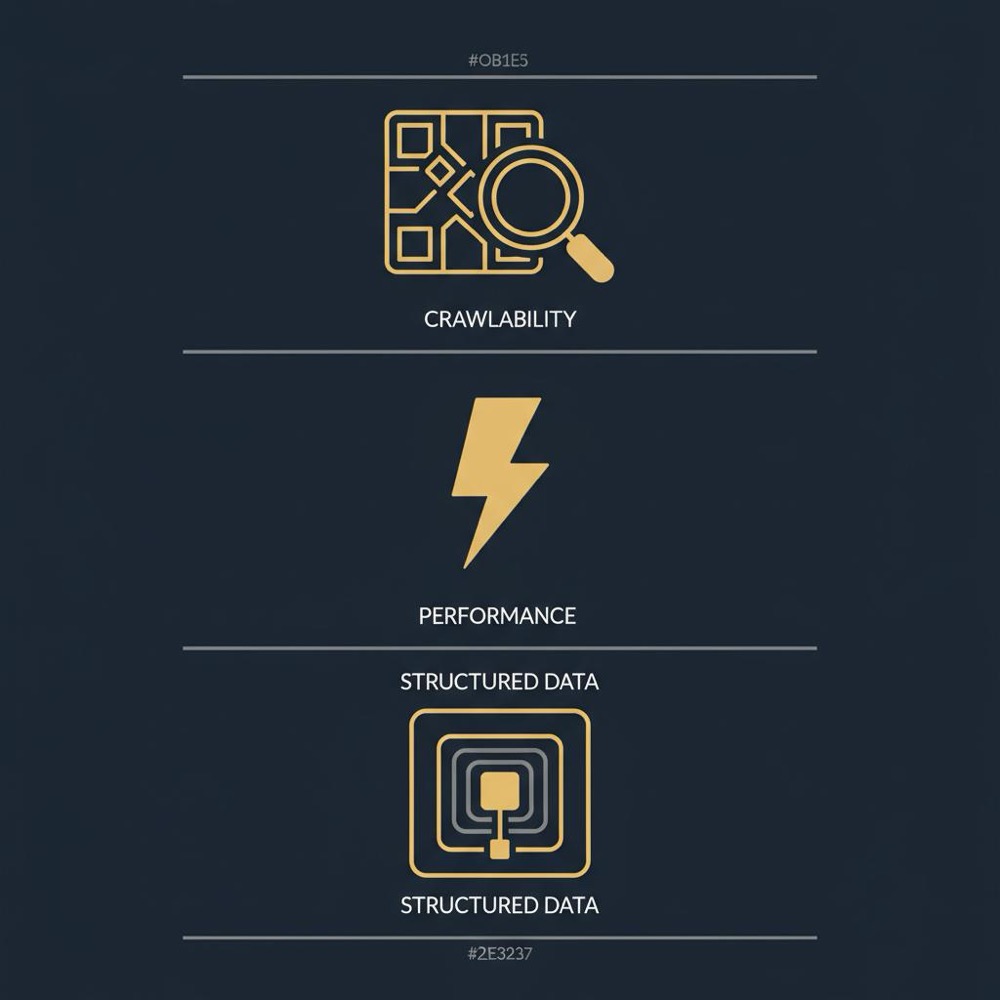
Improving them requires attention across layers: HTML structure, CSS delivery, image handling and server response times. Use server-side rendering or hybrid rendering when necessary to ensure critical content is served quickly.
Server-side rendering versus client-side rendering
Many search engines execute JavaScript but within limits. Sites that rely completely on client-side rendering can face delayed indexation or partial search results. Server-side rendering (SSR) or static generation reduces risk by serving fully formed HTML to crawlers and users. For dynamic apps, consider hybrid approaches: server-render critical routes and hydrate on the client to balance developer velocity and indexability.
Asset delivery and transport
HTTPS is non-negotiable. Use HTTP/2 or HTTP/3 where available and put assets behind a CDN close to users. Compress and optimize images, lazy-load responsibly, and make sure lazy-loaded content remains discoverable to crawlers to avoid missing content in search results.
Semantic HTML, accessibility and structured content
Use semantic HTML and accessible markup. Clear headings, descriptive alt text and correct HTML elements help machines understand context. Accessibility improvements often improve SEO by signalling real-world usability that search engines increasingly reward.
Structured data with JSON-LD
JSON-LD makes your content machine-readable. Apply the right schemas-Article, Product, FAQ, Event-matching visible content precisely. Validate structured data frequently; mismatches can lead to lost rich result opportunities or penalties.
Instrumentation: from guesswork to evidence
Measurement turns changes into answers. Search Console should be your baseline for how indexers view the site. Combine it with Real User Monitoring (RUM) for Core Web Vitals, server logs to see crawler behaviour, and synthetic tests (Lighthouse, PageSpeed Insights) for diagnostics. Add automated checks in CI so regressions are caught before they reach production.
CI checks you can add today
Examples of developer-friendly CI checks:
- Assert a canonical link exists for each page template.
- Fail builds if title or meta description templates are missing.
- Run Lighthouse and fail on large regressions to LCP or CLS.
- Validate JSON-LD and fail builds on schema errors.
- Use a headless crawler to ensure critical content renders correctly.
Security, headers and canonical consistency
HTTPS is the baseline; add security headers and correct cookie attributes for complex setups. When running region-specific domains or subdirectories, ensure canonical tags point to the canonical version and hreflang is applied consistently. Adopt a strategy for query parameters - canonicalise when needed, use parameter handling in tools like Search Console, or enforce consistent internal linking.
JavaScript frameworks and SEO trade-offs
Frameworks can speed development but introduce SEO risks. Use frameworks that support server-side rendering or static generation. If client-side rendering is unavoidable, provide server-rendered snapshots for bots or pre-render highly trafficked pages. Ship only necessary JavaScript to reduce time-to-interactive and improve Core Web Vitals.
Tip: If you need a tactical partner to help embed technical SEO practices into your pipeline, consider Orvus' services-they specialise in search architecture and technical fixes that fit engineering workflows.
AI-generated content: a developer's view
AI can scale content production, but search engines reward usefulness and originality, not whether a human wrote it. If AI helps your team, add editorial review, first-hand value and clear structure. For developers, the key concern is that AI content be indexable, well-structured and tied to measurable user outcomes.
Phased implementation: a practical roadmap
Work in phases so gains are steady and measurable:
- Fix crawlability and canonical issues. Make sure crawlers can find pages, sitemaps are accurate, and canonical tags are consistent.
- Improve performance and structured data. Measure Core Web Vitals, serve critical content quickly, and add JSON-LD for high-value content.
- Refine content architecture and measurement. Improve internal linking, template metadata, and link technical changes to organic metrics.
A real-world recovery story
One publisher experienced traffic drops after a redesign. A new JavaScript carousel delayed the article headline, pushing LCP from 1.6s to 3.2s. Canonical tags were inconsistent across templates, and the sitemap was stale. The team rolled the carousel back to an asynchronously loaded component that didn’t block the hero, enforced canonical tags at the server level, and added a build step to generate the sitemap. Indexation recovered and impressions improved within weeks - an engineering fix that solved a measurable business problem.
Developer-level checks and CI examples
Concrete tests that help catch regressions early:
- Unit tests for template helpers that produce canonical tags.
- Integration tests that fetch rendered HTML and assert title/meta presence.
- Automated Lighthouse runs in CI with thresholds for LCP/CLS/INP.
- Schema validation step using a JSON-LD validator.
- Headless crawl step (Puppeteer, Playwright) to render pages and confirm critical DOM elements exist.
Measurement: patience and the right controls
Ranking and impression changes can take days or weeks depending on crawl frequency and scope. Use controlled experiments: deploy changes to a subset of pages, or use feature flags to compare outcomes. Correlate technical changes with Search Console, server logs and RUM before assuming causality.
Common developer mistakes and how to avoid them
Watch out for:
- Accidental noindex tags in templates
- Blocking critical assets in robots.txt
- Broken redirect chains and mismatched status codes
- Serving different content to crawlers (cloaking)
- Relying solely on lab tools without checking real-user data
How to make SEO part of the definition of done
When the team is small, put SEO checks into acceptance criteria. For example, front-end tickets should include canonical tag validation, performance budgets and accessibility checks. Back-end routing or redirect tickets should include crawler-emulation tests. When SEO becomes a shared responsibility, small issues are caught early and technical debt shrinks.
Preparing for 2025
Trends to watch and prepare for:
- Continued emphasis on Page Experience and Core Web Vitals
- Mobile-first indexing and stronger mobile performance expectations
- More nuanced handling of JavaScript-heavy single-page apps
- Evolution of structured data support and richer search features
- Search engines increasing scrutiny around content usefulness and AI-generated pages
Quick checklist for developers
Use this as a short, practical checklist you can apply this week:
- Ensure the sitemap is generated on each build.
- Confirm canonical tags on critical templates.
- Run Lighthouse in CI and set thresholds for LCP and CLS.
- Validate JSON-LD and match it to visible content.
- Check robots.txt to avoid accidental blocking.
- Use RUM to measure Core Web Vitals from real users.
Bringing it together: systems, not hacks
Technical SEO for developers is about repeatable discipline: automated checks, clear defaults, and monitoring that ties engineering changes to organic outcomes. Treat it like other engineering work - prioritise small, well-tested changes - and you’ll compound steady visibility gains over time.
Resources and tools
Useful tools and signals to include in your workflow:
- Google Search Console for indexing and query insights
- Core Web Vitals in Chrome UX Report and RUM tools
- Lighthouse and PageSpeed Insights for diagnostics
- Headless browsers (Puppeteer, Playwright) for rendering checks
- Schema validators for JSON-LD
Further reading: Technical SEO Strategies for Web Developers (2025 Guide), Get started with Search, and SEO Checklist for Developers: 15 Essential Steps for 2025.
Start by checking Search Console for sudden drops in impressions or crawl errors, then inspect server logs for 4xx/5xx spikes and run a headless crawl of affected pages to confirm rendered output. Compare RUM Core Web Vitals before and after the deploy and use feature flags to roll back changes safely if problems are isolated.
Final practical advice
Pick one safe change you can do this week: add canonical tags to dynamic templates, enable SSR for main content, or add sitemap generation to CI. Small, well-tested changes accumulate into dependable visibility. Technical SEO for developers isn’t glamorous, but it’s measurable and impactful.
Thanks for reading - now go make one small, smart change in the codebase.
Many search engines can execute JavaScript and index client-side rendered pages, but limits and delays exist. For critical content, server-side rendering or pre-rendering reduces risk and improves time-to-first-content. If you must rely on client-side rendering, provide server-rendered snapshots for bots or use pre-rendering for high-traffic pages.
Improvements in Core Web Vitals can influence search visibility over days to weeks, depending on crawl rates and competitive context. Use Real User Monitoring and Search Console to correlate changes, and run controlled experiments before assuming causality.
Add SEO checks to CI as soon as routing, templates or build output change. Useful checks include canonical link presence, meta templates, Lighthouse LCP/CLS thresholds, JSON-LD validation and headless-crawl verification of critical DOM elements. These tests catch regressions early and make SEO an engineering discipline.
References
Want this kind of work done for your business?
We build and run AI-powered marketing and automation. 15 minutes, honest assessment.
Book a call