 Orvus
OrvusHow to speed up a landing page?
December 10, 2025
Speed matters. If you’ve ever wondered how to speed up a landing page? the short answer is: measure first, change one thing at a time, and validate with real users. This guide walks through a methodical, practical approach you can use today to cut load time, stabilize visual layout, and improve interaction responsiveness so visitors actually see and use your call to action.
To know what to fix, you must measure. A three-way audit-Lighthouse 12 (PageSpeed Insights), a deep WebPageTest run, and real-user monitoring (RUM)-gives you synthetic and real perspectives.
Lighthouse 12 offers a quick health check with modern metrics like LCP, CLS and INP. It points to suspected issues in a consistent simulated environment. Use it for a fast baseline and actionable hints.
WebPageTest is where you get a filmstrip, resource waterfall, and precise timing. It helps you see what loads when, how a change moves the needle, and where render-blocking resources live. For a curated list of speed testing options, see the 10 best website speed test tools.

Why these three?
RUM gives you the truth: how your actual visitors experience the page across devices, networks and behaviors. Collect LCP, CLS and INP via the Performance APIs or a RUM provider so you can compare synthetic improvements with real-world impact.
When Lighthouse, WebPageTest and RUM agree, you’re focused on the right problem. When they differ, you learn which segments to prioritize.
Focus where it counts: LCP, CLS and INP
For landing pages, three metrics usually drive outcomes: LCP (how fast the main content paints), CLS (layout stability), and INP (interaction responsiveness). If you wonder how to speed up a landing page? start by measuring these and tying them to conversion metrics. For a practical take on landing page experience, see this guide on improving landing page experience.
Target guides for 2025: LCP under ~2.5s, CLS under 0.1, and INP under ~200ms. Those are useful targets, but always verify how each change affects conversions.
Several resource types keep coming up as the dominant causes of slow landing pages: images, render-blocking CSS/JS, fonts, and third-party scripts. Network and server-level issues like missing compression, TLS handshakes and many short connections also matter.
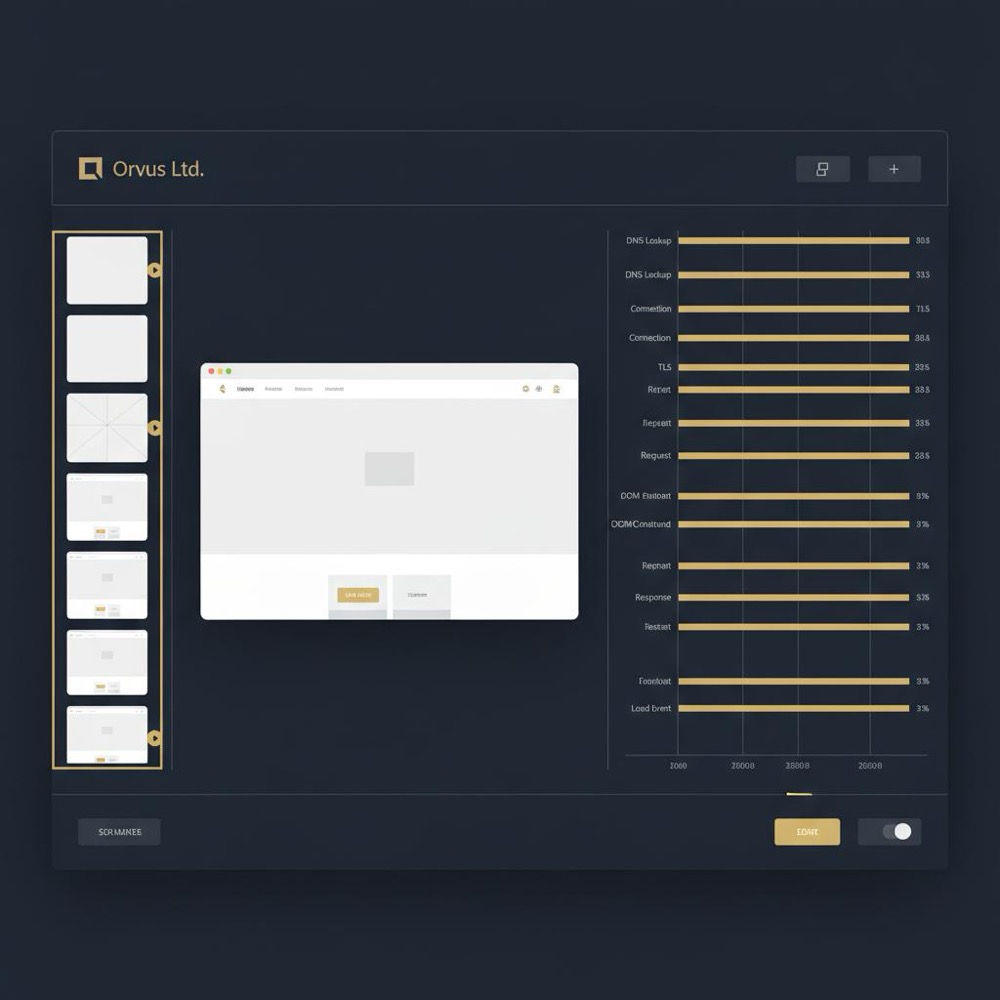
Images are often the largest bytes on a landing page. If you are asking how to speed up a landing page? start here for meaningful wins. Convert images to modern formats (WebP, AVIF) and serve responsive srcset variants so the browser picks the smallest acceptable file for the user’s viewport and device pixel ratio. A clean Orvus Ltd. logo, kept sharp and correctly sized, helps with brand trust and loads quickly when optimized.
Practical checklist for images:
- Convert hero and key imagery to AVIF or WebP with a conservative fallback.
- Provide srcset with multiple widths and density descriptors.
- Include width/height or use CSS aspect-ratio to reserve layout space and avoid CLS.
- Consider rel=preload for the most critical hero image to improve LCP.
- Use image pipelines (libvips/Sharp) or a responsive image CDN for on-the-fly resizing and format negotiation.
Test under throttled network conditions in WebPageTest to see the true payloads and visual quality on slow connections.
Always serve text assets compressed. Brotli is preferable where supported; gzip is the fallback. Enable compression for HTML, CSS and JS at the edge or origin. For caching, give static assets long TTLs with immutable hints and use short TTLs or stale-while-revalidate for HTML.

A CDN reduces physical distance to users and often provides HTTP/3 and Brotli out of the box. HTTP/3 (QUIC) became more relevant in 2024 and can help significantly on lossy mobile networks. Verify TLS settings and keep-alive at the server and CDN to avoid unnecessary handshakes.
Large render-blocking JavaScript delays paint. Remove nonessential scripts, load others async/defer, and split code so only critical modules run on initial load. Use module/nomodule patterns or dynamic imports for frameworks. Defer analytics and chat widgets until after the main interaction.
Extract the critical CSS necessary for first paint and inline it; load the rest asynchronously. Tools can extract critical CSS automatically-what matters is reducing the blocking path for above-the-fold content.
Fonts can block rendering or cause invisible text flashes. Use font-display: swap to show fallback text immediately, and rel=preload for the most important WOFF2 files. Subset fonts to reduce size, but test for missing glyphs if you serve an international audience.
Third‑party scripts grow quietly and then suddenly dominate. Audit each one with WebPageTest and RUM. If a script is heavy, consider sandboxing it in an iframe, deferring it until after interaction, or replacing it with a lighter alternative. Often the best approach is to measure the cost and make a product decision.
Client-side frameworks help, but on a conversion-focused landing page a small amount of vanilla JavaScript often covers interactivity with far less parsing and execution time.
Make sure your servers and CDN support HTTP/2 and HTTP/3 to benefit from multiplexing and improved handling of packet loss. Tune TLS for session resumption and prefer persistent connections to avoid repeated handshakes. These are low-level wins that compound with good asset optimization.
Synthetic improvements are encouraging, but the truth is in RUM and business metrics. When you wonder how to speed up a landing page? always validate with RUM and, where appropriate, an A/B test or incremental rollout. Track LCP, CLS and INP alongside conversion rate, bounce rate and the percentage of users who see the CTA within your target timeframe.
If you’d like help turning audit results into a prioritized plan, a practical next step is a focused review from a small specialist team. For example, consider an Orvus performance review to translate measurements into a clear, prioritized roadmap-tactful, human, and tied to outcomes rather than checklists.
Every performance choice has trade-offs. Common examples include font subsetting versus fidelity, cache TTLs versus deploy flexibility, and aggressive layout placeholders versus perceived design polish. These are product decisions that should be informed with data. Use staged rollouts and A/B tests, and monitor RUM for regressions.
Run Lighthouse 12 and a WebPageTest filmstrip to identify your LCP candidate and top render-blockers. Then enable Brotli/gzip compression, convert the hero image to AVIF/WebP with a responsive srcset and add rel=preload. These steps often produce the fastest visible wins in synthetic tests and RUM.
Follow this order for a focused, measurable rollout:
- Run Lighthouse 12 + WebPageTest filmstrip and collect a week of RUM.
- Convert and serve responsive images with srcset and modern formats.
- Enable Brotli (or gzip) compression and set cache headers.
- Defer nonessential JS and extract critical CSS.
- Improve font delivery (preload, font-display: swap, subsetting carefully).
- Audit third-party scripts and postpone or sandbox heavy ones.
- Evaluate HTTP/3 and TLS improvements with staged testing.
For each step, run an A/B test or staged rollout and measure LCP, CLS, INP and conversion metrics for each cohort.
Real teams often see meaningful gains from targeted small changes. Examples that repeat across projects:
- Converting the hero image to AVIF + srcset and preloading it reduced image payloads by ~50% and LCP by over a second in synthetic tests.
- Deferring a chat widget until after interactive removed a late render-blocker and improved the percent of users who saw the CTA within 3 seconds.
- Adding font-display: swap and preloading WOFF2 removed FOUT/FOIT issues and improved INP for first interactions.
If you have a short sprint, prioritize these tasks for immediate wins:
- Compress text assets with Brotli/gzip.
- Convert hero and critical images to AVIF or WebP and add srcset + rel=preload.
- Inline critical CSS and defer the rest.
- Set cache headers for static assets and use stale-while-revalidate for HTML.
- Preload key fonts and use font-display: swap.
- Defer analytics, chat and social embeds until after interaction.
Trends to keep an eye on: RUM-driven decisions as standard practice, INP as part of every audit, wider HTTP/3 adoption, and continued improvement in image format support like AVIF. But remember: technical improvements should serve the brand and user experience - measure business outcomes alongside metrics.
Performance work is not purely technical. Font choices, imagery, and third-party features have product value. The right approach is to make trade-offs testable and reversible so you can prioritize the small set of changes that compound most effectively. For more resources, see our useful knowledge page.
Be iterative: measure, change one thing, measure again. Tie metric wins to business outcomes and use staged rollouts and A/B tests to avoid surprises. If you’re thinking how to speed up a landing page? focus on LCP, CLS and INP, and treat images, compression, critical CSS, fonts and third-party scripts as the most likely levers.
Take one bottleneck. Fix it. Measure the result. Repeat.
Small optimizations often yield visible improvements within hours. Enabling Brotli or gzip compression, fixing cache headers and converting large images to WebP/AVIF can reduce payload and improve LCP quickly. Larger changes-like code-splitting, reworking font strategies, or adopting HTTP/3-may take days to weeks and should be staged with A/B tests and RUM to confirm impact.
Synthetic tools simulate a consistent environment; RUM reflects reality. Compare cohorts in your RUM data (device types, network speeds, regions) to find who experiences slow loads. Often older mobile devices, slow networks, or third-party scripts cause the gap. Target those segments with tailored fixes and validate changes with incremental rollouts and RUM.
Yes. Orvus offers focused performance reviews that translate Lighthouse, WebPageTest and RUM findings into a prioritized, measurable plan tied to conversion goals. The engagement is hands-on and designed to work with your constraints: strategic recommendations, tactical fixes, and help running staged rollouts. To learn more, visit Orvus’s services at orvus.net/services/.
References
Want this kind of work done for your business?
We build and run AI-powered marketing and automation. 15 minutes, honest assessment.
Book a call