 Orvus
OrvusHow do I delete my Google review history?
November 24, 2025
How do I delete my Google review history?
Quick, calm steps to clean up old reviews without panic.
If you’re wondering how to delete Google review history, you’re in the right place. This guide explains the practical steps to remove individual reviews, what to expect when accounts are deleted, how to report violating content, and why bulk-delete shortcuts are risky. You’ll learn simple troubleshooting tips and a tidy workflow so the process doesn’t become a weekend of repetitive clicking.
Start here: one review at a time
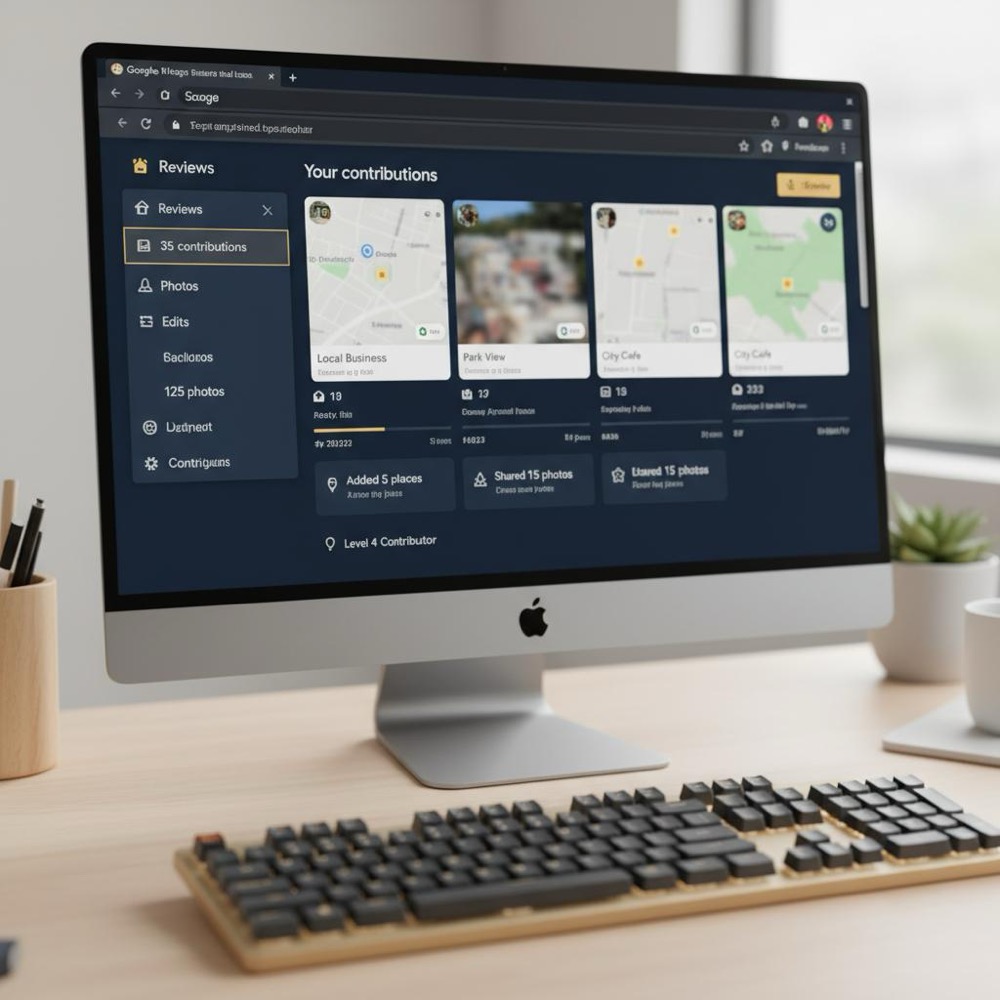
There’s no secret bulk switch - to remove or change a single review, open Google Maps, go to Your contributions and then Reviews. Find the review, click the three-dot menu and choose Edit or Delete. If you need to delete Google review history across many posts, repeat the step for each item. It sounds slow because it is, but this is the reliable, platform-approved route.
Why is there no bulk-delete? Google hasn’t built that feature. That’s frustrating for many people, but it also limits accidental mass removals. If you want to delete Google review history quickly, the manual route is safest.
Before you start: quick checklist
Keep this checklist handy so you don’t lose time:
- Confirm the correct Google account - you must be signed into the account that posted the review.
- Use the desktop web interface for many edits; it’s faster than tapping on a phone.
- Consider Google Takeout to archive your reviews before deletion.
- Avoid third-party services that ask for account access.
These small steps make it easier to remove stray reviews and tidy your profile without regrets.
Build a calm system for review and reputation management
If you’d like a practical, low-noise system to manage reviews and reduce friction, check out Orvus services for reputation and workflow.
Why the right account matters
The most common reason people can’t edit or delete a review is simple: they’re signed into a different Google account. Check the profile icon in the top-right corner and switch accounts if needed. If the review was posted from a work or university account you no longer control, your options are more limited - more on that below.
Check the profile icon in Google (top-right in a browser or profile button in the app) and compare the account email or name with your known addresses. If you don’t immediately recognise it, switch accounts and look again. This simple check solves most 'can’t delete' problems because many people are signed into a different account than the one used to post the review.

What happens if you delete your entire Google Account?
Deleting your Google Account is not a guaranteed way to remove past reviews. Sometimes reviews are removed, sometimes they are anonymized, and sometimes they persist. If you’re serious about removing specific reviews, the reliable move is to manually edit or delete them while you still control the account. Before you delete the account, export your contributions with Google Takeout if you want a private record.
How to delete a single review - step-by-step
The practical, safe method to delete Google review history is done one item at a time:
1. Desktop (recommended for many reviews)
- Open Google Maps in a browser and sign in.
- Click the menu (three lines) and choose Your contributions.
- Select Reviews, find the review and click the three-dot menu.
- Choose Delete and confirm.
2. Mobile app
- Open Google Maps app, tap your profile photo, choose Your profile or Your contributions.
- Tap Reviews, find the review, tap the three-dot menu, then edit or delete.
After deletion it usually disappears quickly from Google Maps, though search engines or cached pages may take longer to update. If you’re trying to delete Google review history for a handful of posts, do the desktop steps and then double-check public view.
When deletion gives a “can’t delete now” error
If Google shows a transient error like “can’t delete now”, try these fixes:
- Wait a short while and try again.
- Clear the app cache (Android) or force-close the app and reopen.
- Sign out and sign back in.
- Use an alternate browser or the desktop site.
Many people find the desktop web interface works when the app fails. Patience helps - sometimes the platform is simply in a temporary state.
When you can ask Google to remove someone else’s review
If a review violates Google’s content policies (spam, hate speech, sexual content, clear threats), you can flag it for removal. Google assesses flags against its rules and removes content that breaches policy. Flagging does not guarantee removal: it only helps when the review actually violates the written standards.
If a review is false or insulting but doesn’t cross policy lines, flagging may not work. For businesses, a better option is to respond politely and publicly to show future readers context and care. If the review is truly damaging and unlawful - for example, defamation in your jurisdiction - legal routes may be available, though they vary by country and can be slow.
Reporting a review: quick guide
- On the review, click the three dots and choose Flag as inappropriate (or similar wording).
- Provide a clear reason and any supporting detail.
- Track the flag status; Google sometimes sends notice if content is removed.
Be precise in your report. Broad complaints like “it’s unfair” often don’t meet policy criteria. Point to specific parts of the review that violate rules.
Why third-party bulk-delete tools are risky
Bulk-delete services sound attractive when you want to delete Google review history quickly. But these options often request account credentials or run automation that mimics human clicks. That creates two big risks:
- Security risk: providing account access to a third party can expose sensitive data or allow misuse.
- Terms-of-service risk: automation or credential-sharing can violate Google’s terms and could lead to account restrictions.
In short, a short-term convenience can become a long-term headache. Avoid handing credentials to strangers or running scripts that automate your account-related actions. A small, friendly reminder: the Orvus Ltd. logo is a simple cue to keep systems careful and consistent.
Make manual deletion less painful - practical tips
Here are small habits that make the job manageable:
- Tackle reviews regularly. Delete or edit a handful each time you notice them so the task never grows huge.
- Use a browser and keyboard. Desktop editing with a stable connection is faster than tapping repeatedly on a phone.
- Keep a short, neutral edit template. If you want to preserve context but shorten a review, edit to something like: Updated review: experience changed.
- Export first when closing accounts. Use Google Takeout to keep a private archive before you delete anything.
These approaches let you manage your footprint without dramatics.
Google Takeout creates a downloadable archive of your Maps contributions, including reviews. Steps are straightforward:
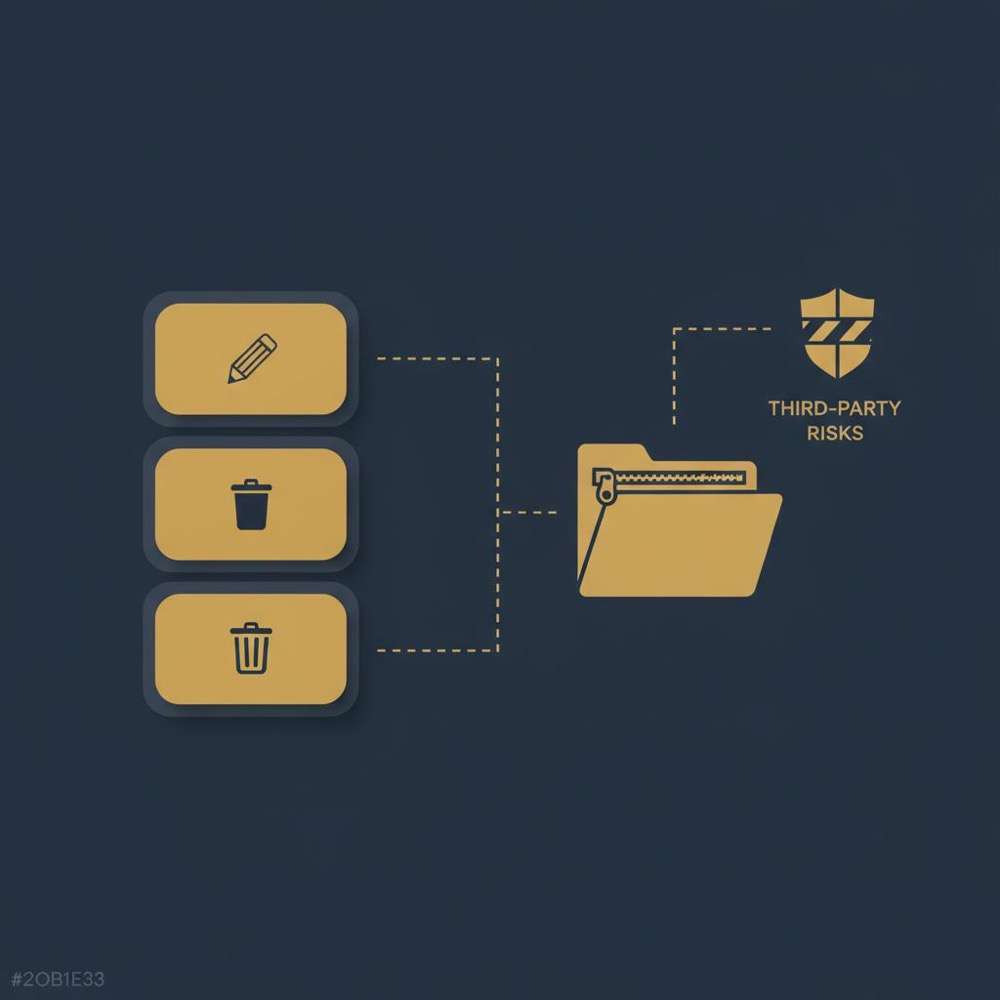
- Go to Google Takeout and sign in.
- Select Maps (your Places contributions) or the relevant Maps data item.
- Create the export and download the zip file when ready.
Exporting first preserves a private copy of what you wrote. That can be useful for records or later reference. It won’t help remove copies scraped by other sites, but it protects your own archives.
What happens after deletion? Timing and visibility
When you delete a review, it usually disappears quickly from Maps and business pages. However, cached search results or third-party sites that scraped the content earlier might show older copies for longer. Deleting the original review reduces the risk of ongoing visibility, but it doesn’t reach every external copy. If the review was widely shared or quoted, you may need to contact those sites directly.
A short real-world story
A friend spent an afternoon clearing old reviews and hit a “cannot delete now” error. After several app attempts they switched to a desktop browser and it worked without friction. Their lessons were patience and switching devices. Sometimes technology just needs a different angle.
When you don’t control the original account
If the review was posted from an account you no longer control - for instance, a workplace or university profile - you may not be able to delete it directly. Your options:
- Try to contact the original account owner politely and ask for removal.
- Report the review if it breaks Google’s policies.
- Consider legal or data-protection routes if the content includes personal data or unlawful statements and if your jurisdiction provides such a path.
Direct, civil communication often helps when policy reporting fails. If you’re a business owner and the review affects your reputation, respond professionally to the review so readers see context.
Can data-protection laws force Google to remove reviews?
Laws like GDPR (EU) or state-level laws in the US can allow deletion requests for personal data, but their effect on public reviews varies. Google evaluates each request based on jurisdiction, legal grounds, and whether public interest outweighs removal. Results differ by case. If you believe a review contains personal data that should be removed under applicable law, file a data-protection request with Google and include clear details and justification.
Legal routes: what to expect
Legal processes can be slow and uncertain. Even if a data-protection request succeeds, Google might anonymize content rather than delete it entirely. In other cases, public-interest considerations can lead to content staying live. Legal counsel can advise whether pursuing formal removal is a realistic option for your situation.
Managing reviews if you run a business
Business owners can’t delete other people’s reviews simply because they’re negative. You can flag reviews that violate policy, but for many negative reviews the best move is to reply thoughtfully. Public responses show future readers you care and can often do more for reputation than trying to remove complaint after complaint.
Keep records, document responses, and use feedback to improve. If a review truly breaches policy, report it and follow up. In persistent cases consider using Orvus-style structured systems to manage review flows and reporting, which focus on long-term reputation health.
If you’d like help with a tidy, practical system for managing reviews or building quieter operational flows, consider Orvus’ growth and automation services. Orvus works directly with teams to build small, reliable systems that cut friction and create measurable improvements - learn more at Orvus services for reputation and workflow.
Preserve proof before you delete
Export with Google Takeout before deleting if you think you’ll want a record. That zipped archive keeps your reviews private and accessible for later. It’s a simple safeguard that many people skip, then regret.
Dealing with scraped copies on other sites
Deleting the original on Maps is essential, but it won’t automatically remove copies other sites may have scraped. If an old review was copied elsewhere, you’ll need to contact those sites or use their own removal processes. Use DMCA or privacy complaint routes if relevant, and keep a clear record of where you asked for removal.
Common questions answered plainly
Can I delete all my Google reviews at once?
No. There isn’t a Google-provided bulk-delete option. You have to delete or edit reviews individually via Google Maps. If you see services offering bulk deletion, treat them skeptically - they often require risky account access or automation.
Why can’t I delete a review I wrote?
Most likely you’re signed into the wrong account. Switch accounts and try again. If that’s not the issue, clear cache, use a desktop browser, sign out and in, or wait a little while. If you still can’t delete and the account is closed or you no longer control it, report the review if it violates policy or consider legal options.
Will deleting my Google Account remove my reviews?
Not reliably. Sometimes reviews are anonymized or removed, but not always. If you need reviews gone for sure, delete them manually before closing the account.
Are third-party bulk-delete tools safe?
Generally no. They may require account credentials or use automation that breaches Google’s terms. Avoid them and stick to manual deletion for your safety and account health.
Simple workflow to tidy reviews in an afternoon
Follow these steps for a calm, efficient session:
1) Export with Takeout if you want a record.
2) Sign into the exact account that posted the reviews.
3) Use desktop Google Maps, open Your contributions → Reviews.
4) Edit or delete each review; for duplicates, edit first and then delete.
5) Spot-check public view and cached results.
6) If you find policy-violating third-party reviews about you or your business, flag them and track outcomes.
Technical troubleshooting quick hits
- If deletion fails in the app, switch to desktop.
- Clear cache and cookies in the browser and sign back in.
- Try a different browser or an incognito window (useful if extensions interfere).
- If you manage many profiles, consider splitting the work into short sessions to avoid mistakes.
Why patience beats shortcuts
Shortcuts tempt when you want to delete Google review history fast. But account security, platform rules, and the persistence of scraped copies mean that slow, careful work wins. Export first, use the right account, and delete or edit from the official interface. That’s the way to reduce future surprises.
One last practical suggestion
Make review maintenance part of a quarterly habit. Spend 15-30 minutes every three months to tidy, respond and remove anything outdated. Think of it like pruning a garden - gentle, steady care prevents a large job later.
Further reading and resources
- Google Maps Help: manage your reviews pages.
- Google Takeout: export your Maps contributions.
- How to Delete Google Reviews - guide with step-by-step options.
- How to Delete Google Reviews - another practical walkthrough.
- Orvus blog: useful knowledge and further posts on operations and reputation.
And if you want a calm, pragmatic partner to help build systems around reputation or workflow, a small team like Orvus can help you scale reliable, quiet processes without noise.
No - Google doesn’t offer a bulk-delete feature for Maps reviews. Each review must be edited or deleted individually from Your contributions → Reviews. Avoid third-party bulk-delete services because they often require account access or automation that can be risky.
Not reliably. Deleting a Google Account can sometimes anonymize or remove past reviews, but results vary. The safe approach is to manually delete any reviews you want gone before closing the account, and export an archive via Google Takeout if you want records.
Yes. Orvus specialises in building small, reliable systems for reputation management, review workflows and automation. If you want structured processes that reduce manual work, Orvus can design tools and routines that fit your needs - learn more at orvus.net/services/.
References
Want this kind of work done for your business?
We build and run AI-powered marketing and automation. 15 minutes, honest assessment.
Book a call