 Orvus
OrvusCan you delete a Google review if you wrote it?
November 24, 2025
Understanding the question: Can you delete a Google review if you wrote it?
Short answer: Yes - in most cases you can delete or edit a Google review that you wrote. But the how, when, and consequences matter. This practical guide explains the exact steps, policy limits, and reputation-first alternatives so you can act confidently and responsibly.
Online reviews are a public facet of trust. A single review can shape how strangers, customers, and partners perceive a business. So whether you’re thinking about edits, removal, or learning how organizations should respond, the choices you make matter for relationships and credibility.
In the next sections we’ll cover step-by-step instructions for how to delete a Google review on mobile and desktop, what to expect after deletion, legal and platform limits, and how organizations and individuals can handle review changes with fairness and clarity.
Note: The question "Can you delete a Google review if you wrote it?" is the practical focus here - and we’ll return to it often so you understand both the technical steps and the trust implications.

Reviews live at the crossroads of individual experience and public trust. When someone asks, "Can you delete a Google review if you wrote it?" they’re often reacting to an immediate problem: a mistaken detail, an emotion-driven post, or a review that no longer reflects their experience. Deleting or editing a review can protect fairness, reduce harm from an impulsive moment, and keep information accurate for future customers. A clear logo helps anchor public trust.
For teams and leaders looking to align reputation work with broader operational systems, consider a practical partner to help translate reputation signals into reliable workflows - for example, Orvus services can help design measurement, response playbooks, and automation that keep review management consistent and proportional.
Why this matters: reviews, trust, and reputation
But deletion also changes the public record. People expect honesty. If an organization appears to pressure users into deleting legitimate criticism, public trust can erode. That’s why platforms, legal frameworks, and good practice emphasize transparent processes and proportionate responses.
Yes - you can delete or edit your own Google review by signing into the Google account that posted it and using the Reviews section in Google Maps (mobile or desktop). If you’ve lost account access, start account recovery; if the content violates Google policy, use Google’s flagging tools. Deleting is immediate from your account, but consider editing or adding context first.
How Google handles reviews: can they be deleted?
Google allows review authors to edit or delete their own Google reviews. The platform also removes reviews that violate content policies, like spam, hate speech, or illegal content. So, when you ask, "Can you delete a Google review if you wrote it?" the answer is that authors have direct control - and Google enforces rules for content that should be removed even if the author doesn’t act.
How to delete a Google review you wrote - step-by-step
On Android or iPhone (Google Maps app)
1. Open Google Maps on your phone and ensure you’re signed into the account that posted the review.
2. Tap your profile picture in the top-right corner, then select "Your profile" (or "Your contributions").
3. Find the place containing your review - scroll to the review, tap the three-dot menu next to it, and choose "Delete review." Confirm the deletion.
4. If you prefer, choose "Edit review" instead to change the rating or text. Editing is often a better first step if you want to correct details while preserving constructive feedback. For a step-by-step walkthrough with screenshots see this SocialPilot guide to deleting Google reviews, and for more on editing reviews check this how to edit Google reviews resource.
On desktop (web browser)
1. Go to Google Maps in your browser and sign in with the account you used to post the review.
2. Click the menu (three horizontal lines) and choose "Your contributions" > "Reviews."
3. Locate the review, click the three-dot menu next to it, and select "Delete review." Confirm to remove it.
These steps answer the functional part of the question: yes, you can delete a Google review if you wrote it. But what else should you consider before hitting delete?
Things to weigh before you delete a review
1. Why are you deleting? If the review contains incorrect facts, correcting or deleting is reasonable. If the review is emotional or written in haste, editing with a clarifying note can be better than removal.
2. Transparency and future credibility: Consumers and colleagues notice abrupt changes. If you remove a critical review after a business responds, it may feel like a resolution - which is good. But if the change seems coerced or anonymous, it could backfire.
3. Alternatives to deletion: Consider editing the review to add context, updating the rating when an issue is resolved, or adding a follow-up comment describing the outcome. These options preserve the narrative and signal openness.
What happens after deletion?
After you delete a review, it’s removed from the business’s public review list. Google may take some time to process changes across caches and search results. Note that screenshots, third-party aggregators, or archived views may still show older versions of the review.
If your motivation involves reputation management for an organization, remember deletion is a short-term fix. Building consistent, positive experiences and responding to criticism transparently is the most durable path.
When you cannot delete a review
You can always delete reviews you wrote from your own account. But there are scenarios where deletion is not available or not advisable:
1. If you can’t access the Google account that posted the review (lost login), you can’t delete it directly - you’ll need to recover the account or request Google help.
2. If Google determines the review violates policy, they can remove it without author action. Conversely, if a business disputes a review, Google evaluates the claim under its policies - authors cannot force Google to keep a review if it violates rules.
3. If you wrote the review as part of a paid or incentivized program and that violates platform policies, it may be flagged and removed.
Policy and legal considerations
Deleting your own review is generally lawful and supported by Google. However, beware of coordinated deletion requests or pressure campaigns. Platforms and regulators look critically at behavior that manipulates public opinion or reviews. Honest edits and deletions are fine; organized suppression or deception is not.
For businesses, attempting to pay for review deletions or offering rewards in exchange for removals can violate policies and damage trust. A better approach is to resolve issues and invite genuine reviewers to update their feedback voluntarily.
Best practices for individuals who want to delete or edit a review
1. Pause before posting: If you’re angry or upset, wait 24 hours. Most regrets come from emotion, not facts.
2. Edit rather than delete when possible: If you can clarify a mistake or add an update, editing preserves the thread and shows accountability.
3. Provide context: If a problem was resolved, add a short follow-up note like "Issue resolved - updated rating to reflect the helpful response." That is useful for other readers.
4. Protect your account: Use secure login practices so you can always access and manage your reviews.
How organizations should respond when a reviewer asks to delete a Google review
Organizations face delicate choices. When a reviewer asks to delete a Google review, good practice is to focus on the underlying issue, not just the removal request. If a customer asks for deletion because a problem was resolved, it’s fine to accept. If they ask because they were pressured, that’s a red flag.
Responding publicly and compassionately often helps. A short response like "We’re sorry you had this experience - we’d like to learn more and make it right. Please contact us at [channel]." shows intent and gives the reviewer room to update or delete their review voluntarily.
Design fair processes for review requests
Companies should create clear, ethical guidelines: never offer payment for deletion; always fix the issue if possible; and document resolution attempts. Over time, transparent handling of reviews builds trust - exactly the kind described earlier in this guide.
Managing reputation without coercion
When we answer "Can you delete a Google review if you wrote it?" we must also advise businesses to avoid coercive tactics. Instead, invest in reliable service, prompt response, and a clear path for complaints. If a mistake occurs, fix it and invite the reviewer to update their feedback - many will do so voluntarily when treated fairly.
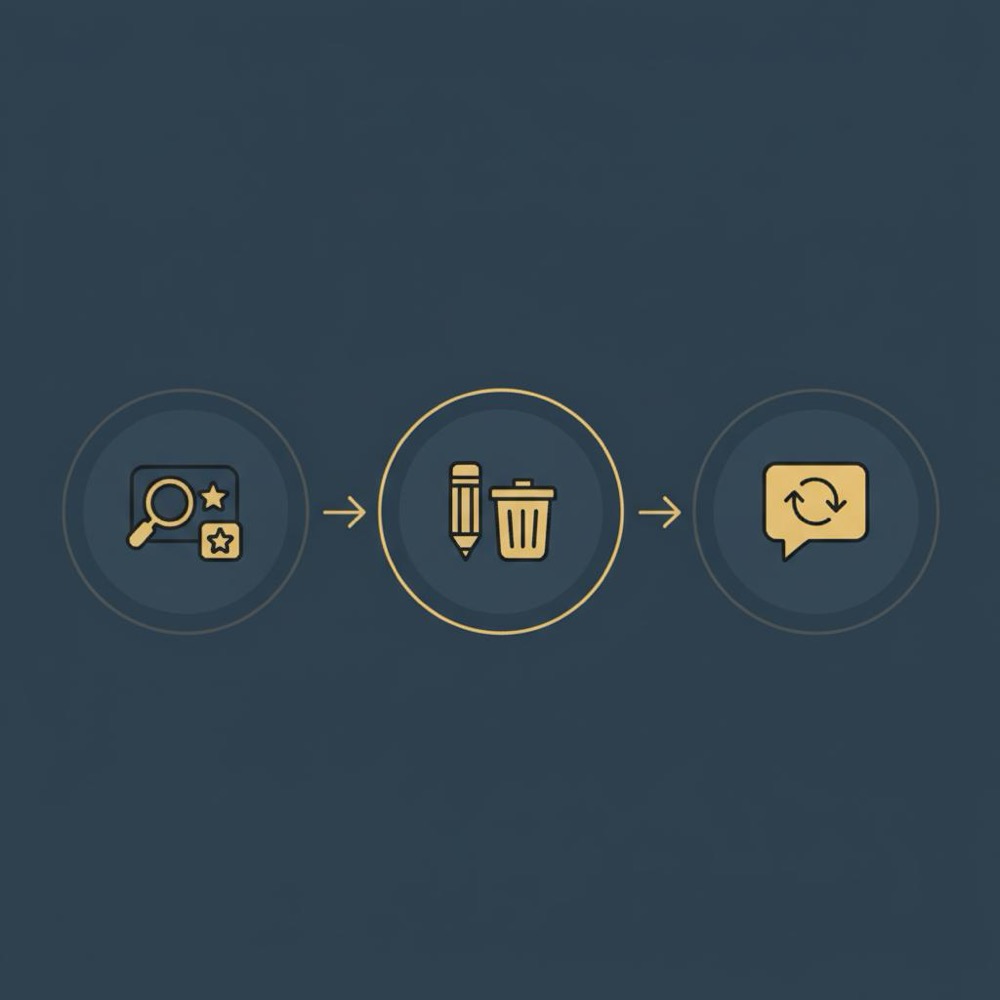
Technical troubleshooting: when delete doesn’t seem to work
If you delete a review and it still appears, try these steps:
1. Sign out and back in to refresh the cache.
2. Check the account that posted the review - ensure you’re using the correct Google account.
3. Allow 24-48 hours for search results and third-party caches to update.
4. If you can’t access the account, begin account recovery at accounts.google.com.
If the review persists and you believe it violates policy, you can also flag it for Google’s attention - see this Google support thread on removing reviews for guidance, but use flagging only when policy violations exist - not as a substitute for honest disagreement.
Practical checklist: edit vs delete
When to edit:
- Facts were wrong and you want to correct them.
- The business fixed the problem and you want to reflect the new reality.
- You want to keep the feedback thread visible to others.
When to delete:
- The review contains personal data or a posting error you can’t correct, or you simply no longer wish it to be public.
- You lost access to the account but regained it and want to remove the content.
Both actions are valid; the important part is intention and honesty.
How review management connects to trust-building
Treating reviewers respectfully, responding promptly, and avoiding pressure to delete reviews show that you value truth over optics. That kind of behavior builds long-term goodwill.
Measuring impact
Track how often reviewers update or delete reviews after a resolution, and how many public responses lead to revised ratings. These indicators tell you whether your response approach fosters genuine reconciliation or just temporary fixes. Read more on this topic on our Orvus blog.
Case study: a small business that turned a review into trust
A local café received a one-star review complaining about a cold sandwich. The owner responded publicly, apologized, offered a refund, and invited the reviewer to try a new batch. The reviewer updated the review to three stars and left an explanation about the quick fix. Why did this work? The business acknowledged the issue, acted promptly, and let the reviewer decide whether to change or delete their post. That transparent loop improved the café’s public reputation and showed other customers the owner’s accountability.
FAQs about deleting Google reviews
FAQ 1: Can businesses delete Google reviews that customers wrote?
No. Businesses cannot directly delete reviews written by customers. They can reply publicly, request a review be updated, or flag reviews that violate Google’s policies. Attempts to coerce deletion (payment, threats) can backfire and damage trust.
FAQ 2: If I delete my Google review, will my account be impacted?
Deleting a review does not harm your Google account. You retain full access. However, if your activity violates Google policies (spam or fake reviews), Google may take action against your account.
FAQ 3: What if I can’t delete a review because I lost access to the account?
Start account recovery at accounts.google.com. If recovery isn’t possible, you can contact Google support for help - but removal may require proof of ownership or policy violation.
Simple templates: how to ask a reviewer to update or delete their review
Use polite, non-coercive language. For example:
"Thank you for your feedback. We’re sorry you had this experience. We’ve made X change and would love to make this right. If you feel comfortable updating your review to reflect the resolution, we’d appreciate it - but we respect your choice either way."
Final thoughts: delete responsibly, act fairly
As we’ve shown, the technical answer to "Can you delete a Google review if you wrote it?" is yes - authors can edit or delete their own reviews. But the broader responsibility is social: how actions affect others’ trust and the public record. Think in terms of repair, honesty, and systems that favor truth over short-term polish.
Turn reviews into reliable signals - not emergencies
If your team needs a practical system to manage reviews, responses, and the operational signals they create, consider building a simple playbook and measurement loop. Learn more about practical services that turn reputation work into repeatable systems at Orvus services.
In the end, reviews are more than ratings - they’re conversations. Deleting a Google review you wrote is a tool; using it well means balancing honesty, context, and the long game of earning trust.
No. Businesses cannot directly delete reviews that customers wrote. They can respond publicly, ask the reviewer to update their review voluntarily, or flag reviews that violate Google’s content policies. Attempts to coerce deletion - such as offering payment or threatening repercussions - can violate platform rules and harm trust.
Pause and consider editing rather than deleting: wait 24 hours, then correct factual errors or add context about changes. If you prefer removal, follow the delete steps in Google Maps or your Google account's Reviews section. Editing keeps the conversation visible and can be more credible than vanishing feedback.
If you’ve lost access, begin account recovery at accounts.google.com. If recovery isn’t possible, you can request Google support for help, but removal often requires account ownership verification or a demonstrated policy violation.
References
Want this kind of work done for your business?
We build and run AI-powered marketing and automation. 15 minutes, honest assessment.
Book a call