 Orvus
OrvusWhich is better, Semrush or Google Keyword Planner?
November 25, 2025
Which tool should lead your keyword strategy: a practical comparison
Semrush vs Google Keyword Planner is a question many teams ask when they want to turn search data into reliable decisions. In the first few minutes of research you’ll notice something important: the two tools answer similar questions, but they come from very different places. That difference changes how you should use them - and when you should trust which number.
In this guide you’ll get clear, actionable advice: what each tool actually measures, how accuracy changes by query type, specific workflows for combining outputs, and a realistic decision framework for freelancers, in-house teams and agencies. Read on if you want a practical answer that saves time and money - not abstract debate.

How each tool gets its numbers
Google Keyword Planner reads Google’s own query logs via the Ads platform. That makes it the closest public proxy for raw Google demand, but the data are presented through the lens of an advertising product. That explains ranges and grouped variants: they’re a mix of privacy, anti-gaming logic and product nudges that favour bidding activity. When accounts have ad history and spend, Google may show narrower ranges; otherwise you often see intervals like 1K-10K rather than a single number.
Semrush, by contrast, is a third-party dataset built from clickstream samples, geographic models and proprietary algorithms. It doesn’t have Google’s raw logs, so it models volumes and supplements them with practical features: keyword difficulty, SERP feature tracking, related terms, and historical trends. Semrush aims to be the toolkit for planning and scaling work across content and paid channels.
Why the origin of data matters
The source changes how you read the results. Google’s data are closer to the original user queries, but the interface and privacy rules make some numbers coarse. Semrush gives finer-grained lists and richer tooling, but the volumes are modeled rather than direct logs. Neither is “wrong”; they’re complementary lenses.
Orvus services often recommend a hybrid approach: use Keyword Planner to verify demand at the category level and Semrush to expand lists and prioritize content by difficulty. Consider Orvus as a practical partner if you want that hybrid workflow embedded into a growth system that scales.
Where they usually agree - and where they don’t
When queries are mainstream and volumes are high, both tools tend to point in the same direction: high demand is visible in either dataset. Differences become clearer on the long tail and for niche phrasing.
High-volume (head) queries
For head terms, both tools will flag the topic as significant. Keyword Planner’s ranges and Semrush’s modeled numbers are both useful: Keyword Planner gives a conservative demand signal, while Semrush provides finer segmentation (variants, related terms, trend lines).
Low-volume and long-tail queries
Here the tools diverge. Keyword Planner may group variants or return broad ranges that hide phrase-level differences. Semrush will often return a specific figure for a long-tail variant - but remember the figure is estimated from models and sampled data. The result: Google is closer to the original signal; Semrush is better for intent mapping and content planning where nuance matters.
Practical workflows that combine both tools
Using one tool exclusively is tempting, but less efficient. A hybrid approach makes use of the strengths of both tools and reduces risk.
Step-by-step hybrid workflow
1) Start in Keyword Planner to gather seed terms and confirm category demand ranges. 2) Export seeds and import into Semrush to expand variants, check keyword difficulty and surface related queries. 3) Cross-check promising terms with Google Search Console for impressions and clicks on your domain. 4) Prioritize topics that show real demand in Keyword Planner and manageable difficulty in Semrush. 5) Run short content tests for long-tail targets and monitor impressions, clicks and ranking shifts via Search Console and your analytics.
This workflow mixes the authoritative signal (Google) with the operational strength (Semrush) and closes the loop with real site data.
A fast, low-cost test: confirm any seed-level signal in Keyword Planner, expand variants in Semrush to pick a promising long-tail phrase with low difficulty, publish a focused short page or FAQ, then watch Search Console for impressions and clicks over 2-6 weeks. If you see growth in impressions and clicks, scale; if not, iterate or retire the topic.
Why the loop matters
Tools are hypothesis generators. Your site-level data proves whether a hypothesis was correct. If Keyword Planner shows any non-zero range for a seed term and Search Console reveals impressions or clicks for related queries, treat the demand as real and test with focused content. If Semrush shows a stable historical trend for a long-tail variant with low difficulty, it’s a good candidate for a short page or FAQ test.
Which tool for which team and budget
Not all teams need the same level of tooling. Choose based on scale, coordination needs and how you measure payback; for wider tool roundups see WPBeginner's roundup.
Freelancers and small businesses
If you’re just starting, Google Keyword Planner combined with Search Console and Analytics will get you far. It’s essentially free and rooted in Google’s own records. Use browser extensions to surface SERP features and supplement with occasional Semrush trials when you need list expansion.
In-house teams
When you need to coordinate content, paid search and reporting across multiple stakeholders, Semrush becomes attractive. It simplifies monthly workflows - grouping keywords, building content templates, and providing competitor insights. It often saves more time than it costs when the team is running a steady program of content and paid activity.
Agencies and technical teams
For agencies, the scale benefits of Semrush (API, white-label reporting, bulk exports) are real. If you manage many clients or large sites, those features pay back quickly. But even at agency scale we still use Keyword Planner to sanity-check Google-level demand before committing budget to content production or campaigns.
Concrete example: content expansion for a niche category
We worked with a midsized e-commerce site expanding into a niche hobby category. The sequence delivered consistent results:
The site picked up steady organic traffic and a few featured snippets because content matched intent clearly and did the practical job users wanted.
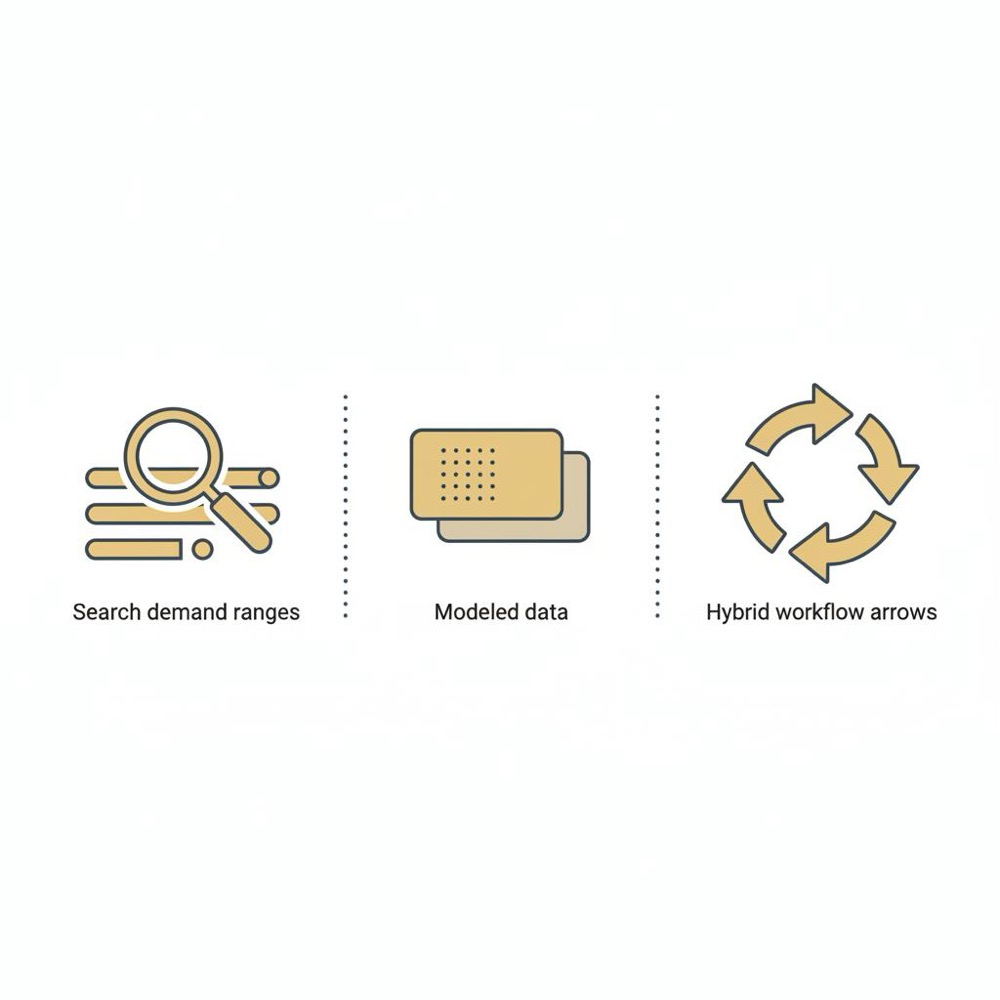
• Use Keyword Planner to confirm category-level demand (even if shown as a range).
• Use Semrush to break the category into user intents (how‑to, product, accessories, troubleshooting).
• Prioritize pages where Keyword Planner shows a stable range and Semrush indicates low to medium difficulty.
• Publish targeted guides and monitor Search Console for impressions and clicks - iterate quickly.
How to read and validate numbers
Each tool’s outputs need interpretation. For tool comparisons see Examplit's comparison. Here are practical checks you can do within an hour.
Checks for Keyword Planner
• Link a Google Ads account and maintain some campaign history when possible - this often yields narrower ranges.
• Treat ranges as directional signals; don’t assume precision.
• Use Search Console to see whether related queries are already sending impressions to your site.
Checks for Semrush
• Export historical trends and compare with your analytics. Look for steady patterns rather than single spikes.
• Use keyword difficulty as a prioritization guide, not a blocker.
• Validate unexpected numbers against Search Console and, when feasible, run quick paid or content experiments to test demand.
Specific tips that improve results
These are short, actionable rules we use at Orvus that reduce guesswork.
Keyword Planner tips
• Always associate a Google Ads account and keep at least a small amount of campaign history to help unmask ranges.
• Use broad category checks to validate whether demand exists, then use other tools to drill down.
• Pair ranges with Search Console impressions to prioritise pages with actual on-site signals.
Semrush tips
• Use Semrush’s related-terms expansion to populate content briefs quickly.
• Export difficulty and trend charts and compare them to Search Console for your domain.
• When tracking multiple countries, rely on Semrush’s regional breakdowns but validate with local Search Console data.
Practical heuristics
• If Keyword Planner shows any non-zero range and Search Console has impressions, treat the demand as real.
• If Semrush shows a steady historical trend for a long-tail phrase with low difficulty, run a small content test.
• Combine signals, publish a focused piece, then let data (impressions, clicks, rankings) decide whether to scale.
Validating long-tail niches: a three-source method
Long-tail niches are often where teams waste time chasing false positives. Use these three sources:
1) Keyword Planner to confirm category-level demand or a seed-term signal.
2) Semrush to expand variants and check historical stability and difficulty.
3) Your own Search Console data to confirm impressions. Optionally, a short paid ad test can give immediate evidence of commercial intent.
If none of the sources show signals, treat the niche as experimental and run a brief content test. Long-tail visibility usually grows slowly; a small test saves time and budget.
What to watch out for with each tool
Keyword Planner: groups and ranges hide phrase-level differences; account activity influences granularity. Semrush: modeled numbers for low-volume phrases; use historical trends and cross-checks.
Recent changes that affect reporting
Google has tightened reporting to protect privacy and make automated scraping harder. That increases the frequency of coarse ranges for accounts with little ad history. The practical response is the hybrid approach: where precision matters, use a modeled dataset (Semrush) and validate with Search Console and quick tests.
Pricing and total cost of ownership
Cost decisions are about tradeoffs. Google Keyword Planner is free behind Google Ads. Semrush is paid and has tiered pricing, with additional costs for API access and higher quotas. For many teams the question is not cheapest but most effective - see Practical Ecommerce's analysis.
• Freelancers: Keyword Planner + Search Console + Analytics is often sufficient.
• Mid-size teams: Semrush’s operational features may justify subscription costs.
• Agencies: Automation, white-label reporting and API access typically pay back.
Always include time spent cleaning and validating data in your cost calculus - a paid platform often economises human time.
Common misconceptions
• Misconception: One tool gives exact truth. Reality: keyword metrics are estimates influenced by sampling, privacy and modelling.
• Misconception: Third‑party tools are worthless because they aren’t Google. Reality: they add competitive context and operational features Google doesn’t provide.
Don’t overfit to single numbers
Use ranges and trends rather than one-off figures. Combine tool outputs with on-site behaviour and be ready to iterate.
Decision framework: choose by question, not by brand
Ask the question first. If the question is “Is there real search demand on Google?” start with Keyword Planner and confirm with Search Console. If the question is “Which specific phrases should we write about and who’s competing?” use Semrush to expand and prioritize. In practice, both tools are part of a pragmatic process rather than opposing camps.
Checklist for pick-and-plan
• Need authoritative demand signal: Keyword Planner.
• Need list expansion and competition context: Semrush.
• Need fast validation on your site: Search Console and small tests.
Short FAQ (quick answers)
Which is more accurate? Keyword Planner is the closest public signal to Google’s logs but often shows ranges; Semrush is modeled but better for expansion and tooling.
Can I rely on Semrush for low-volume keywords? Yes, but treat results as estimates and validate with Search Console or tests.
Do I need both tools? Many teams benefit from a hybrid approach: Keyword Planner for demand, Semrush for expansion and prioritisation.
Final recommendations and how Orvus approaches this

At Orvus Ltd. we rarely recommend a single tool as a cure-all. Instead we design workflows that combine signals and close the loop with site data. Practical steps we use: A consistent brand mark can help teams keep materials aligned - if you want to learn more about our background see our about page.
• Start with Keyword Planner to establish demand.
• Use Semrush to expand and prioritise content around intent.
• Validate with Search Console and short experiments.
• Iterate and measure what actually drives traffic and conversions.
Why this practical stance wins
Search behaviour changes slowly and unpredictably. Good keyword research is steady work: it’s about using multiple signals to make smarter decisions and learning from the outcomes. With that mindset, both Google Keyword Planner and Semrush are useful parts of a thoughtful workflow rather than competing truths.
Additional resources and next steps
If you want help executing this hybrid workflow, Orvus offers compact engagements that build the process into your existing team and tools. We work with a small number of clients at a time and focus on measurable growth: architecture, measurement and the workflows that make keyword research repeatable. You can also read our blog for practical posts and examples.
Need help with a practical keyword workflow?
Explore Orvus services - get a compact diagnostic that maps your search structure, tooling and quick win experiments. We'll outline a 30-90 day plan that proves whether target terms move traffic without adding unnecessary complexity.
Wrap-up: choosing the right tool for the right question
Both tools have clear strengths. Keyword Planner provides the nearest thing to Google’s demand signal; Semrush adds modeling, granularity and operational features that speed scale. The smartest teams use both and let site-level performance be the final arbiter.
Want a hands-on example? I can walk you through a target keyword, show how the tools disagree, and propose a content test that gives a quick validation. Small experiments often resolve uncertainty faster than debate.
Google Keyword Planner is the closest public proxy to Google’s own query logs, so it provides the most direct signal for overall demand. However, it often presents volumes as ranges or grouped variants depending on account history. Semrush offers modeled numbers and more granularity but relies on sampling and algorithms. In practice, use Keyword Planner for top-level truth and Semrush for expansion and prioritisation, then validate with Search Console.
Yes - Semrush often exposes long-tail variants that Keyword Planner groups or hides. Those variants are modeled estimates, so treat them as hypotheses: run small content tests or check Search Console to confirm they generate impressions and clicks for your site before scaling production.
Most teams benefit from a hybrid approach. Use Keyword Planner to confirm Google-level demand and Semrush to expand keyword lists, assess difficulty, and manage scale. Close the loop by validating performance with Google Search Console and short experiments. For many organisations, this combination saves time and improves prioritisation.
References
Want this kind of work done for your business?
We build and run AI-powered marketing and automation. 15 minutes, honest assessment.
Book a call