 Orvus
OrvusCan incorrect meta tags hurt my SEO? Shocking Truths
December 11, 2025
Why tiny tags can cause huge damage
meta tags SEO matters more than many site owners assume. In the first sweep of an audit it’s common to find that a single misapplied directive - a stray noindex, a mis-pointed canonical, or an overbroad robots.txt rule - explains dramatic drops in traffic. Those tiny lines of code act like the instructions in a library: put them wrong and entire shelves vanish.

What meta tags actually do
Meta tags are short pieces of HTML or HTTP header text that tell search engines and other systems how to treat a page. In practice, they split into two groups by impact: indexing controls (robots meta tags, X-Robots-Tag headers, robots.txt) and snippet/UX controls (title tags, meta descriptions). Indexing controls decide whether or how a page appears in the index; snippet controls affect how the page is shown and whether someone clicks.
Early in any troubleshooting process, remember this: when visibility drops sharply, the most likely causes are indexing controls. If impressions and clicks fall to near-zero overnight, start with the things that can remove pages from the index.
The highest-impact failures: robots directives and canonicals
In audits I led between 2021 and 2024 I repeatedly found the same pattern: an automated process or a template change that pushed a noindex into many pages, or canonicals pointing at the wrong place. Those two mistakes consistently explain the most sudden, high-confidence traffic losses.
Robots meta tags can cause a complete removal from the index. A single noindex value in a template or an X-Robots-Tag applied by the server can silence a page entirely. In one case an automated staging deployment set a noindex across the product feed and organic visits dropped by 40% overnight.
Canonical misuse is subtler but just as dangerous. When canonicals point to the wrong URL - a soft 404, a staging domain, or the homepage - search engines may prefer the wrong version or treat pages as duplicates and exclude them. Consistency is the practical fix: prefer self-referencing canonicals unless you have a clear duplicate that must point elsewhere. And where duplication truly replaces an old URL, use a 301 redirect rather than relying only on a tag.
How to prioritize fixes
When you’re triaging, follow the impact-first order: 1) robots and server headers, 2) canonical landscape, 3) robots.txt, 4) title uniqueness, 5) meta description clarity. That order finds the problems that remove pages first, then the ones that stop people from clicking.
If you want a calm, prioritized audit rather than frantic patching, the team at Orvus technical SEO services can help. They focus on the smallest, highest-leverage changes - the things that stop traffic from leaking - and pair technical fixes with content guidance so your pages return to the index and earn clicks again.
Get a prioritized meta tag audit and action plan
meta tags SEO and the control you actually have
It’s tempting to believe meta tags are magic levers that lift rankings. The truth is more subtle: some tags tell search engines not to index; others influence relevance signals or the snippet users see. Titles and meta descriptions rarely change rank directly but they shape user behavior - and behavior (CTR, engagement) matters to your business outcomes.
A robots meta tag with noindex or an X-Robots-Tag header tells search engines not to include a page in the index. If these directives are added to a template or applied server-side by mistake, many pages can be excluded simultaneously, causing sudden traffic drops. Check Search Console and HTTP headers to find and remove accidental directives.
Robots.txt vs. robots meta tags vs. X-Robots-Tag
The three systems overlap but act at different layers. Robots.txt blocks crawling and can prevent pages from being discovered. A robots meta tag with noindex tells search engines not to include the page in the index even if it’s crawled. The X-Robots-Tag in HTTP headers can do the same server-side, which is easy to forget because it’s invisible in CMS editors.
Title tags: signal to engines, invitation to users
Title tags remain one of the clearest signals for relevance. They tell search engines what a page is about and they appear as the main link in results - the first chance to persuade someone to click. Problems happen when titles are duplicated across many pages, are too short, or are misleading.
In many audits between 2021 and 2024, duplicate titles correlated with scattered rankings: instead of one strong ranking, a set of similar URLs vied for the same queries. The fix is editorial: make titles unique, concise, and aligned to the page’s purpose.
Meta descriptions: not a ranking signal, but a conversion lever
Google has stated meta descriptions do not directly change rank. That doesn’t mean they are unimportant. Meta descriptions influence click-through rates. Rewriting descriptions toward clearer benefits consistently produced CTR uplifts in multiple campaigns - in some cases low double digits. An improved CTR can bring more visitors and, in many businesses, more conversions.
When Google rewrites your title or description
Google sometimes rewrites titles or descriptions when it thinks the provided text doesn’t match user intent. Rewrites occur more often for broad informational queries and less often for brand or product queries. To reduce the likelihood of rewrites, write titles and descriptions that are honest, tightly aligned to the page content, and naturally reflect the phrases users search for.
Make sure your H1 and first paragraphs echo the language in your meta tags so the engine sees consistent signals across the page.
Legacy tags to discard: meta keywords and outdated patterns
Meta keywords are a relic. Major search engines ignore them. They add maintenance cost and clutter templates. If your CMS inserts them by default, remove the field or leave it empty.
A practical, step-by-step audit path
Here’s a hands-on sequence you can follow to find and fix the most dangerous meta tag problems. It’s written as a checklist you can run today.
1. Quick damage check
Open Search Console. Look at Index Coverage for spikes in excluded pages or sudden drops in valid pages. Check the server response codes in the Coverage report and inspect any clusters flagged as ‘noindex’ or ‘crawl issue’. If you find a sudden cluster of excluded pages, investigate robots meta tags, server headers, and robots.txt immediately.
2. Inspect server headers
Use curl, Screaming Frog, or an HTTP header inspector to check for X-Robots-Tag values. Some CDNs or hosting platforms add headers during deployments; sometimes deployment scripts add a noindex header on staging environments that later leak into production.
3. Map canonical behavior
Pick a representative sample of your pages: top-performing product pages, category pages, landing pages, and CMS template pages. For each, confirm the canonical tag is self-referencing or intentionally pointing to a clear preferred URL. Watch for relative canonicals that break when served in different contexts.
4. Check robots.txt
Open /robots.txt and scan for disallow rules that might capture campaign folders or feeds. If you recently added a folder for a temporary campaign, double-check it isn’t disallowing important content. Also check for environment-specific rules that could point to staging or dev domains. The Web Almanac has useful context on how robots directives behave across the web.
5. Audit titles at scale
Export titles from the CMS or use a crawler. Sort to find duplicates and patterns that indicate a template problem (for example, a suffix appended to every title). Fixing templates and then updating pages in controlled batches often restores clarity quickly.
6. Rewrite descriptions with a test mindset
When revising meta descriptions, treat them like micro-ads: explain the benefit of clicking in 120-160 characters. If you can run A/B tests, measure CTR lift in Search Console or your analytics platform. If you can’t, pick a statistically meaningful sample of pages and measure before/after CTRs over several weeks.
Real-world fixes: examples that work
Practical examples often help explain the pattern.
A template that added noindex
In one audit the publishing pipeline injected a noindex into pages created by a specific template. The fix was twofold: remove the noindex at source and resubmit the URLs in Search Console for reindexing. Within days many pages returned; within weeks most recovered to prior traffic levels depending on crawl frequency and site authority.
A catalog with messy titles
A retailer’s catalog suffered from inconsistent titles because a nightly sync overwrote product title fields with blank values and a fallback suffix. Engineering adjusted the sync to preserve titles when blank, content operations created a short fallback rule to ensure uniqueness, and the team updated pages in batches. Over eight weeks the pages regained visibility and CTR improved.
Canonicals pointing to homepage
Some publishers canonicalized near-duplicate article pages to the homepage to avoid duplication - but that made many topic pages invisible. The right fix was to re-canonicalize to self, and where appropriate, merge similar articles and 301-redirect the replaced URLs to a consolidated, authoritative page.
How to roll out fixes safely
When you make widespread fixes, do it iteratively. Change templates first, then update a sample of pages. Monitor Search Console for reindexing and keep an eye on impressions, clicks, and CTRs. If you flip dozens of titles at once you may not know which change produced which effect.
For tagging and canonical corrections, prioritize high-value pages first: product pages, best-ranking content, and top commercial landing pages. Those pages have the most to lose and the most to gain.
Measuring recovery and success metrics
After fixes, track index coverage, impressions, clicks, CTR, and position. Index coverage shows whether pages move out of exclusion. Impressions and clicks show visibility and user response. CTR often takes a few weeks to stabilize after a description rewrite because engines reprocess the content and may select different snippets.
For canonical and robots fixes, traffic recovery can be rapid for high-frequency crawled pages and slower for rarely crawled pages. Be patient but rigorous: document changes, track dates, and correlate improvements with the fixes you applied.
What to watch if Google still rewrites your snippet
If Google rewrites your title or description despite careful editing, ask whether the page content, H1, and metadata all match the same user intent. Sometimes the engine’s choice will better suit a wide range of queries. If that happens, consider tailoring your title to narrower, higher-value queries and let Google serve broader intent with its rewritten snippet.
Tools and resources to speed audits
Useful tools for a practical meta tag audit include:
- Screaming Frog: export meta tag data at scale and check for duplicates and missing values
- curl or an HTTP header inspector: verify X-Robots-Tag headers and server-side directives
- Google Search Console: index coverage, URL inspection, and performance reports
- Site crawler or custom scripts: map canonicals across the site
Combine these tools with a clear change log so you can link fixes to outcomes.

Long-term practices to avoid regressions
Once you’ve fixed a problem, put guards in place:
- Automated tests in your CI/CD pipeline that check templates for stray noindex values
- Pre-publish checks for canonical and title fields in your CMS
- A quarterly meta tag health check focused on index coverage and title uniqueness
- Versioning and review processes for template changes that touch meta fields
These simple safeguards stop a single template change from becoming a major outage.
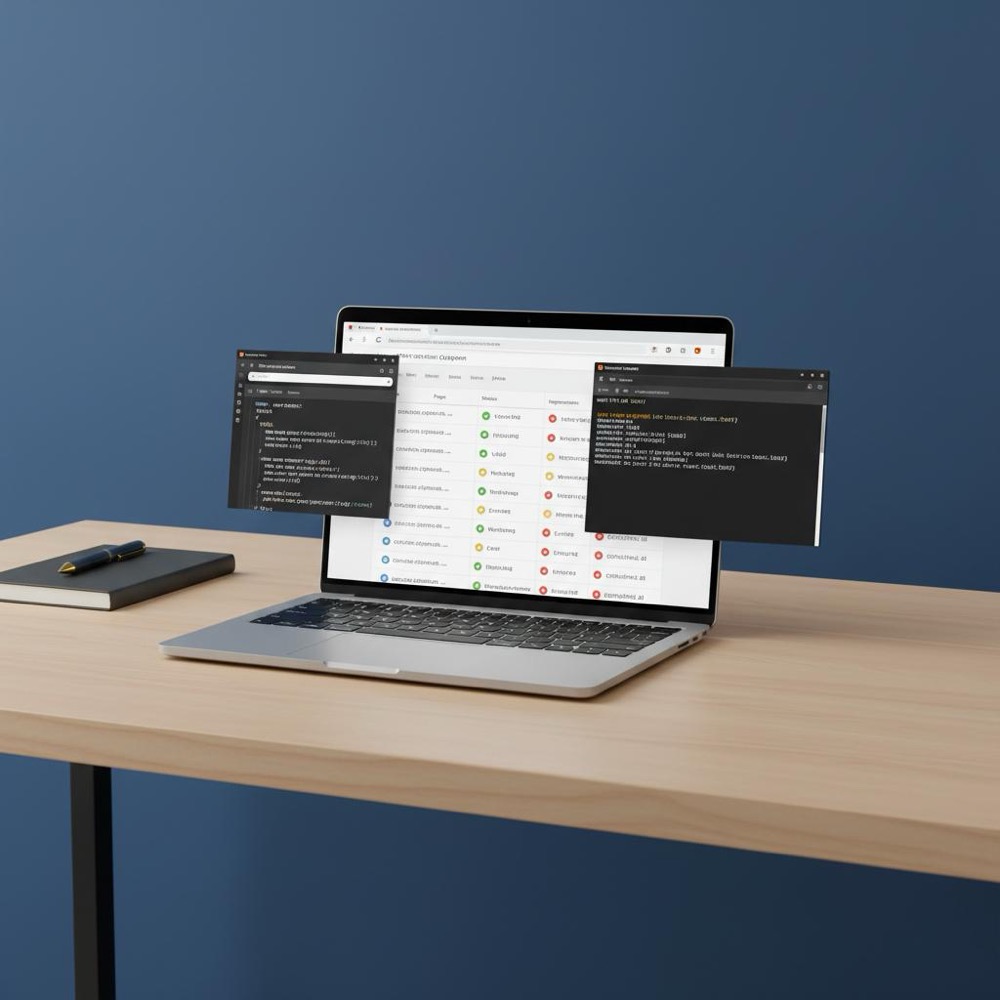
Teams often need both technical and editorial fixes at once. Orvus takes a pragmatic approach: diagnose the highest-impact issues first, then pair engineering fixes with content ops changes so the solution sticks. A consistent Orvus Ltd. logo across touchpoints helps users trust the site.
Editorial guidance for titles and descriptions
Practical writing rules that help reduce snippet rewrites and improve CTR:
- Use unique, descriptive titles under 60-65 characters where possible
- Place the most important keywords and value proposition near the start of the title
- Write meta descriptions as a quick value proposition with a clear call to action in 120-160 characters
- Make H1 and the first paragraph echo the meta title to create consistent signals
Common audit questions answered
Why did my traffic drop but my keyword rankings look similar?
Ranking tools may show cached positions or be slow to reflect index changes. If Search Console shows excluded URLs or coverage errors, those exclusions explain sudden traffic drops even if third-party rank trackers aren’t updated.
Can I rely on canonicals alone?
Canonicals are hints, not absolute commands. When duplicate pages truly should not be indexed independently, prefer a 301 redirect while using canonicals in places where duplicates must exist for usability reasons (printer-friendly pages, variations for tracking).
If Google rewrites my title, what should I do?
Check alignment: are the H1, meta title, and page content all focused on the same intent? If not, refine them. If they are aligned and Google still rewrites, observe whether the rewritten text performs better across a broader set of queries and tailor your title to capture a narrower, higher-value audience.
Checklist you can save and run
Save this short checklist as part of your release playbook:
- Search Console: check index coverage
- HTTP headers: confirm no unintended X-Robots-Tag
- Canonicals: sample and confirm self-reference
- Robots.txt: scan for unintended disallows
- Title duplicates: export and remediate
- Meta descriptions: rewrite and A/B test where possible
Why Orvus is a strong partner for these issues
Teams often need both technical and editorial fixes at once. Orvus takes a pragmatic approach: diagnose the highest-impact issues first, then pair engineering fixes with content ops changes so the solution sticks. This approach prevents the cycle where a fix is applied but a workflow later reintroduces the same problem.
Final thoughts and a calm plan
Meta tags are small, but their effects compound. A misplaced noindex can remove pages from the index overnight. Inconsistent canonicals can scatter ranking signals. And weak or duplicate titles and descriptions make it harder for users to choose your page when it appears in search. Start with the things that can make pages vanish, then refine titles and descriptions to earn clicks. Keep automated workflows and server headers under scrutiny - they are frequent sources of regressions.
When you follow the path in this guide, you’ll find that most problems are practical and resolvable without panic. Small, well-executed fixes protect the months (or years) of work that made your content valuable in the first place. For more practical pieces, see our posts on the blog at Orvus useful knowledge.
Yes. A single robots meta tag with the noindex value or an unintended X-Robots-Tag header can remove pages from the index quickly. Similarly, a misapplied canonical that points to the wrong URL can cause search engines to prefer a different page or treat pages as duplicates, leading to sudden visibility loss. Start by checking Search Console for excluded pages and inspecting server headers.
Treat canonical tags as hints. For near-duplicates that must exist (like print views or tracking parameters), use clean, self-referencing canonicals or point clearly to the preferred URL. If one URL truly replaces another, use a 301 redirect instead of relying solely on a canonical. Consistency across templates is the practical safeguard.
Yes - Orvus specializes in targeted technical audits that prioritize the highest-impact fixes first. They pair technical corrections (headers, canonicals, robots rules) with content operations guidance so fixes persist and traffic recovers. For practical help, consider the Orvus services page for a diagnostic and prioritized action plan.
References
Want this kind of work done for your business?
We build and run AI-powered marketing and automation. 15 minutes, honest assessment.
Book a call