 Orvus
OrvusWhat is a keyword surfer? A guide for operators
January 30, 2026
We focus on concrete workflows and decision rules so you can test the extension in minutes and fold it into existing search architecture or measurement practices.
What is keywordsurfer?
keywordsurfer is a free Chrome extension published by Surfer that shows estimated search volumes, related keywords, and basic SERP metrics directly inside Google search results, making quick, surface-level research possible without leaving the page. Surfer product page
The extension also surfaces simple on-page metrics, for example word-count estimates, and offers a quick export or copy function for small keyword lists, which can speed early-stage content planning. Chrome Web Store listing
Values shown by the extension are estimates intended for rapid triage, not authoritative historical datasets, so treat them as directional signals when you are scanning ideas. Ahrefs blog roundup
Locate and install Keyword Surfer from the Chrome Web Store
Requires Chrome browser
What keywordsurfer shows: core features at a glance
At a glance, keywordsurfer adds a compact panel in the SERP with estimated search volume and an approximate CPC for the queried term, which helps with quick prioritization when you do early sorting of ideas. Surfer product page SurferSEO extension page
The tool lists related keywords alongside estimated volumes and similarity cues, which makes topical expansion fast during drafting or outline work. Use these related terms to broaden headings or to spot adjacent topics to cover. Search Engine Journal guide
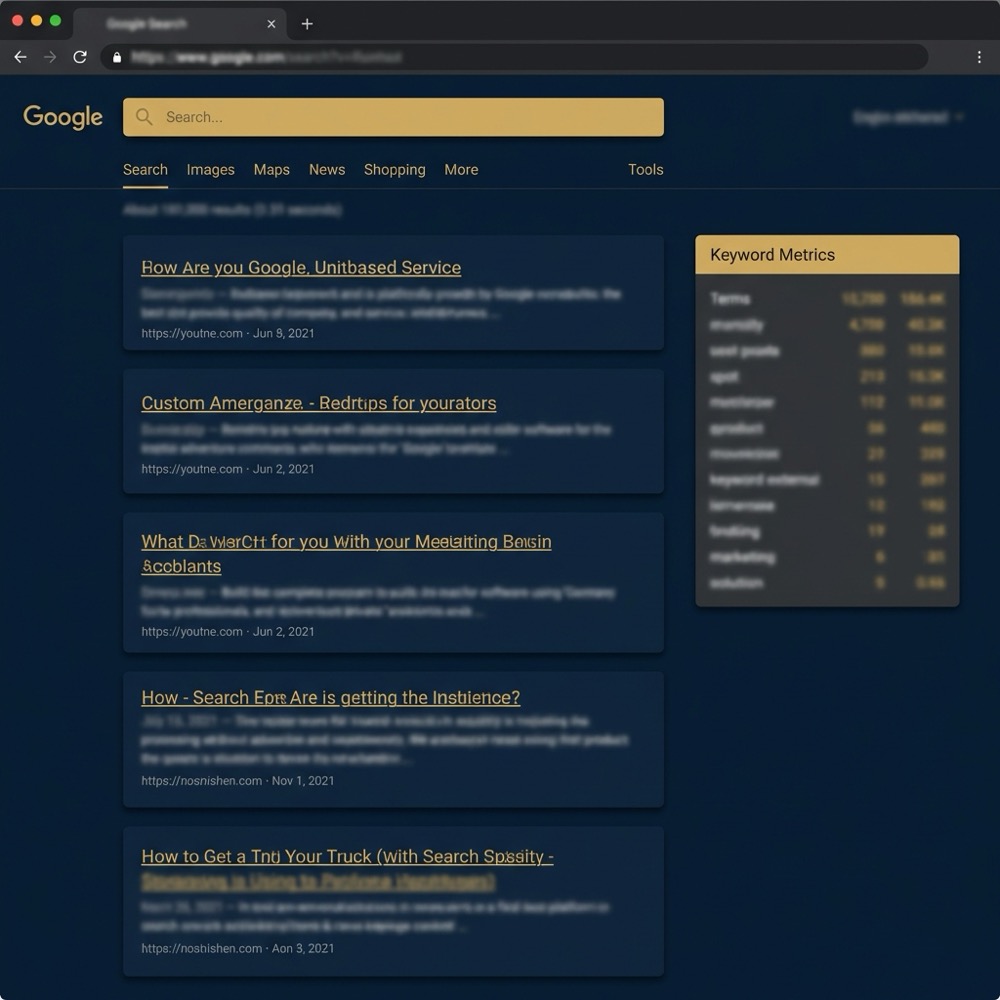
On-page metrics appear on result pages too, for example a rough word-count estimate for a visible result, and a small export or copy control lets you pull short lists into a clipboard for handoff. These features are aimed at quick actions, not bulk data extraction. Search Engine Roundtable feature notes
Each metric has practical limits. Volume and CPC values are approximate and should be treated as directional. The related-keyword list is useful for ideation, but lacks advanced filtering found in larger paid platforms. Moz review
Because the panel sits in the SERP, it speeds exploratory work by removing context switches, which is where the extension is most effective for quick, on-page research tasks. Search Engine Journal guide
How operators and content teams use keywordsurfer in daily workflows
Teams use keywordsurfer as a fast ideation and triage tool while drafting and planning, especially when a writer or strategist wants immediate related phrases without opening a separate app. Search Engine Journal guide
Common patterns include drafting-time heading expansion, spot checks against competitors from the SERP, and quick scans of approximate volume to prioritize which topics to investigate further. These patterns keep early work lightweight. Surfer product page

Try a short consultation to embed the triage workflow, Consultation and Inquire on Orvus Services
If you want to test the three-step triage workflow, try scanning a live SERP, capture a short shortlist, and then validate with analytics exports or a paid dataset before committing to large editorial plans.
The convenience of staying in Google means fewer tool switches for a writer or editor, which can reduce friction in early drafting and speed up team handoffs when paired with clear naming conventions for exports. Ahrefs blog roundup
Because keywordsurfer is free and quick to use, many teams adopt it as an everyday utility for rapid checks, while reserving deeper analysis for scheduled strategy sessions that use broader datasets. Moz review
When to rely on keywordsurfer and when to validate with paid data
Use keywordsurfer for directional work: ideation, quick checks, and early shortlist building. For competitive analysis, bid planning, or any high-stakes editorial decision, validate outputs with analytics exports or a paid keyword database. Moz review
Decision criteria are simple. If you need speed and a rough sense of intent or volume, the extension is appropriate. If you need accuracy, historical trends, or advanced filters, move to a paid dataset or analytics view. Ahrefs blog roundup
Practical validation steps include exporting the shortlist from keywordsurfer, matching terms to your analytics account, and checking impressions and clicks historically. If estimates diverge materially, treat the extension numbers as prompts rather than facts. Search Engine Journal guide
Remember known limitations: occasional variance in volume compared with larger commercial datasets and limited filtering options. Those constraints are why teams often pair quick triage with scheduled validation. Moz review
Common mistakes and pitfalls when using keywordsurfer
A frequent mistake is treating the extension outputs as exact. Estimated volumes and CPCs can vary from paid sources, so avoid using them directly for final bids or long term forecasts. Ahrefs blog roundup
Another pitfall is overlooking browser limits. keywordsurfer is Chrome-only, so teams that standardize on different browsers must plan a cross-browser approach or ensure Chrome is available for the research step. Chrome Web Store listing Chrome Web Store listing (alternate)
Small-sample exports and the absence of advanced filtering can lead to sloppy lists. Keep exports concise, apply consistent naming, and align shortlists with your measurement system before handing items to editors or paid-media teams. Search Engine Journal guide
Lastly, do not skip validation. For campaigns or strategic pages where traffic and conversions matter, use analytics or a paid database to confirm volumes and trends before execution. Moz review
A compact workflow: using keywordsurfer as a fast triage step
Step 1, quick SERP scan and capture: run a live search, note the related keywords and the rough volumes shown, and capture a short list of candidates. Keep lists under a manageable size for immediate handoff. Surfer product page Surfer docs
Step 2, shortlist and export: name the export with a clear convention, for example projectname_topic_date, and use the extension copy tool to move a shortlist into a spreadsheet for shared review. Search Engine Journal guide

Step 3, validate with analytics or paid tools: match the shortlist to your analytics account or a paid dataset before scheduling large editorial work or allocating paid budget. If numbers differ greatly, escalate for deeper market analysis. Ahrefs blog roundup Orvus Services
Keep the triage loop short. The goal is to move from quick capture to a validated shortlist within a single session or a short handoff window, so naming and ownership are clear. Search Engine Journal guide
Practical examples and scenarios
Example 1, drafting a blog outline: a writer uses keywordsurfer to expand headings by scanning related terms and estimated volumes, then exports three to five candidate headings for editor review. The editor then checks those terms in analytics before commissioning full drafts. Search Engine Journal guide
A keyword surfer is a free Chrome extension from Surfer that surfaces estimated search volumes, related keyword suggestions, and basic SERP metrics directly inside Google results to support quick, on-page research and ideation.
Example 2, quick competitor term sanity check: a marketer searches competitor queries, notes related terms that appear in the SERP panel, and uses those entries to decide whether to add a topic to a paid test. If the extension numbers are close to analytics, they proceed; if not, they pause for validation. Moz review
When to escalate to paid research: escalate when filtering, historical trend analysis, or fine-grained CPC curves are required, because the extension does not provide advanced segmentation or long term trend views. Ahrefs blog roundup
Closing: where keywordsurfer fits in a search-first toolkit
Keywordsurfer is useful as a fast, on-page discovery and triage tool that shortens the gap between idea and shortlist, but it is not a replacement for paid tools or analytics when accuracy and history matter. Surfer product page
Validation checklist: cross-check shortlist terms with analytics exports, align naming and handoffs, and escalate to paid datasets for high-stakes editorial or paid campaigns. These steps make a short triage loop reliable. Ahrefs blog roundup useful knowledge
Orvus Limited often recommends embedding lightweight utilities like this into a broader search architecture so teams can move quickly while keeping measurement and ownership clear, rather than relying on a single free tool for all decisions. Surfer product page

keywordsurfer provides directional volume and CPC estimates that can guide early ideation, but you should validate figures with analytics or a paid keyword database before running paid campaigns.
The extension supports quick exports or copy of small lists for handoff, but it is not built for bulk list management and lacks advanced filtering found in paid platforms.
keywordsurfer is available as a Chrome extension, so use Chrome for research steps or ensure your team has access to a Chrome environment.
If you want outside help to map the triage step into a broader search architecture or measurement system, consider a short consultation to align ownership, naming, and validation practices.
References
- https://surfer.com/keyword-surfer/
- https://chrome.google.com/webstore/detail/keyword-surfer/lnnikhjjmfpampleid
- https://ahrefs.com/blog/free-keyword-research-tools/
- https://surferseo.com/keyword-surfer-extension/
- https://chromewebstore.google.com/detail/keyword-surfer/bafijghppfhdpldihckdcadbcobikaca?hl=en
- https://docs.surferseo.com/en/articles/6679368-keyword-surfer-extension-explained
- our services
- about Orvus
- our knowledge base
Want this kind of work done for your business?
We build and run AI-powered marketing and automation. 15 minutes, honest assessment.
Book a call