 Orvus
OrvusWhen should CMS be used? Guidance for teams
January 31, 2026
This guide explains how to connect CMS choices to cms seo, integration trade-offs and operational costs. Read the decision framework and scenarios to pick the diagnostic that fits your team, then run a short pilot to test assumptions before significant development work.
Quick overview: why this question matters for growth systems
Deciding when to use a CMS is an operational question, not a fashion choice. Teams that depend on consistent publishing, version control and clear governance often find that a CMS reduces friction in the long run, and that choice affects cms seo and measurement as much as it affects editorial speed. For many organisations, pilot diagnostics reveal trade-offs more clearly than feature checklists.
This article explains how content scale, editorial workflow complexity and integration needs should shape the decision. It connects governance, content architecture and measurement to practical steps you can run with existing teams and tools. Where appropriate, run a short pilot before committing to major development work.
How to use this piece: read the decision framework, use the diagnostics in the scenarios section and run at least one small pilot focused on canonical control and rendering. Market patterns show many sites continue to use established CMS platforms for faster iteration and lower upfront build costs, making structured pilots a sensible way to test assumptions W3Techs content management usage data.
What you will learn: a compact definition of CMS capabilities, the CMS features that matter for cms seo, a step-by-step decision framework, trade-offs versus custom builds, headless considerations, ecommerce priorities and three practical diagnostics you can run quickly.
Definition and context: what a CMS provides and when it matters for cms seo
A content management system provides a set of editorial tools and governance controls that make ongoing content operations repeatable. Core capabilities include multi-editor interfaces, role-based publishing, versioning, templates, localization support and audit trails. Public guidance recommends a CMS when multiple editors and governance are required to manage ongoing content operations GOV.UK Service Manual on choosing a CMS.
These features reduce editorial friction by centralising workflows and providing consistent interfaces for non-technical contributors. Usability and content-operations research shows that editorial friction, localization needs and workflow automation potential are strong predictors that a CMS will reduce long-term operational costs compared with ad-hoc solutions Nielsen Norman Group on content operations.
Need help deciding? Start a short diagnostic or consultation
Try a quick diagnostic checklist: list your editors, cadence, localization needs and two integration endpoints. If two or more items are heavy, consider a short pilot.
Concrete editorial pain points that often point to a CMS include uncontrolled URL patterns, inconsistent metadata entry, difficulty rolling back published updates and no central audit trail for content changes. These operational issues matter for cms seo as well as governance, because inconsistent publishing increases the chance of missing canonical controls and broken index signals.
How CMS features affect cms seo: essential technical and editorial controls
SEO-relevant CMS features are practical controls editors or developers use to ensure visibility and indexability. Core items to check are canonical tag control, clean and stable URL structures, straightforward editing of structured data and the ability to edit meta tags and sitemaps. Google guidance highlights canonical handling, URL hygiene and structured data as essential elements for search performance Google Search Central Search Essentials.
For JavaScript-heavy front ends, confirm whether your CMS or delivery stack supports server-side rendering or reliable pre-rendering. Without server-side rendering or a validated pre-render path, search engines can miss content or rank it inconsistently; make this an explicit part of any pilot for JS-driven sites Google Search Central Search Essentials.
Editability matters: being able to change title and meta description templates, override canonicals, and generate sitemaps from the CMS reduces manual work and keeps indexing signals consistent, especially on large sites. Ensure that structured-data snippets are editable so content teams can mark up pages without developer intervention.
quick pilot checklist to verify canonical and rendering behaviour
Run this on a staging import
When you run a pilot, make the toolchain explicit: record the render method, the canonical logic and how sitemaps are produced. That documentation helps spot long-term maintenance costs and clarifies whether a CMS meets your seo and operational needs.
A decision framework: when to pick a CMS vs a simpler solution
Step 1, measure editorial complexity. Count active editors, the frequency of updates, and localization needs. If multiple editors require role-based publishing, or if localization spans markets, a CMS is often the right starting point because it centralises governance and reduces ad-hoc coordination GOV.UK Service Manual on choosing a CMS.
Step 2, map integration and delivery needs. List legacy systems, commerce endpoints, analytics and any omnichannel outputs. If you need independent front-end stacks or omnichannel publishing, consider a headless approach but be aware of added integration work and operational overhead Smashing Magazine on headless CMS choices.
Step 3, estimate operational cost and governance. Create a lightweight total cost of ownership estimate that includes initial integration, ongoing maintenance, and the effort required to keep measurement and revenue attribution accurate. Diagnostics and short pilots are the most reliable way to validate these estimates before committing to a large build.
Checklist summary: if you have three or more active editors, recurring localization, frequent updates, or multiple integrations, the evidence tends to favour a CMS. Otherwise, consider a simpler solution or a targeted content workflow until scale or governance needs increase.
CMS vs custom build: trade-offs for teams and measurement systems
Many organisations choose existing CMS platforms because they enable faster iteration and lower upfront build costs compared with fully custom builds; market data through 2025-2026 shows that a large share of sites continue to use established CMS platforms for these reasons W3Techs content management usage data.
Custom builds can offer tight control and bespoke integrations, but they often increase maintenance overhead and require dedicated engineering capacity. Teams should include maintenance estimates in any total cost of ownership calculation and compare those to the operational savings a CMS may provide.

Measurement and revenue attribution depend on how well the CMS or custom stack integrates with analytics and commerce systems. If product pages, checkout events or attribution tags are fragmented across integrations, tying search and content activity to revenue becomes harder. Map these endpoints in your diagnostic phase to surface potential gaps.
Vendor lock-in and bespoke integrations can increase long-term cost. Consider whether a CMS offers exportable content and clear APIs for migration; those features make future re-platforming less risky and improve the cleanliness of your measurement layer.
Headless and decoupled architectures: when they make sense and when they add overhead
Headless or decoupled architectures are appropriate when teams need independent front-end stacks, omnichannel publishing or strict performance SLAs. They let front-end developers pick frameworks and optimise for specific channels, which can be important for micro-interactions and bespoke performance goals Smashing Magazine on headless CMS choices.
However, headless setups increase integration complexity. You must plan for content delivery APIs, caching, previewing and build pipelines. This adds operational work compared with a monolithic CMS where the editorial UI and rendering are bundled together.
Adoption of headless options is growing where omnichannel requirements exist, but teams should forecast integration costs with legacy systems before committing. A short integration smoke test with a representative front-end can surface hidden dependencies and clarify maintenance needs. Contentful offers examples of editor-focused features that teams commonly test in these scenarios.
Ecommerce considerations: commerce features, measurement and platform choices
For ecommerce, prioritise commerce-specific features first: catalog management, checkout flows and payment integrations. Platform selection should hinge on how product pages map to revenue attribution and reporting rather than on headline feature lists alone Baymard Institute on ecommerce platform selection.
Evaluate whether to use a CMS plus a commerce layer or a specialised commerce platform. The right choice depends on how much editorial control you need over product content and how tightly you need to connect product pages to conversion events. Many teams use a commerce layer to get both editorial controls and commerce functionality while keeping integrations explicit W3Techs content management usage data.
A CMS tends to reduce friction and cost when you have multiple editors, recurring localisation, role-based publishing needs or several integration endpoints; run diagnostics and pilots to validate integration and measurement assumptions.
When product pages are core to acquisition and revenue attribution, run a smoke test that validates event tracking through to your analytics property and ensures that canonical logic for product variants is correct. That test helps avoid common attribution gaps between content and commerce.
Common mistakes and pitfalls when deciding about a CMS
A frequent error is choosing a platform because it is fashionable rather than because it matches editorial and integration needs. Decisions driven by brand or hype can leave teams with misaligned workflows and unexpected maintenance costs.
SEO pitfalls to watch for include lack of canonical control, poor handling of JS rendering and limited editability for structured data. Those technical omissions often cause indexing inconsistencies and require developer time to fix Google Search Central Search Essentials.
Ignoring content-operations factors like localization and automation potential is costly. Usability research shows that when localisation, multiple editors and automation needs are high, a CMS typically reduces long-term operational load compared with ad-hoc custom solutions Nielsen Norman Group on content operations.
Mitigations: run small pilots, document integration points, and include measurement checkpoints that track both editorial time saved and technical maintenance hours. That evidence helps make platform trade-offs explicit.
Practical scenarios: three short diagnostics and recommended next steps
Scenario A: small team, few pages. Diagnostic questions: How many editors edit content per month? Do you need localization? Is content updated more than monthly? If answers point to low scale, a lightweight static site or a simple CMS workflow may suffice. Pilot: import a subset of pages, check canonical tags, and validate basic analytics events.
Scenario B: growing editorial operation. Diagnostic questions: Are more than two editors publishing independently? Is content cadence daily or weekly? Do you need role-based approvals? If yes, test a CMS with role-based publishing and a rollback workflow in a staging environment and measure editorial time spent on publishing tasks Nielsen Norman Group on content operations.
Scenario C: omnichannel product catalogue. Diagnostic questions: Do you publish the same content to web, apps and other channels? Is there a commerce stack to integrate? If so, run a smoke test that validates catalog sync, canonical logic for variants and analytics event flow. Headless may be appropriate, but measure integration time during the test Smashing Magazine on headless CMS choices.
For each scenario, include measurement checkpoints: canonical accuracy, render verification and a simple editorial time metric. These checkpoints make pilot outcomes comparable and help decide whether to expand the pilot into a full build.

Conclusion: a practical path to decide and next steps for teams
Recap the primary decision axes: editorial scale, integrations, measurement and governance. If multiple editors, recurring localisation or several integration endpoints are present, a CMS often reduces long-term operational cost and editorial friction GOV.UK Service Manual on choosing a CMS.
Run diagnostics and short pilots to validate assumptions before committing to large builds. Use the pilot to measure canonical control, rendering behaviour and the time cost of content operations. When those pilots reveal significant integration work or measurement gaps, consider involving a systems builder to map out measurement and automation needs without promising outcomes.

How CMS features affect cms seo: essential technical and editorial controls
Note: run a short pilot to validate canonical and rendering behaviour and document the render method and sitemap generation approach.
For each scenario, include measurement checkpoints: canonical accuracy, render verification and a simple editorial time metric. These checkpoints make pilot outcomes comparable and help decide whether to expand the pilot into a full build.
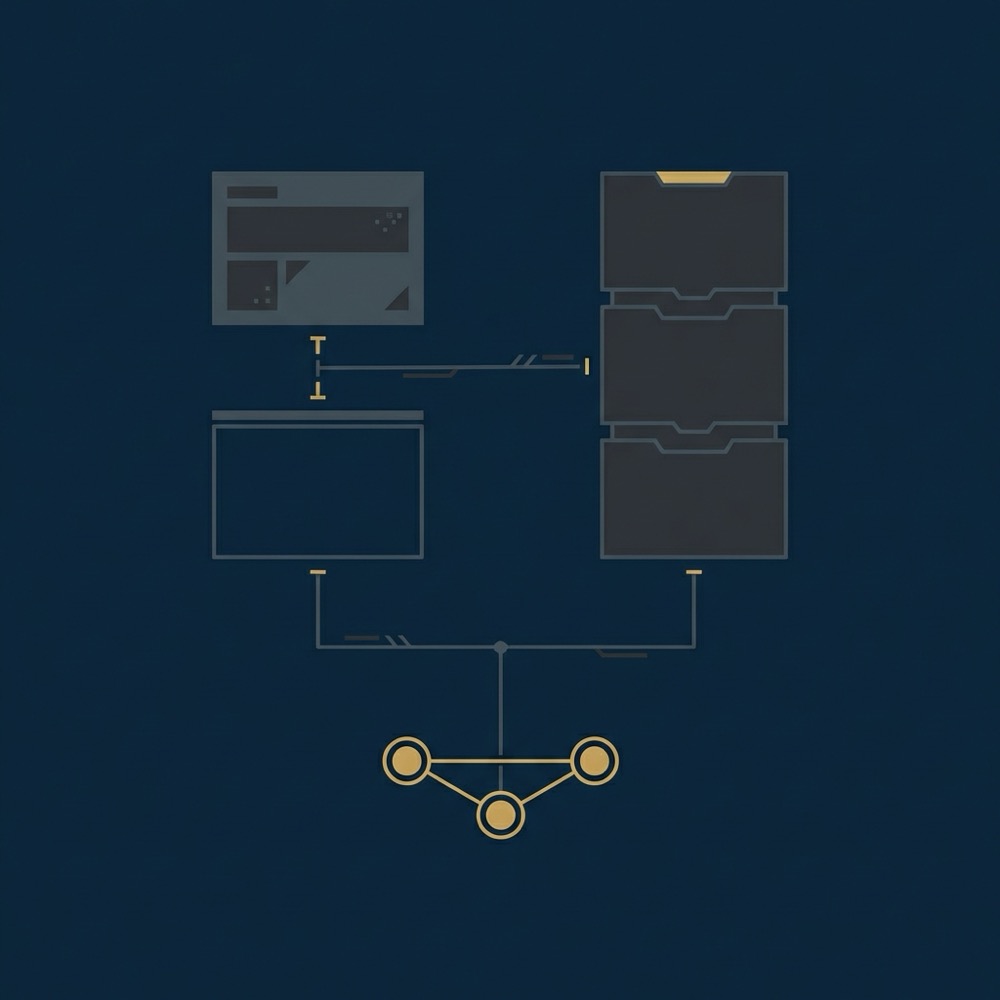
Multiple active editors, recurring localisation, frequent updates, role-based approvals or a need for audit trails are common signs that a CMS will reduce editorial friction.
Headless architectures let front ends optimise for performance, but they increase integration work and require planning for previewing, caching and delivery APIs.
Prioritise commerce features and measurement; choose a CMS plus commerce layer if editorial control is important, or a specialised commerce platform when commerce capabilities and integrations are primary.
The right choice depends on your constraints and data; treat the first pilot as an experiment that surfaces hidden costs and integration points.
References
- https://pantheon.io/learning-center/content-operations/editorial-workflow-software
- about Orvus
- https://new.drupal.org/docs/drupal-cms/get-started/get-to-know-drupal-cms/understanding-content-modeling/content-modeling-for-editorial-workflows
- our knowledge base
- https://w3techs.com/technologies/overview/content_management
- https://www.contentful.com/blog/favourite-features-for-editors/
- our services
Want this kind of work done for your business?
We build and run AI-powered marketing and automation. 15 minutes, honest assessment.
Book a call