 Orvus
OrvusHow do you see your SEO ranking?
November 25, 2025
How you check SEO ranking matters more than a single number. If you want reliable signals that actually move revenue, this piece walks you through a practical workflow you can adopt today. The goal: to make it straightforward to check SEO ranking, interpret what changes mean, and tie those changes back to the metrics you care about - impressions, sessions, and conversions.
What this guide covers: a GSC-first approach, how to pair GSC with GA4, when to use automated rank trackers, why manual SERP checks still matter, a weekly 20-minute checklist, and fast fixes that often restore or improve positions. You’ll also get a short case study and guidance for teams of any size.
Start with Google Search Console as your ground truth
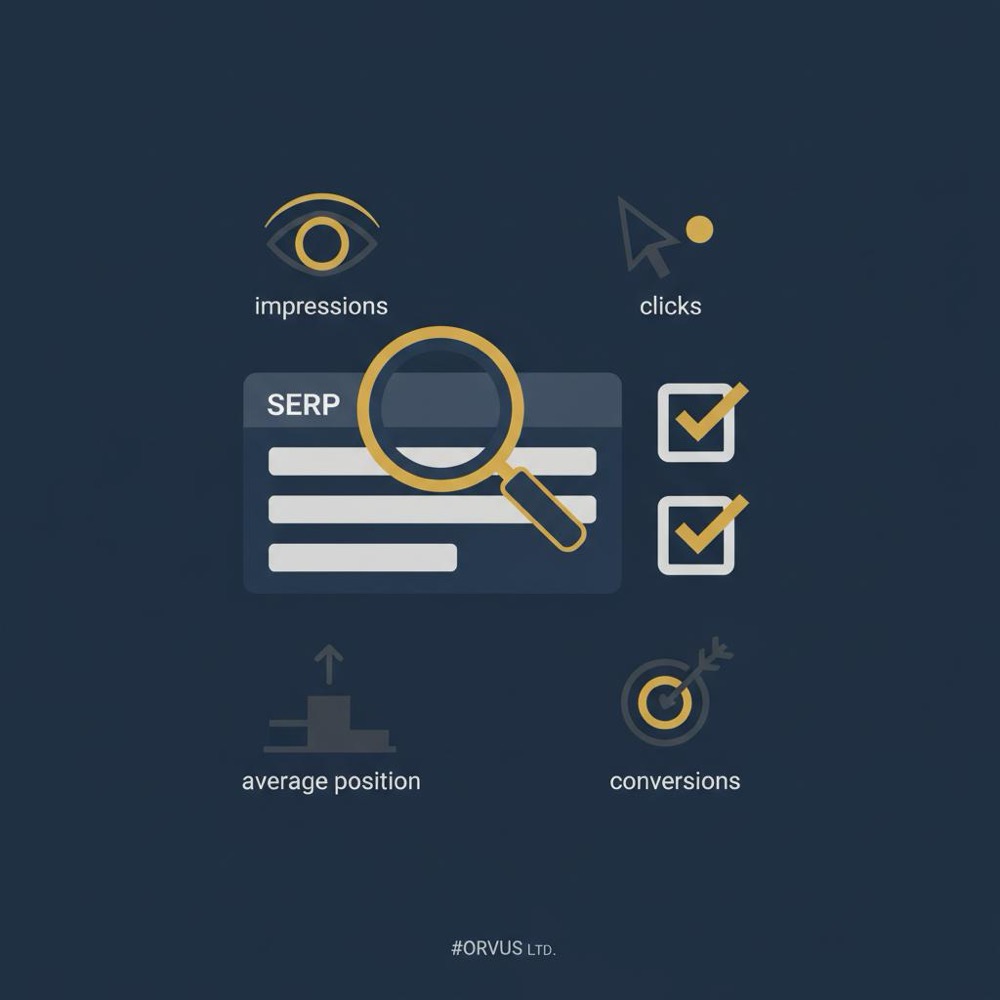
If you want to check SEO ranking in a way that ties to what users actually saw, start with Google Search Console (GSC). GSC gives impressions, clicks, average position and CTR for queries and pages - and now offers a 24-hour view for near-real-time checks. But remember: GSC is aggregated, applies privacy thresholds, and surfaces trends rather than every low-volume query.

When you check SEO ranking using GSC, look beyond the average position. Average position can be noisy. Prioritize impressions and clicks first; then use CTR and position for context. For example, a minor dip in average position with steady impressions and clicks is usually less urgent than a sudden drop in impressions.
Practical steps in GSC:
- Open the Performance report and switch between Queries and Pages.
- Choose a reasonable date range and compare week-over-week or month-over-month.
- Use the 24-hour view for immediate checks after a change.
- Filter to a prioritized shortlist so you don’t drown in long-tail noise.
Tip: If you want a compact way to move from data to action, take a look at Orvus services for hands-on help building measurement and monitoring that link search performance to revenue.

GSC should be the first tool you open when you check SEO ranking because it reflects how Google is serving your pages to searchers. Use it to find these signals: falling impressions, sudden CTR shifts, or new queries that show different intent than the page was built to serve.
Rewrite the title and opening paragraph to clearly target the desired intent. Small, deliberate changes to headings and the first 100 words often realign searcher expectations, improve CTR, and help the page rank for the right queries.
Answer it here by testing the page title and opening paragraph to match the desired intent. Small rewrites often align searcher expectations with your content and can lift both CTR and position.
Link GSC and GA4 to connect search with conversions
Ranking numbers are business-relevant only when they translate to site behavior. That’s where Google Analytics 4 (GA4) comes in. If you want to check SEO ranking with an eye on outcomes, use GA4 to see what visitors actually do after they click.
Linking GSC and GA4 pulls search context and onsite behavior into the same narrative. GA4’s event-based metrics - engagement rate, conversion events, and user cohorts - tell a deeper story than pageviews alone. When organic sessions rise but conversions don’t, the problem is often on-site experience rather than search placement.
Important advice when you check SEO ranking via GA4:
- Match your measurement window to your sales cycle. For longer purchase journeys, evaluate cohorts over weeks.
- Segment organic sessions by landing page and conversion path.
- Watch for tracking gaps: sudden drops in conversions sometimes stem from broken tags or funnel changes.
Add automated rank tracking for precise position history
GSC shows trends, GA4 shows behavior, but neither stores a clean daily snapshot of exact SERP positions. That’s where paid or freemium rank-tracking tools help. They snapshot the SERP, record exact positions, and track SERP features such as featured snippets, local packs, and knowledge panels.
When you set up rank tracking, create two keyword sets: a compact shortlist (3-10 high-value terms) you check daily, and a broader set (hundreds of terms) you scan weekly or biweekly. Daily tracking for everything is expensive and noisy; focus daily attention on the shortlist to detect sudden swings fast.
Automated trackers are also essential for historical analysis. If you change a page and see a steady climb in tracked positions over four weeks, and GSC impressions and GA4 conversions move in the same direction, you have a clear signal to double down on that change.
How to choose which keywords to track
Pick keywords that tie to revenue or clear business goals. Prioritize brand + product terms, high-intent commercial queries, and any pages that funnel to purchases or leads. When you check SEO ranking, those keywords give the highest signal-to-noise ratio.
Don't skip manual SERP checks
Automated tools are powerful, but search is personalized and local. Results vary by location, device, and search history. Manual incognito checks with a simulated location - or your rank tracker’s local checks - control for personalization and help you see SERP features that push organic results down.
Use manual checks when automated alerts appear: if rank trackers show a steep drop or GSC impressions plunge, open an incognito window and check the SERP from the city where most of your users are. Common causes include a new shopping carousel, a video panel, or a flood of ads. Manual checks often reveal the why faster than any chart.
A simple weekly routine you can follow in 20 minutes
Here’s a compact pattern to check SEO ranking without burning time:
1) GSC quick scan: look at impressions and clicks for your prioritized shortlist.
2) Rank tracker: inspect the shortlist for sudden position swings.
3) GA4: glance at organic sessions and conversion events for the same period.
4) Manual SERP check: if any source flags a meaningful change, confirm in incognito from a relevant city and device.
If you discover an anomaly, follow this triage order: technical -> SERP shift -> on-page relevance -> tracking or external factors (seasonality, ads, competitor moves). That process keeps investigations efficient and calm.
Quarterly audits and ongoing cadence
For most teams, a quarterly full-site audit plus weekly or biweekly monitoring is a healthy cadence. Audits find technical issues that can trigger large position swings: indexation errors, incorrect canonicals, mobile layout problems, and Core Web Vitals failures. A quarterly sweep is frequent enough to catch problems early without wasting time.
For high-velocity websites or very competitive niches, move to a monthly audit cycle on critical pages. But even then, keep your daily and weekly monitoring slim: a shortlist for daily checks and a broader list for weekly checks.
Quick fixes that tend to move rankings fastest
If you want to check SEO ranking and act fast, prioritize these practical fixes:
1) Fix technical errors - deindexation, robots.txt blocks, broken canonical tags, or accidental noindex directives are immediate ranking killers. Check indexing in GSC and fix errors quickly.
2) Improve on-page relevance - rewrite title tags and opening paragraphs to match the intent you want to own. If GSC shows the page appearing for different intent, change the copy to match.
3) Boost CTR - test title tag and meta description variants. A small CTR lift at the same position often helps rankings over time.
4) Strengthen internal linking and topical depth - link from stronger pages and add useful context so Google better understands the page's role.
These quick actions are where small effort often yields measurable returns when you check SEO ranking with the business in mind.
What to watch out for
GSC can hide low-volume queries for privacy reasons. If you rely on GSC alone, you’ll miss niche queries that may drive meaningful conversions. Rank-tracking tools capture more long-tail data, but they only measure the keywords you set up. Attribution challenges appear too: when channels interact, conversions attributed to organic can bounce around.
Always ask: is search visibility turning into business value? If rank improves but conversions stay flat, your focus should shift from positions to landing page quality, checkout friction, or conversion flows.
A short case study: a small e-commerce site
A small shop saw a core product phrase slip from position four to eight. Daily rank tracking noticed the change; GSC showed a small impression dip; GA4 reported falling conversions. A manual incognito check revealed a shopping carousel pushing organic results down. The team paused confusing ad experiments, rewrote the product title to be more intent-focused, and added product schema for richer SERP appearance. Over two weeks the page recovered toward position five and conversions normalized. Combining rank tracking, GSC, GA4, and manual checks found the real cause and the fix.
Which rank-tracking approach fits your team?
If you’re a single-site owner, keep a shortlist and a budget-friendly rank tracker. If you’re an agency or larger team, adopt hierarchical checks: daily monitoring for priority terms, weekly for category-level terms, quarterly audits, and automation for alerts. Regardless of size, always keep GSC and GA4 linked - they frame position changes in real behavior.
How often should you check SEO rankings?
It depends. If search is your main revenue source, check a small set of priority keywords daily and a broader set weekly. If search is one of several channels, check your shortlist every few days and the broader set weekly or biweekly. Avoid hourly checks: they invite noise and reactive decisions.
Guidelines to reduce noise:
- Use alerts for steep drops in impressions, rapid CTR changes, or spikes in crawl errors.
- Don’t react to single-day fluctuations - look for sustained trends across the right measurement window.
- Match analysis cadence to your sales cycle.
Practical 20-minute weekly checklist
1) GSC: skim Performance for shortlist impressions and clicks.
2) GA4: check organic sessions and conversion events for the same period.
3) Rank tracker: confirm any steep position drops for the shortlist.
4) Manual SERP: if an anomaly exists, check incognito from the main user city and on mobile.
5) Triage and fix: technical -> relevance -> CTR -> external.
Common troubleshooting patterns
- Fewer GSC impressions but stable tracked position: often a SERP feature or ad unit reduced organic visibility.
- Stable ranks but fewer conversions in GA4: likely on-site experience or tracking issues.
- Sudden position drops across many keywords: suspect indexing, site health, or a broad algorithm update.
Practical tips to make monitoring easier
- Keep a shortlist of 3-10 priority keywords; they are your daily north star when you check SEO ranking.
- Use automated alerts to surface meaningful changes rather than monitoring everything manually.
- Document each major change you make (title updates, schema, link changes) and track the impact over 4-8 weeks.
Bringing it all together: a calm, repeatable process
Checking SEO ranking becomes a reliable activity when you focus on signals that matter. Make GSC your primary trend source, use GA4 to judge business impact, rely on a rank tracker for precise snapshots, and validate with manual SERP checks. Keep a small daily checklist and a sensible broader cadence. Fix technical issues quickly, refine on-page relevance, and test titles and meta descriptions to improve CTR.
That combination protects organic value without turning SEO monitoring into a constant crisis. Over time you’ll trade noisy alerts for meaningful insights and clearer decisions about where to spend effort.
If you want help establishing this monitoring and measurement flow, Orvus works with a small number of clients to design systems that actually move business metrics. They focus on architecture, measurement, and quiet systems that scale.
Need help turning rank signals into real results?
Explore Orvus servicesFinal checklist you can copy today
- Link GSC and GA4.
- Pick a shortlist of 3-10 priority keywords to check daily.
- Configure a broader set for weekly checks in your rank tracker.
- Add alerts for steep impression drops, CTR changes, and crawl errors.
- Run manual incognito checks for any meaningful automated alert.
- Schedule quarterly technical audits and content reviews.
Resources and questions people often ask
- How to check SEO ranking without tools: manual incognito checks are fine for immediate verification but don’t scale.
- Are rank trackers necessary: not always, but very helpful for historical snapshots and SERP-feature tracking.
- Why GSC and rank trackers differ: GSC aggregates across impressions; trackers snapshot the SERP at a point in time.
Further reading: SEO in 2025 Is Different - How to Rank a New Website, SEO Results: How to Track Your SEO Performance for 2025, Your 2025 guide to SEO reporting and tracking. Also see our useful knowledge page for related posts.
Ready to make monitoring easy? Start with three priority keywords, link GSC and GA4, and set one alert that matters. Then measure outcomes - conversions, revenue - not positions alone.
You can perform manual checks in an incognito browser window and set your location to the target market. Manual checks are useful for quick verifications and to see the live SERP, including any new features that might push organic results down. However, manual checks don’t scale and won’t give you a historical position record - use them selectively alongside GSC and a small rank tracker for the best results.
If search drives important revenue, check a shortlist of 3-10 priority keywords daily and the broader set weekly. For a small shop, daily checks of the highest-value terms catch sudden SERP changes, while weekly reviews for the rest keep monitoring efficient. Avoid hourly checks to reduce noise - rely on alerts to flag meaningful anomalies.
They measure different things. Google Search Console aggregates positions across impressions over a period and applies privacy thresholds; it reflects what users actually saw. Rank trackers take point-in-time snapshots of the SERP for configured keywords. Use both together to get GSC’s real-world visibility and a tracker’s precise historical position history.
References
Want this kind of work done for your business?
We build and run AI-powered marketing and automation. 15 minutes, honest assessment.
Book a call