 Orvus
OrvusCan you remove my own Google reviews?
November 24, 2025
Can you remove my own Google reviews? A quick start
Yes - you can change or delete a review you wrote. If you’ve ever panicked and thought “I should delete my Google review right now,” this guide walks you through cleanly, calmly, and with confidence. If your first impulse was to search for "delete my Google review" or "how to delete a review on Google Maps," you’re in the right place. I’ll show you the exact steps for phone and desktop, explain why the option might be missing, and give practical alternatives when direct deletion isn’t available.
Before we go further: a small habit that saves trouble is to take a screenshot of the review you plan to edit or delete. It’s a simple record that helps if you need to explain what happened later.
Need help managing reviews without the chaos?
Need help handling reviews for your brand? If you’d like a calm, practical hand with response strategy or to build a tidy review-management flow, consider Orvus’s services - they help teams build quiet systems that scale. Learn more at Orvus services for review and growth management.
Where your Google reviews are stored
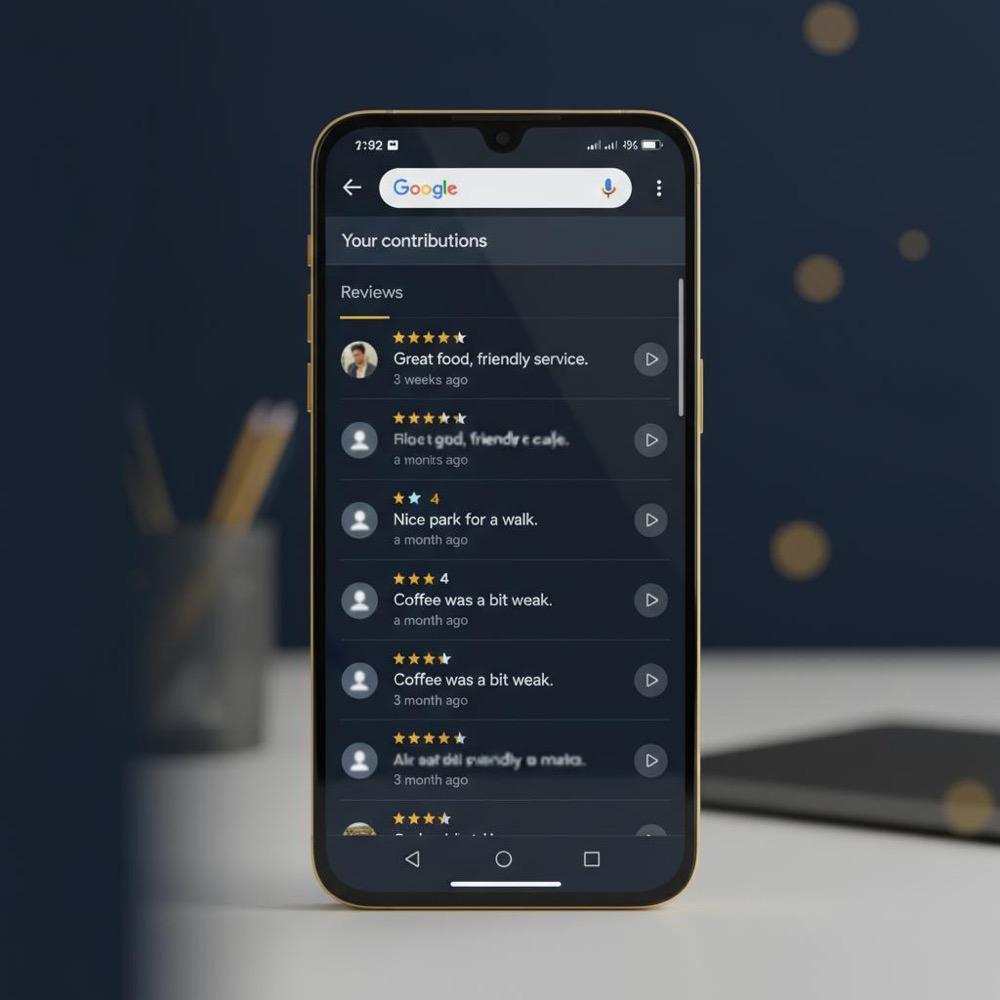
Your Google reviews are linked to the Google Account used to post them. That makes account identity the single most common reason people can’t edit or delete their own posts. On mobile, open Google Maps and go to the Contribute tab and choose View your profile. On desktop, open Google Maps, open the main menu and choose Your contributions ' Reviews. You can also reach your reviews from Google Search via your avatar and choosing Your profile. For an official reference, see Google's review instructions.
Those are the official routes. When you find the review, tap the three-dot menu next to it and choose Edit review or Delete review. Most changes appear in minutes, though sometimes public updates take a few hours.
Yes - if you’re signed into the same Google Account that posted it, you can delete the review from Google Maps or your Google profile. If the delete option is missing, check account identity, app updates, or listing status; if the content breaks policy, flag it or use legal channels where appropriate.
How to delete my Google review - step-by-step
If your question is specifically "how to delete my Google review," follow these exact steps. They work for most accounts and devices. For an alternate walkthrough see Hook Agency's step-by-step guide.
On Android or iPhone
1. Open Google Maps on your phone.
2. Tap the Contribute tab.
3. Tap View your profile (or Your contributions ' Reviews).
4. Find the review you want to change.
5. Tap the three-dot menu beside that review.
6. Choose Edit review to change it, or Delete review to remove it.
Edits replace the public text; deletions remove it from public view. If the change doesn’t appear immediately, wait a few minutes and refresh. Community reports sometimes show propagation delays up to 24-48 hours.
On desktop
1. Open Google Maps in your browser.
2. Open the main menu and select Your contributions ' Reviews.
3. Locate the review, click the three-dot menu, and choose Edit or Delete.
You can also access reviews through Google Search by signing in, clicking your avatar and choosing Your profile. The interface is similar.

Why the edit or delete option could be missing
If you can’t find the buttons to edit or delete, check these common causes in order:
1. Wrong Google Account
Google ties reviews to the account that posted them. If you’re signed into a different email address you’ll see no controls for the original review. Tap your avatar and confirm the email. Switch accounts and try again.
2. Business listing removed or merged
If the business listing was removed, suspended, or merged into another listing, your review may be orphaned and the usual menu controls can vanish. In many cases the text is still stored, but the UI you expect won’t appear until the listing returns or Google re-links items.
3. Google already removed the review
Google moderates content and sometimes removes reviews that violate policy. If they’ve taken the review down for policy reasons you won’t be able to edit or delete it because it’s already out of public view.
4. App or browser glitches
Out-of-date apps, cached data, or temporary server issues can hide UI elements. Try updating the Maps app, clearing the cache (on mobile), or opening Maps in a private browser window to see if the option reappears.
Immediate alternatives when you can’t delete
If you attempt to delete and the option isn’t available, don’t panic. You have a few sensible alternatives.
Edit to neutralize
Editing is often the fastest fix. Change the review text to a neutral, factual tone or add a brief note like "Issue resolved - updating my review." Many people who search for "delete my Google review" end up editing instead, since it’s immediate and visible.
Flag for policy violations
If a review breaks rules (spam, hate speech, private data), use the flag/report tool. Provide any evidence you have. Flags don’t guarantee removal - Google reviews each report - but this is the correct route for clear policy breaches.
Legal removal requests
For content that includes personal private data, illegal material, or defamatory statements, Google offers formal legal takedown processes. These need documentation and sometimes a court order. They’re appropriate only when the content meets the legal thresholds for removal; for a practical guide see this 2025 guide.
Troubleshooting tips that actually work
If the three-dot menu is missing or your review won’t change, try the following practical checks first:
Quick device checks
- Confirm you’re signed into the same Google Account that posted the review.
- Update Google Maps to the latest version.
- Restart the app and device.
- Clear the app cache (Android) or reinstall the app (iPhone).
- On desktop, open Maps in an incognito/private window and disable extensions that might interfere.
When the business listing is gone
If the listing was removed, you might still have the review in your contribution history. If the UI won’t let you edit because the listing is gone, keep a screenshot for records and watch to see if the business reappears or becomes merged into another entry.
When Google removed the review
Check the email associated with your Google Account - Google sometimes sends notices when it removes content. If you think the removal was an error, follow the support links included in their messages or consult Google’s review policies to see if you can appeal in the cases where that is allowed.
Propagation: how long deletion takes
Most edits or deletions are visible quickly. In many cases the public result appears in minutes. However, caching and indexing means some viewers may still see the old text for a while. Among community reports, visible propagation delays can be as long as 24 to 48 hours. If you’ve deleted a review and it still appears after that window, check in a private browser or ask a friend to view it without being signed in - this helps you confirm whether the removal is fully public or just a local cache issue.
What businesses need to know
Business owners cannot force the deletion of an honest review. If a reviewer had a genuine bad experience, Google usually allows the feedback to remain. The recommended approach is to respond constructively: thank the reviewer, acknowledge the issue, and offer a way to continue the conversation offline. That public response often carries more weight for future customers than the original post.
When a review violates Google policy - spam, explicit content, or attempts to manipulate ratings - businesses should flag it and provide evidence. Google reviews these reports, but removal is not immediate unless the content clearly breaches policy.
If you’d prefer a tidy, repeatable process to manage reviews and to train a small team on quick responses, Orvus’s work is practical and focused. Orvus helps brands build the right systems so review handling doesn’t become chaotic - see Orvus services for growth and review management for a discreet, practical option.
Legal and privacy considerations
When a review contains private personal data - doxxing, private medical details, or non-consensual sharing - Google provides a legal removal channel. These requests require documentation and are narrower than many expect: they’re for legitimate privacy or legal violations, not for disagreements or negative opinions.
Defamation claims are complex. If a review is clearly false and damaging, consult legal counsel. Google may respond to court orders, but the company also balances freedom of expression, so removals are not guaranteed without sufficient legal grounds.
Real examples - two short stories
1) Quick delete after regret: Someone posted an emotional negative review after a bad evening. The next day they calmed down, found the review in Google Maps, and deleted it. The business owner reached out, apologized, and the issue resolved. A screenshot helped if needed.
2) Flagging a fabricated review: A store owner flagged a review that made false allegations. They provided proof that the reviewer had never been to the store. Google removed the review after review. Flagging is effective when content clearly violates policy.
Tips to avoid future deletions
- Wait before posting when upset. A few hours of distance reduces emotional language.
- Focus on facts: what happened, when, and who you contacted.
- Double-check you’re signed into the intended account before posting.
- Save screenshots if you think the review could lead to a dispute.
- If you’re a business, teach a small response playbook: acknowledge, apologize when appropriate, and offer offline contact.
What to do if you still can’t delete
If the regular routes don’t work after checking account and app state, escalate as follows:
- Try from another device and network to rule out local cache issues.
- Use the flag/report tool if the post violates policy.
- For privacy or illegal content, use Google’s legal removal request form.
- As a last resort for defamation, consult a lawyer and consider formal legal action. Keep in mind legal routes take time and documentation.
How often do people search to delete their reviews?
Many people search phrases like "delete my Google review" when they’re anxious. It’s common. The steps are simple even when the emotions are strong: sign in, find your profile, and edit or delete. A calm, ordered approach works best. For more practical notes see our posts on the Orvus blog.
Quick checklist: delete my Google review
- Confirm you’re in the right Google Account.
- Open Maps ' Contribute ' View your profile.
- Find the review and use the three-dot menu to edit or delete.
- If missing, update the app, clear cache, or use a private browser.
- If the listing is gone, keep a screenshot and wait to see if it returns or merges.
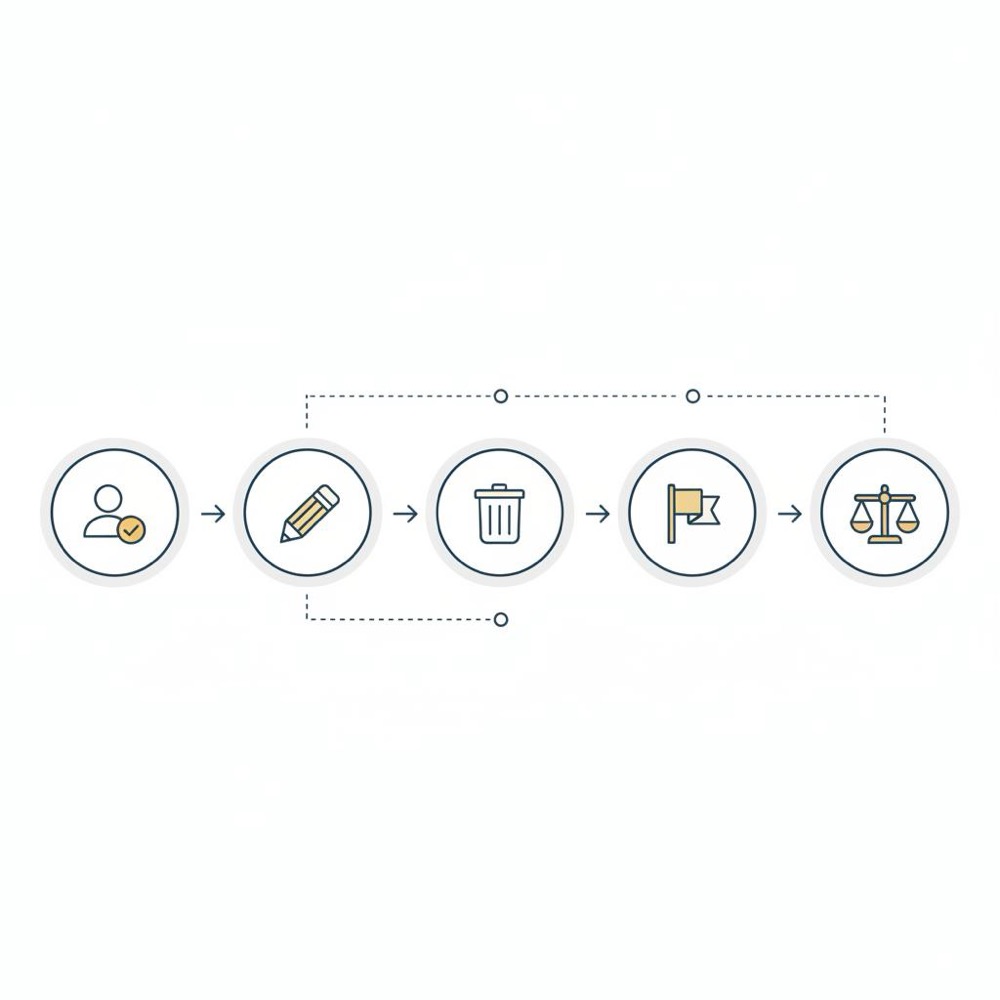
- Use flagging for policy breaches; use legal forms for privacy or unlawful content.
Common questions answered
Can I recover a deleted review?
No reliable public method exists to restore a deleted review. If you deleted a review accidentally, you can re-post it, but the original timestamp and context are not preserved publicly in the same way.
Does deleting remove everything forever?
Deleting removes the public display, but Google may retain copies in internal logs or backups for administrative or legal reasons. That retention is typical for many large services and does not mean the review remains publicly accessible.
Can a business delete my review for me?
No. Businesses cannot delete a legitimate review. They can flag content that breaks policy and ask the reviewer to edit or delete, but only the account holder can remove their own review-unless Google’s moderation removes it for policy reasons.
At Orvus, we build repeatable systems that remove friction. For review management that means clear ownership, a small response playbook, and a way to capture screenshots and dates. The goal is to prevent the panic of "I must delete my Google review right now" by creating simple flows that calm the process and document what happened. A clear company logo makes it easier for customers to recognise official communications.
How Orvus approaches review management (a practical note)
At Orvus, we build repeatable systems that remove friction. For review management that means clear ownership, a small response playbook, and a way to capture screenshots and dates. The goal is to prevent the panic of "I must delete my Google review right now" by creating simple flows that calm the process and document what happened.
Final practical checklist
1. Check account identity.
2. Try edit before delete if you’re unsure.
3. Take a screenshot before changing anything.
4. If UI is missing, clear cache or use private browsing.
5. Flag if the review breaks rules.
6. Use legal routes only for privacy or unlawful cases.
7. Build a small team flow for responses if you run a business.
It’s human to change your mind. The digital tools are forgiving, and a calm approach resolves most issues without drama.
Yes. If you’re signed into the Google Account that posted the review, open Google Maps or your Google profile, find the review, click the three-dot menu and choose Delete review. If Delete isn’t visible, try editing instead, or check account, app updates and listing status.
Common reasons include being signed into a different Google Account, the business listing being removed or merged, Google having already removed the review for policy reasons, or app/browser caching or glitches. Update the app, clear cache, sign back in, or open Maps in a private browser to troubleshoot.
Use legal removal channels when a review contains private personal data, unlawful content, or defamation that meets local legal standards. These requests require documentation and sometimes court orders; consult legal counsel for defamation claims and use Google’s official forms for privacy-related takedowns.
Want this kind of work done for your business?
We build and run AI-powered marketing and automation. 15 minutes, honest assessment.
Book a call