 Orvus
The journal
An Analytics Handover Checklist for Changing Agencies
Verify client ownership, agree the scope of GA4 and Search Console access, and reproduce the working reporting baseline before changing agencies.

 Orvus
At a glance
Before the outgoing agency loses access, ask the client to prove control of the correct GA4 and Search Console properties. Recreate a saved report with the same settings and make ownership, access and report continuity separate sign-off items.
In this guide
Before the outgoing agency loses access, verify that your team can administer the right GA4 property, open the right Search Console property and reproduce an existing report. Keep the working measurement setup in place while you check ownership and access. Record the account names, property IDs, owner status, reporting definitions and before-and-after checks in one handover sheet.
Make the inventory from the client side
Open the reports your team already uses and trace each number to its property. In GA4, record the account, property ID, website stream and the hostname it covers. In Search Console, record the exact property type and address. A domain property and a URL-prefix property can have the same brand name while covering different sets of pages. Add the report name, source, date range, time zone and filters next to each row.
Have a client employee open both property settings with their own organization-managed identity. Capture which role or owner status that identity actually has and what it needs for the handover. In GA4, a permission granted at account level can reach all properties under it. A property-level grant keeps the scope narrower for someone who only needs one site. For Search Console, distinguish verified ownership from delegated ownership and record which verification method is controlled by the client. The sheet needs the method and responsible person, never the verification token, private key or a shared login.
The reporting link and the tag that sends events have different owners and different failure modes. A report can still open while the new team lacks permission to change a site tag. If Tag Manager is in scope, name its account, container and published version in a separate entry. Ask who can read that version, who can deploy it and who will hold the recovery record.
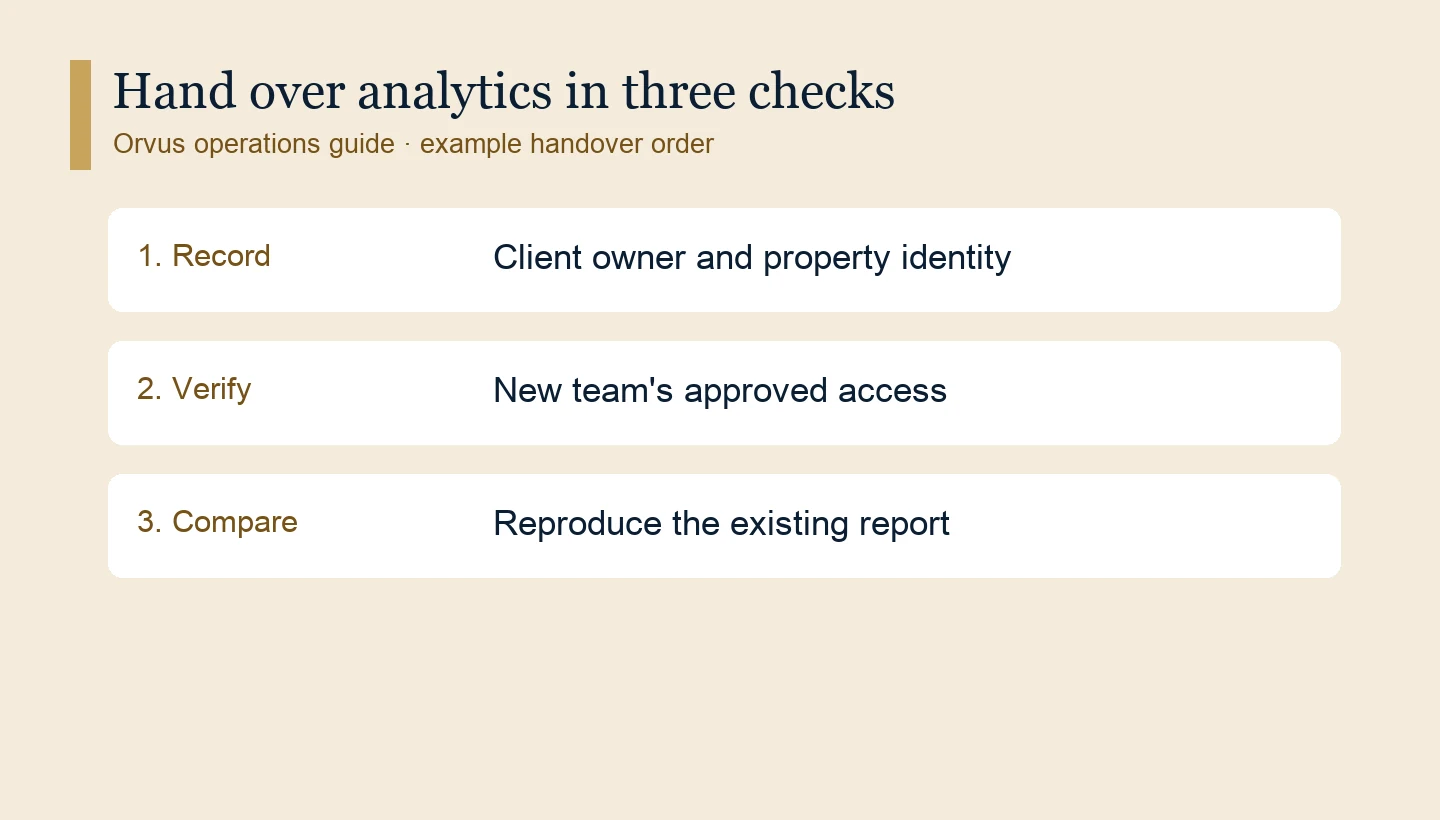
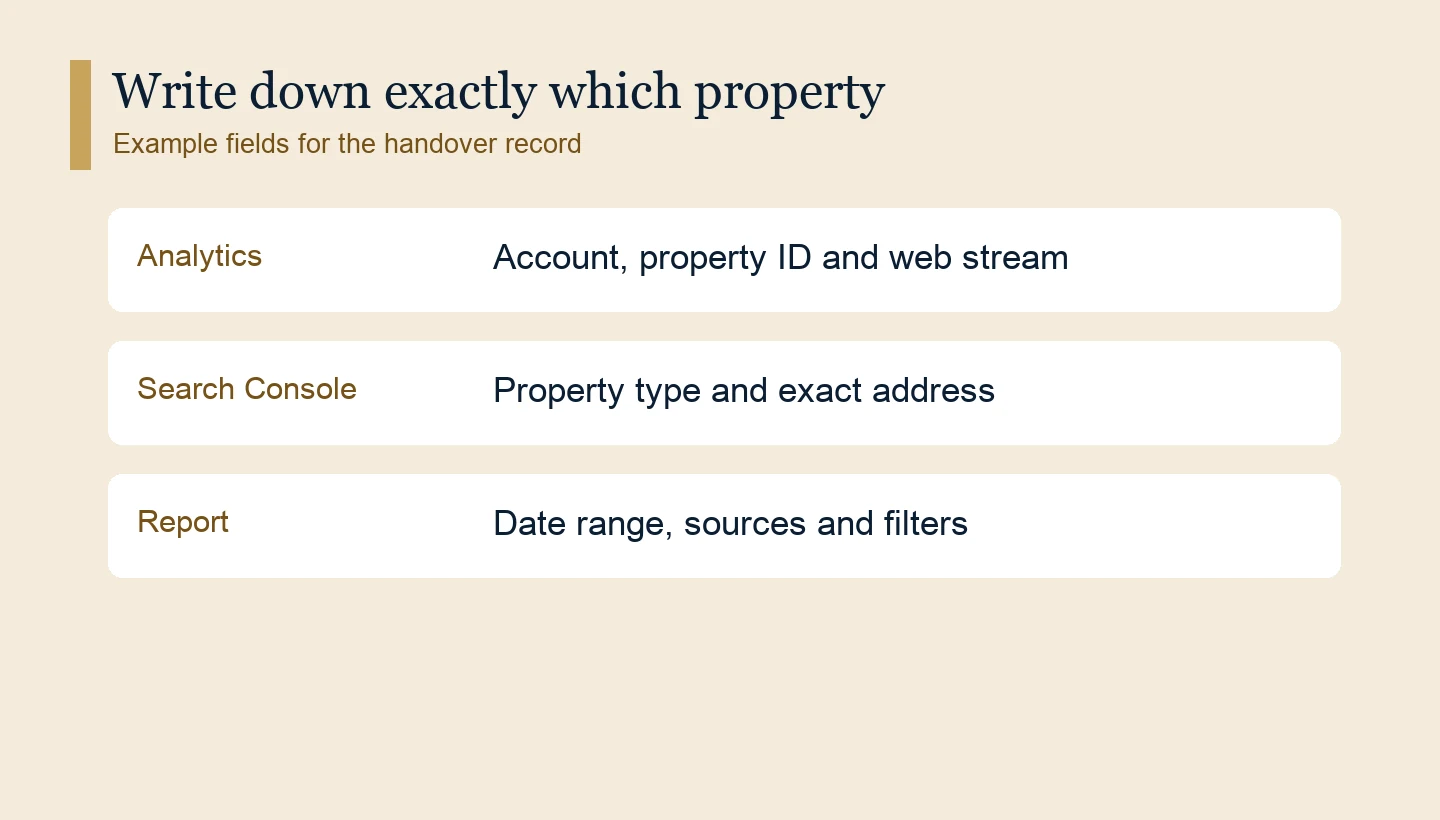
Understand the first-party properties behind the reporting. Set up GA4 and Search Console.
Sources: Google Analytics Help · Google Search Console Help
Check the reporting link and working baseline
If the team relies on Search Console reporting inside GA4, record which web stream is linked to which Search Console property. Open both source properties and confirm that the pairing refers to the website you intend to measure. You can keep first-party Search Console reporting separate if you do not use the integration. Document the source actually used instead of creating new links just to make the inventory look complete.
Save one representative report as a baseline. Pick a finished period and specify the report name, web search scope, filters and columns shown. For example, record a Search Console page-level report for a calendar week and a GA4 landing page report for that same calendar week, using their existing definitions. Keep each provider's date handling and metrics visible. Clicks in Search Console and sessions in GA4 answer different questions. A useful handover reproduces each report against its own baseline.
For each baseline save the report title, its period, any comparisons or exclusions, and the columns and dimensions in view. Give the file a stable name such as the property ID and the end of the report period. If the report uses a custom exploration or dashboard, document the underlying property and matching filters alongside the output so the next team can reproduce the query.
Who needs to prove what
Client control
A named client identity can administer the intended GA4 property and verify the intended Search Console property using a client-controlled method.
Incoming reporting access
The incoming agency opens the assigned property with its own identity and can reproduce the agreed report with the same restrictions.
GA4 permissions can be granted at account or property scope. Broader account permissions reach properties. Review role and scope separately using a client-owned account. Add, edit, and delete Analytics users.
Sources: Google Analytics Help
If you package the baseline reports for handover, give each export a filename that preserves its period, scope and revision and save the full settings alongside it.
Reconcile access with a worked example
In a hypothetical handover, the client runs two websites under one GA4 account. The new agency needs to read one site and neither site needs a tracking change. List both property IDs, confirm the client's administrator can open the first property and grant access at that property only. The incoming agency uses its own identity to open the agreed reporting view. The client checks the second property separately, since the new agency should only be able to see what the task requires.
Now check Search Console from the client side. Suppose the existing domain property has an agency delegated owner and a client verified owner. Record the verified ownership that the client controls and make sure the person's identity and verification method will remain available. Confirm the incoming agency's agreed access, then test the report. Only after that readback should the authorized owner review removal of the outgoing grant. If the departing person controls the only verification method, establish and verify the client-controlled method before touching the old one.
| Check | Record | Readback |
|---|---|---|
| GA4 property | Account, property and stream | Client admin opens the expected settings |
| Search Console | Property type and verified owner | Client controls a working verification method |
| Reporting | Date range, definitions and filters | Incoming team reproduces the baseline |
Sources: Google Analytics Help · Google Search Console Help
Close the change with a test someone else can repeat
Ask the incoming team to reproduce the saved baseline with the same definitions. The reviewer compares what both teams can see and notes why any difference is expected. A missing property, changed URL scope, different date range or missing filter is a reason to stop and investigate. Keep the site tags and account structure stable while you do that comparison. If a real measurement defect appears, treat it as a separate reviewed change with its own validation.
Give the handover a clear sign-off point. One person checks ownership, one checks reporting access and one confirms the baseline. Record the date and which properties each result covers. The final record should tell a new operator which property to open, which report to reproduce and whom to contact for a change. That is more useful than a spreadsheet of former agency email addresses that nobody has tested.
Separate the date you grant access, the date someone demonstrates access and the date you remove an old grant. Keep an approved recovery contact and a last working version if the team must undo a configuration change. If a required check fails, leave access for the existing authorized operator in place until the client can restore equivalent access or confirm a different resolution.
Before you finish
- Confirm client-owned access.
- Verify the existing property pairing.
- Record the comparison and sign-off.
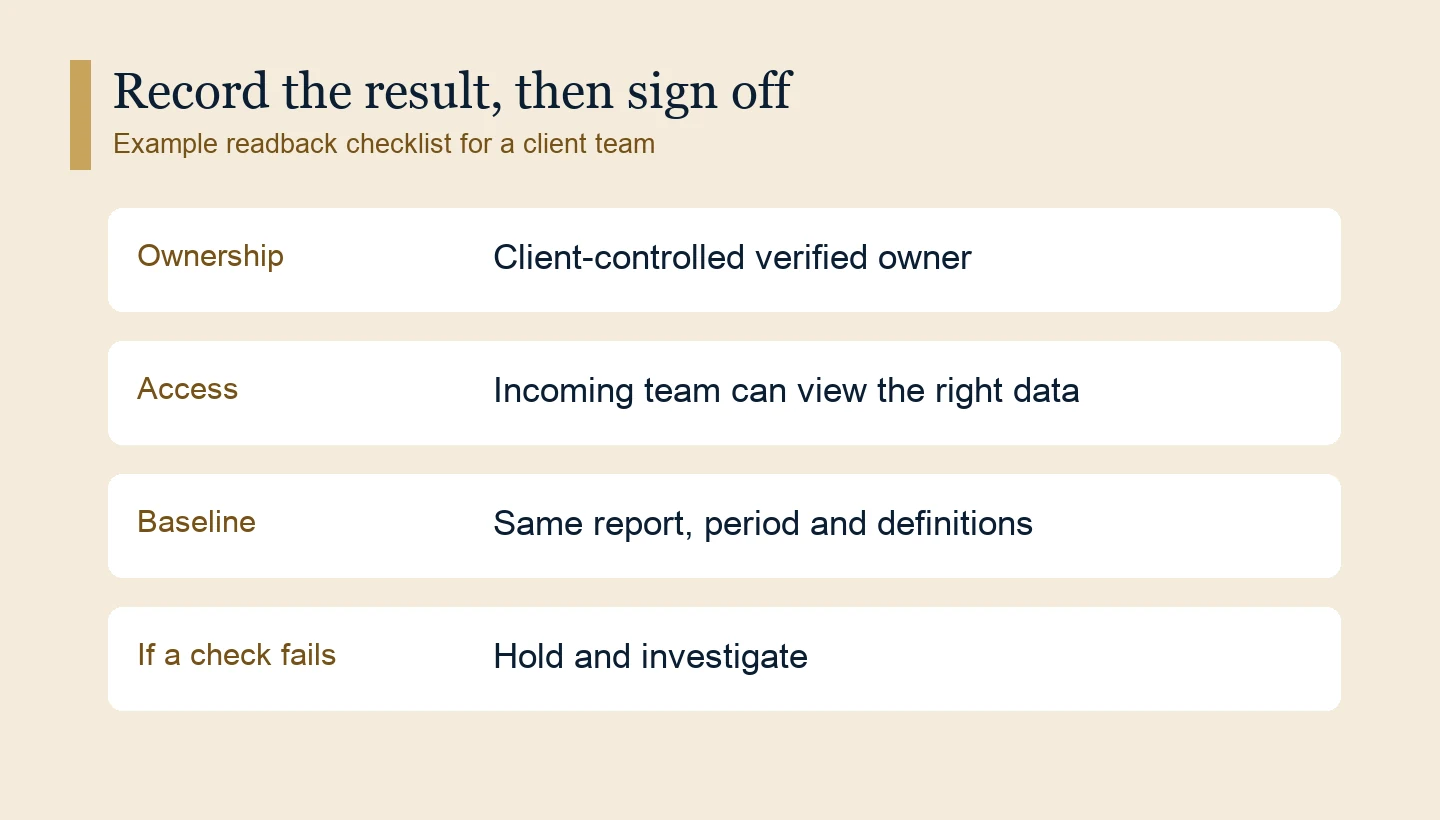

Identify which report the team needs to reproduce. Read GA4 traffic sources.
Sources: Connect Search Console to Google Analytics · Add, edit, and delete Analytics users
Frequently asked questions
Do we need to replace our tracking tags when the agency changes?
First test access and existing reporting. Make tagging changes only when a separate problem is identified.
What if the two reports disagree?
Compare each report to its own baseline and reconcile definitions, scope and date handling before changing the setup.
Can we use a shared inbox or password to transfer access?
Give named people the permissions they need through their own organizational accounts. Keep credentials, tokens and private recovery materials in the client’s access-management system.
What if the traffic reports match but the account owner is still unclear?
Leave the ownership check open. A report viewer can reproduce a table without controlling the property or its verification method. Have the client verify control from an authorized identity.
OrvusReview the GA4 and Search Console setup
Identify the property and stream behind each report before adding an access change to the handover.
Review the GA4 and Search Console setupKeep the reporting baseline reproducible
- Set up GA4 and Search Console
Understand the first-party properties behind the reporting.
- Read GA4 traffic sources
Identify which report the team needs to reproduce.
- When to automate reporting
Decide which report needs a repeatable manual check before automating it.
References
- Add, edit, and delete Analytics users Google Analytics Help
- Managing owners, users and permissions Google Search Console Help
- Connect Search Console to Google Analytics Google Analytics Help