 Orvus
The journal
File Naming Best Practices for Search Reports: Keep the Period, Scope and Version
Build an export convention a teammate can read without its folder. Keep filters and report period separate from export times and revisions.

 Orvus
At a glance
Keep a stable naming sequence with property and report, covered dates, filter scope and revision. Save the exact settings and extraction time with the file so somebody else can reproduce it.
In this guide
A good analytics export filename lets someone identify the report after it has been downloaded, attached to another document or moved out of its folder. Include the reporting period, a short scope and a version. Keep the full filters and extraction details beside the file.
Name the report by what it actually contains
Start with a short, stable property alias and report identifier. Follow those with the period in a fixed sortable format. For an example team, “store-search_20261101-20261107_web-all_v01.csv” identifies a week of web search data. In that team’s convention, all means no additional country or device restriction. The name says when the observations occurred. The exported-at time belongs in the accompanying record.
For a filtered extract of the same period, keep a different scope, such as “web-us”. When a coworker later combines the results, the two labels can help them avoid treating a U.S. subset as a second total. Google’s documentation says a UI export reflects the filters and grouping that the report was showing. A filename cannot repair an export made with the wrong filters. Check the report before downloading.
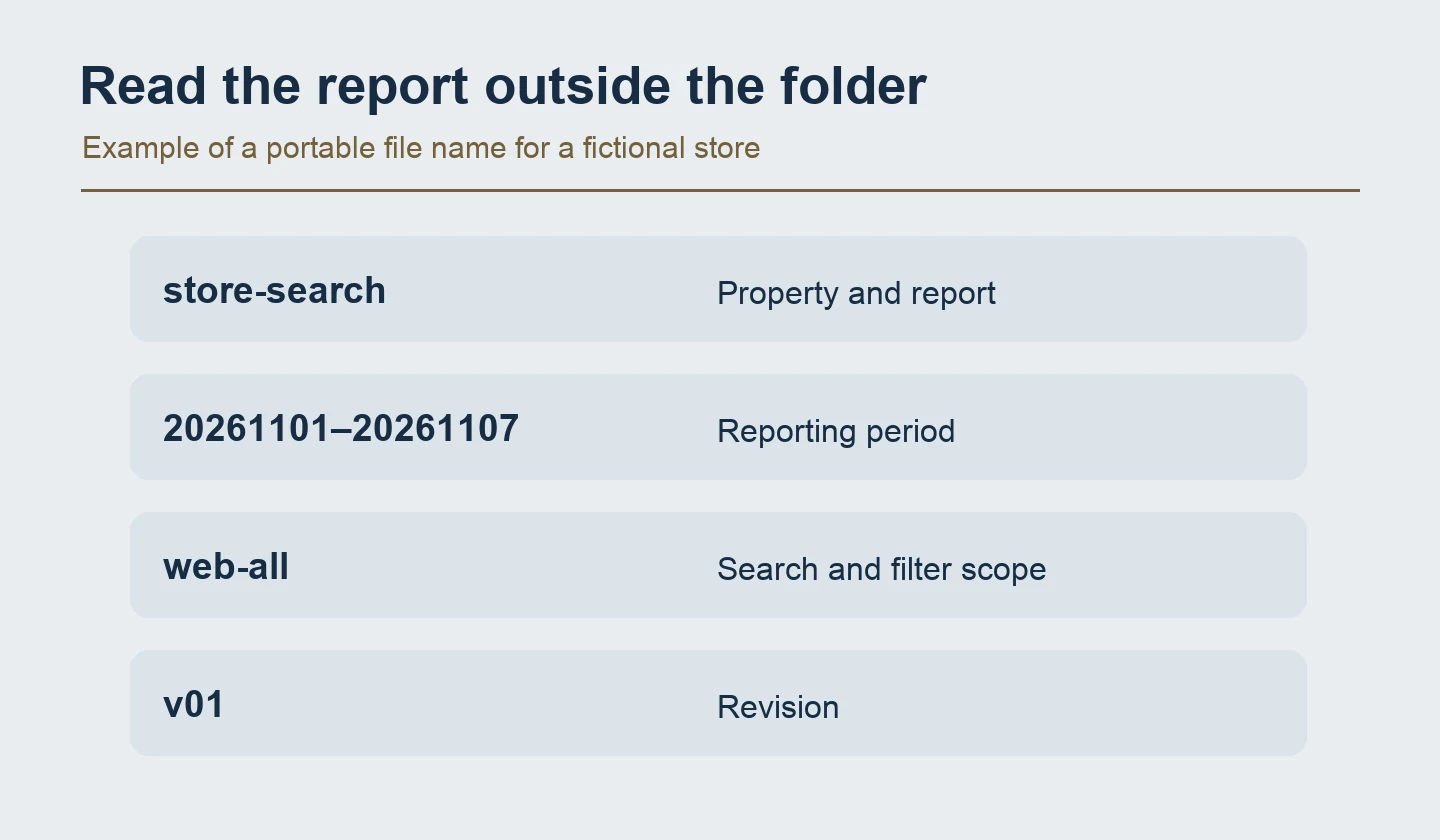
Put each kind of date in the right place
Reporting period
Which dates are represented by the data.
Extraction timestamp
When the export was retrieved in the chosen time zone.
For consistent file naming fields and portable characters, see Recommended file and folder naming conventions.
Sources: US National Archives · Google Search Console Help
Keep scope apart from revision
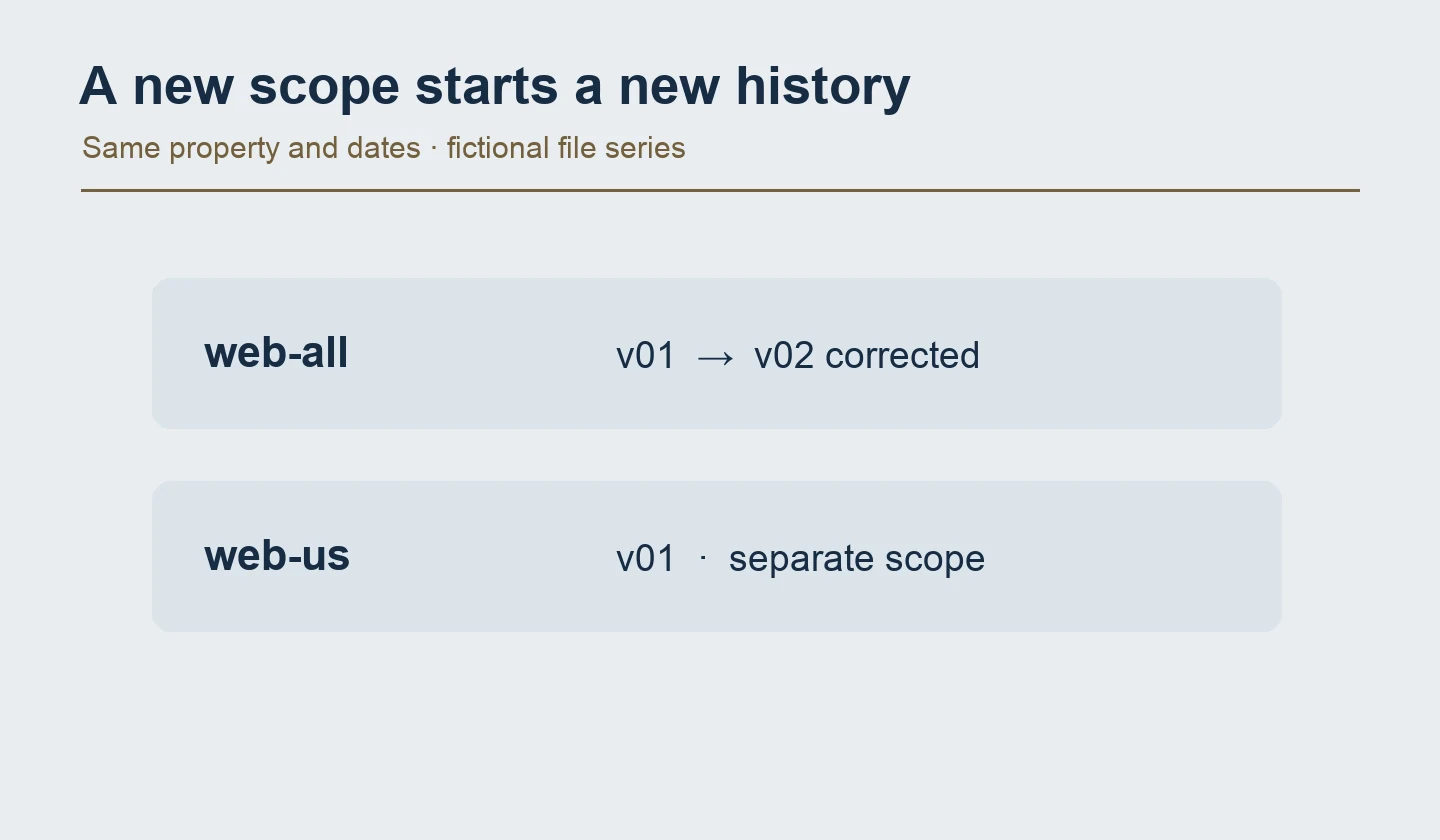
Suppose a corrected report is exported later with the same week and filters. Bump its version from v01 to v02 and keep a short reason. If you change the filter from all countries to U.S. only, the report now has a different scope. Begin that scope’s own revision history rather than filing the change as the next version of the all-country report.
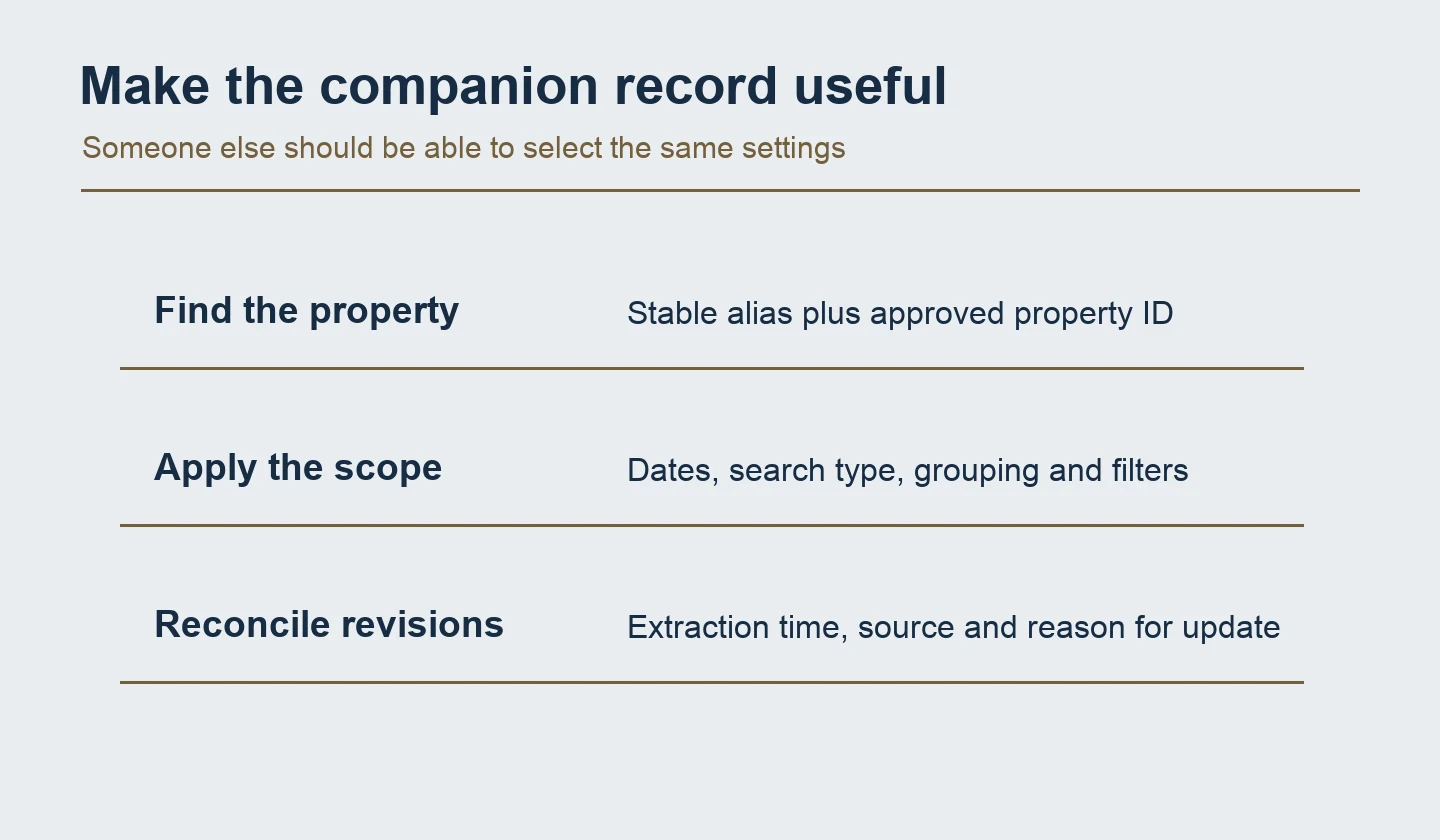
In the accompanying record, log the property alias and identifier, report name, dates, search type, country and device filters, grouping, time zone assumption and actual extraction timestamp. Record whether this was a UI export or another source. The UI export provides a limited rows table, and the totals can reflect data beyond the visible or exported rows. Preserve that distinction when someone reruns a table total.
| Scope identifier | Version | Meaning |
|---|---|---|
| web-all | v01 | First all-country extract |
| web-all | v02 | Corrected extract, same filters |
| web-us | v01 | First extract with a country filter |
For the limits of a UI export and filters it carries, see Export data directly from a Search Console report.
Sources: Export data directly from a Search Console report · Performance report: filtering and comparison
Try identifying the export with the folder hidden
Hand a colleague the two sample filenames, without the folders, and ask them to pick the corrected all-country report. Then ask them to recreate its scope from the accompanying record. If they cannot tell which dates are reporting dates or which filters were used, fix the naming convention or manifest before rolling it out.
The U.S. National Archives advises keeping naming components in consistent positions and portable across systems. The particular separators, reporting scopes and version policy here are practical choices for a marketing team. In a shared package, keep sensitive client names out of filenames when an approved property alias is sufficient.
Test the name and its companion record
- Open the file outside its folder.
- Check whether a reader can identify its period and filter scope.
- Recreate the export settings from the accompanying record.
- Record why the revision exists.
For the exact report settings to note, see Performance report: filtering and comparison.
For the related task, see Keep dashboard comparisons consistent.
Sources: US National Archives · Google Search Console Help
Frequently asked questions
Should I put property details into the filename?
Use a stable alias. Put the exact identifier in the approved accompanying record.
What if the latest export has preliminary data?
Record the state and extraction time. Treat the reported date range as a separate field.
Should I add up the top rows to get the report total?
Check what the export contains. Search Console’s visible or sampled rows can differ from the total reported in the chart.
Should I use final in the filename?
A fixed version marker and documented approval status make it easier to identify the intended file.
OrvusSet up a reporting baseline for handover
Keep the exact property, scope and access visible to the owner.
Make the export reproducible at handoverContinue with a related guide
- Set up a reporting baseline for handover
Keep the exact property, scope and access visible to the owner.
- Keep dashboard comparisons consistent
Separate source scope, freshness and missing data.
- Name campaign tags consistently
Share the same definitions across reporting and publishing.
References
- Recommended file and folder naming conventions US National Archives
- Export data directly from a Search Console report Google Search Console Help
- Performance report: filtering and comparison Google Search Console Help