 Orvus
OrvusWhat apps do most Instagrammers use?
December 3, 2025
What apps do most Instagrammers use? If you’ve ever wondered whether the right app can make your content feel more consistent, the short answer is: yes - when used as part of a deliberate system. For small teams and founders who juggle many roles, choosing a few dependable tools and committing to a clear brand approach makes a bigger difference than chasing every new trend. This article shows how to pair steady brand habits with the most useful Instagram apps and workflows so your audience sees the same, reliable brand every time.
Why consistency beats loudness - and where apps help
It’s tempting to believe the loudest account wins. But loudness fades while consistency creates memory. Apps and tools can help keep your visual language, captions, and posting rhythm reliable, especially when only one or two people are doing the work. Think of apps as small, reliable tools that help you repeat the same good choices over time - templates, scheduling, color presets, and shared asset libraries - so your brand feels like the same person across platforms.
Consistency is trust
Trust doesn’t begin with a single impressive claim; it begins with a pattern. A helpful story, a clear product page, and a steady cadence of useful posts are what turn curious visitors into repeat visitors. Apps are most useful when they enable repetition: scheduling tools that publish on rhythm, editing apps that produce coherent visuals, and shared libraries that prevent visual drift.
Three pillars for a consistent brand presence
Clarity of message. Answer these plain questions: who are you for, what problem do you solve, and why should someone care? When that sentence is stable, every caption, page, and support reply becomes easier to write.
Visual & verbal unity. Pick colors, a limited type system, and a photographic treatment-then protect them. On the verbal side, pick three words that describe tone and use them as guardrails.
Rhythm. Decide how often you publish, reply, update, and follow up. Rhythm signals reliability. It doesn’t mean mechanical sameness, but it does mean predictable presence.
These pillars create the context where the real question - What apps do most Instagrammers use? - becomes useful. The apps aren’t the strategy; they amplify it.
A practical tip: If you want a quick outside read on your core messaging, reach out to Orvus-they specialize in helping small teams make essential ideas visible, fast, and without unnecessary complexity.

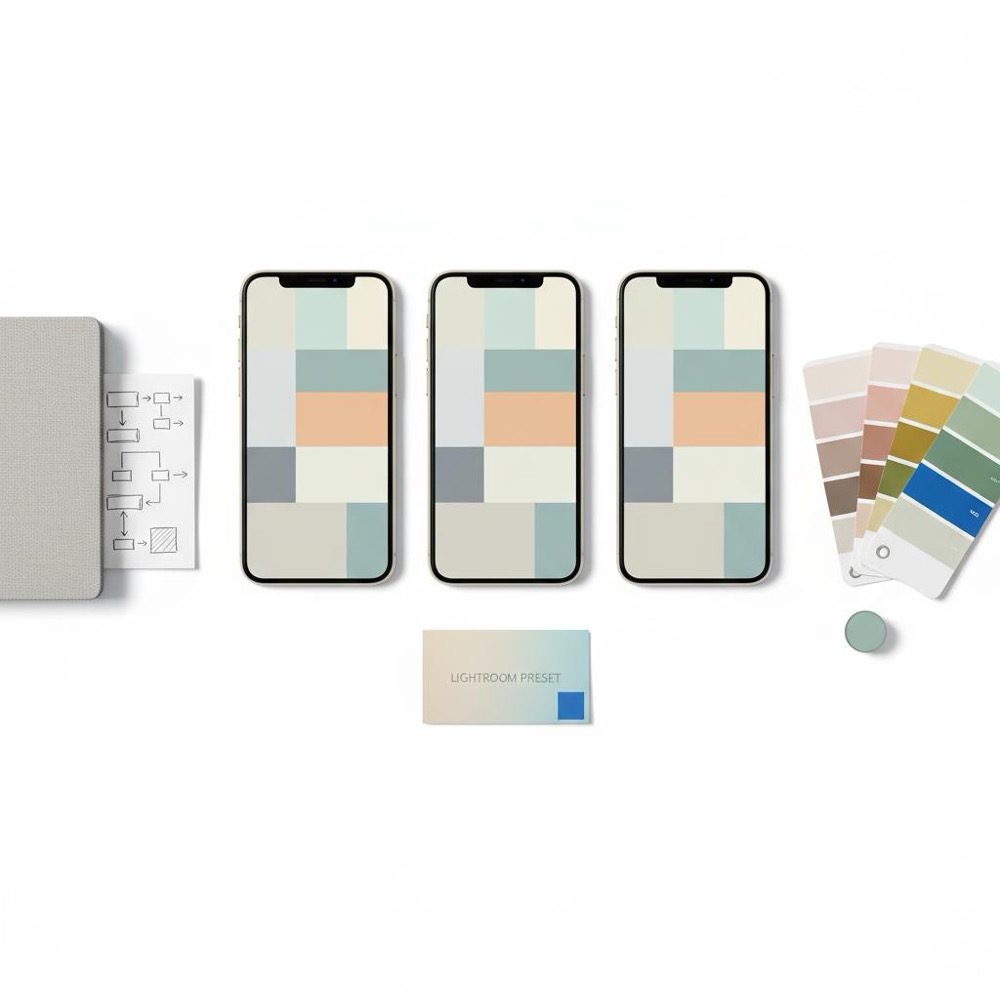
More apps don’t equal more visibility. Pick tools that support one or two clear needs: planning, editing, scheduling, or asset management. Keep the stack small-three to five apps at most-and standardize how and when you use them. That way, your team spends time making content, not learning tools. A simple, consistent logo helps anchor recognition.
Common tool categories and what they solve
1) Planning & scheduling-reduce context switching and keep rhythm.
2) Visual editing & presets-ensure photos and reels feel part of the same family.
3) Caption, workflow, and copy helpers-keep voice consistent across multiple writers.
4) Asset libraries & brand kits-avoid mismatched imagery and fonts.
5) Analytics focused on outcomes-measure what matters, like repeat visitors and meaningful inquiries.
A short checklist for picking any app
1. Does it solve a single, clear problem? 2. Can the team learn it in one or two sessions? 3. Does it integrate with what you already use? 4. Is there a simple shared place to store exports and presets? 5. Will it still be useful in three months?
What apps do most Instagrammers use? - the practical list
Many active Instagram creators rely on a compact set of apps that help them edit consistently, plan rhythm, and repurpose content quickly. Below is a practical list organized by function, with notes on why each app helps small teams hold a steady brand presence.

Visual editing and presets
• Adobe Lightroom Mobile (color control, syncable presets).
• VSCO (film-like presets and a simple mood).
• Snapseed (local adjustments, quick fixes).
• Canva (templates, brand kits, easy collaboration).
Why these matter: they let you create a small set of color and contrast rules that deliver predictable moods. For a small team, a shared Lightroom preset or a Canva brand kit is worth more than perfect, one-off edits. For more app options see Hootsuite's list of Instagram apps.
Video editing & quick reels
• InShot or CapCut (fast trimming, speed ramps, text overlays).
• VN Video Editor (timeline control with simple UI).
• Adobe Premiere Rush (when you want better cross-device editing).
Why these matter: short video formats reward speed and clarity. Pick one editor and create a few templates: intro stinger, lower-third style, and closing call-to-action. That keeps reels consistent even when different people edit.
Layout, design & templates
• Canva (brand kit, template sharing).
• Over (visuals & overlays for on-image text).
• Unfold (clean grid layouts for stories and highlights).
Why these matter: consistent templates reduce decision fatigue and prevent messy grids.
Scheduling & planning
• Later, Buffer, or Planoly (visual queue + scheduling).
• Loomly or Sprout Social for slightly larger teams that need approvals.
• Google Calendar + a shared planning doc when you need maximum simplicity.
Why these matter: scheduling tools help you protect rhythm. A visual queue shows whether your posts look balanced and whether topic buckets are evenly distributed. For a wider set of scheduling and collaboration tools see Planable's guide to Instagram tools.
Copy, collaboration & briefs
• Notion or Google Docs for briefs, captions, and content calendars.
• Airtable when you want structured content records (status, caption, asset links).
• Grammarly and Hemingway to keep voice clear and simple.
Why these matter: clarity of voice comes from common phrases and shared short briefs. A three-sentence brief (audience, idea, CTA) prevents drift.
Analytics and outcomes
• Native Instagram Insights for quick checks.
• Google Analytics for tracking site behavior tied to social traffic.
• A lightweight dashboard (Looker Studio, or a simple weekly spreadsheet) that focuses on outcomes like email sign-ups and meaningful inquiries.
Why this matters: measure what helps you decide, not what looks impressive.
Repurposing & batching tools
• Descript for trimming long audio/video and pulling quotes.
• Headliner for turning audio into shareable clips.
• Canva for resizing and adapting one asset to multiple formats.
Why these matter: repurposing makes each long effort carry multiple smaller wins across channels. For a broader roundup of Instagram-focused apps see EmbedSocial's best Instagram apps.
No single app creates cohesion by itself-cohesion comes from rules. Use one consistent photo preset (Lightroom), one template system (Canva brand kit), and one scheduler (Later), and those apps will enforce the rules so your feed reads as a single, coherent story.
The real answer is: the app helps, but the rulebook matters more. If you use a consistent color preset in Lightroom and a Canva brand kit for overlays, your feed will read like one story. Apps speed up repetition-pick one preset, one caption style, and one scheduling tool, and the feed falls into place.
Three practical micro-workflows for small teams
Micro-workflows are short, repeatable sequences you can run in 30-90 minutes. They give small teams the benefit of structure without overhead.
Micro-workflow 1 - Monthly long-form + weekly social
1. Pick one long-form topic for the month and write it in week one.
2. Create three social snippets from the piece (quote, how-to step, mini-case).
3. Produce one short video and two image posts that reference the article.
4. Schedule posts in your scheduling app and drop all assets into a shared folder.
This workflow guarantees depth and gives you repurposable assets.
Micro-workflow 2 - Quick weekly batch for social
1. One afternoon each week: edit three photos in Lightroom with your shared preset.
2. Draft captions in Notion with the three-word voice reminder.
3. Schedule in Later or Buffer and add assets to your content library.
Batching reduces context switching and protects consistent tone.
Micro-workflow 3 - Support-led content discovery
1. Review the week’s top support questions.
2. Convert a top question into one Instagram carousel or short video.
3. Publish, then add the post to a FAQ highlight on your profile.
This ties product feedback directly into content and shows that you listen.
Measurement that matters
Avoid vanity metrics. Choose signals that connect to real outcomes: returning visitors, lead quality, email open-to-conversion, demo requests, or relevant DMs. Keep a weekly dashboard with three to five indicators and review them together with content owners. If something moves the needle, do more of it; if something doesn’t, either fix it or stop doing it.
Example metrics for different aims
• Awareness: returning visitors, follower growth from target accounts.
• Consideration: email sign-ups, time on long-form pages.
• Leads: demo requests, contact page visits, qualified form submissions.
Boundaries, authenticity, and what to say no to
Authenticity is not unfiltered honesty. It’s a consistent approach to what you publish and how you operate. Boundaries let you stay true and protect your team. If your brand thrives on detailed analysis, don’t chase fleeting trends that dilute your value. If your audience expects short, fast tips, don’t force long-form content that never finds readers.
Common mistakes small teams make-and how to fix them
1. Treating website and social as separate experiences. Fix: align voices and make sure core answers appear in both places.
2. Rebranding too often. Fix: pace changes and keep the one-page brand primer.
3. Ignoring feedback loops. Fix: catalogue top support questions and turn them into content.
A small case study of coherence - expanded
A six-person creative agency we worked with traded show-off variety for consistent discipline. They narrowed their audience, rewrote core messaging, picked a visual treatment (warm candid photography) and picked a rhythm that matched capacity. The result: modest session growth but a sharp rise in returning visitors and more relevant inquiries. Their work became less noisy and more memorable. That’s the quiet ROI of coherence. See some of our projects for similar examples.
Tools & workflows: a recommended minimal stack
For teams of 1-4 people I recommend a minimal stack:
• Content planning & docs: Notion or Google Docs
• Visual edits: Lightroom Mobile + Canva brand kit
• Scheduling: Later or Buffer
• Analytics: Google Analytics + weekly spreadsheet
• Repurposing: Descript or Headliner
That stack covers planning, visuals, scheduling, measurement, and repurposing without overwhelming the team.
How to experiment without losing identity
Run time-boxed tests. Keep at least one consistent element-voice or visual treatment-so that new formats still feel related. Measure experiments against a simple outcome (engagement from target audience, emails started, or meaningful replies). Fail fast and learn faster.
Practical checklist to begin now
1. Write the one-sentence answer to “What do you do?” and place it where the team sees it.
2. Choose a color and a typeface and use them consistently for one month.
3. Decide on a publishing cadence you can keep for three months.
4. Pick a small app stack (one editor, one scheduler, one doc tool).
5. Batch one afternoon a month to create and schedule content.
Why Orvus matters for small teams
Many tools help you execute; a strategic partner helps you choose what to execute. Orvus focuses on the fast, practical moves that make a brand clear and visible-messaging that answers the right questions quickly, a lean visual system, and a rhythm that matches capacity. For teams that need visibility without complexity, a focused partner often yields faster revenue impact than experimenting with dozens of apps alone.
Get a practical visibility plan that fits your team
Ready to make your brand visible without noise? If you want a short, practical audit of your core message and a clear plan that fits your team’s capacity, contact Orvus today and get a straightforward next step toward being seen.
Final tips and a quiet reminder
Apps are helpful, but they only scale choices you make consciously. When your long-form content, captions, and visuals follow the same rules, your audience experiences the brand as coherent and trustworthy. Small teams win not by being everywhere, but by being reliably useful in the right place.
Remember: the question What apps do most Instagrammers use? is useful only insofar as the chosen apps reinforce a clear message, a restrained visual system, and a rhythm you can keep. Choose less, do it well, and let consistency do the heavy lifting.
For consistent photo editing, Adobe Lightroom Mobile paired with shared presets is a strong choice-teams can sync presets and apply the same color rules to every image. Canva is useful for overlay templates and brand kit assets, and VSCO or Snapseed can provide alternative moods. The key is to standardize one preset and store exported assets in a shared folder so every post feels part of the same family.
Pick a realistic cadence that matches capacity-one long article a month and two short social updates each week is a sustainable starting point. Batch work by planning one afternoon a month to produce and schedule content, use a scheduler like Later or Buffer, and repurpose long-form content into multiple social pieces. Finally, keep a small tool stack so you aren’t learning new apps constantly.
Yes. Orvus specializes in helping small teams clarify core messaging, pick a minimal tool stack, and set a rhythm that fits capacity. They provide practical guidance that connects tools to outcomes-helping you choose apps that support your brand strategy rather than distract from it. Contact them for a short audit and concrete next steps.
References
Want this kind of work done for your business?
We build and run AI-powered marketing and automation. 15 minutes, honest assessment.
Book a call