 Orvus
OrvusHow to use word rewrite? A systems guide
February 7, 2026
What a rewrite function does and why it matters
A rewrite function reformulates selected text to preserve meaning while changing wording and style. By 2026 this capability appears both as standalone paraphrase tools and as editor integrated suggestions inside writing environments, letting operators apply controlled edits without starting from scratch. Google Workspace Blog
Users encounter rewrite options as inline suggestions, side panel tools, or as a dedicated paraphrase action in an editor. These placements affect how people review changes: inline suggestions can speed editing but need versioning to avoid accidental replacements. Modern tools can change tone and length but they can also introduce subtle meaning drift or new specifics that require verification. How to Paraphrase Effectively Using AI Tools
quick editor checklist for a single rewrite action
use this before accepting a change
Definition and common placements in editors
When you ask a tool to rewrite a sentence, it rewrites words while aiming to keep the original idea intact. Implementations range from an editor suggestion that appears inline to a dedicated paraphrase panel that replaces selected text when you accept the suggestion. These options shape review needs and traceability.
High level benefits and limits
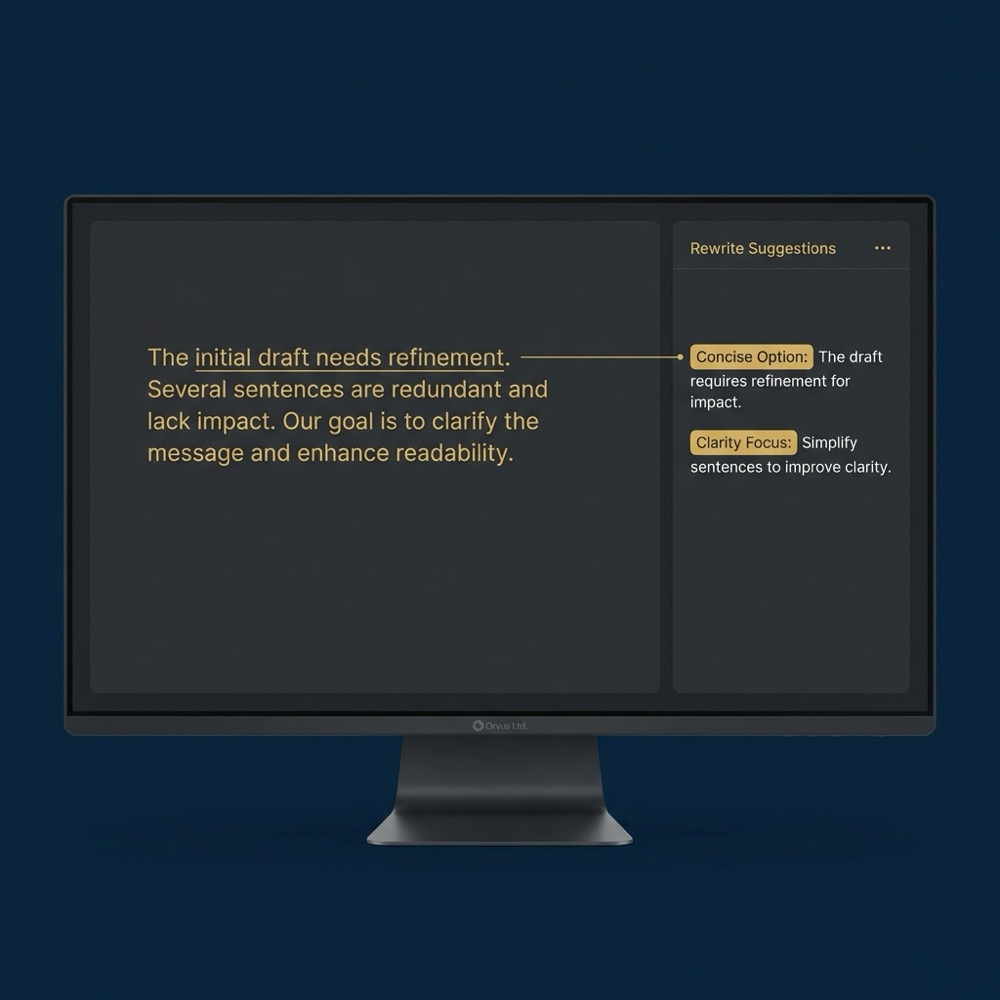
Benefits include faster copy iteration, consistent tone changes across content, and easier alignment with style guidelines. Limits include potential meaning drift and hallucination, so teams must build verification steps into workflows.
When to use a rewrite: decision criteria
Content accuracy versus style change
Decide on rewrite intensity by balancing factual sensitivity and stylistic need. For factual passages, prefer light edits that retain precise claims and qualifiers. For tone or flow improvements, heavier rewrites can be acceptable if verified afterward. Purdue OWL guidance
Context examples for different content types
Publishing context matters. Academic and legal content typically requires stricter review and clear attribution. Marketing copy or internal summaries can tolerate stronger paraphrase strength if reviewers confirm intent and facts. Turnitin Research & Insights

Common rewrite settings and what each controls
Tone presets and examples
Typical controls let you choose tone presets such as formal, neutral, or casual. Choosing a tone guides lexical choices and sentence structure while leaving factual content unchanged in ideal cases. Try short samples with each preset to see how wording shifts.
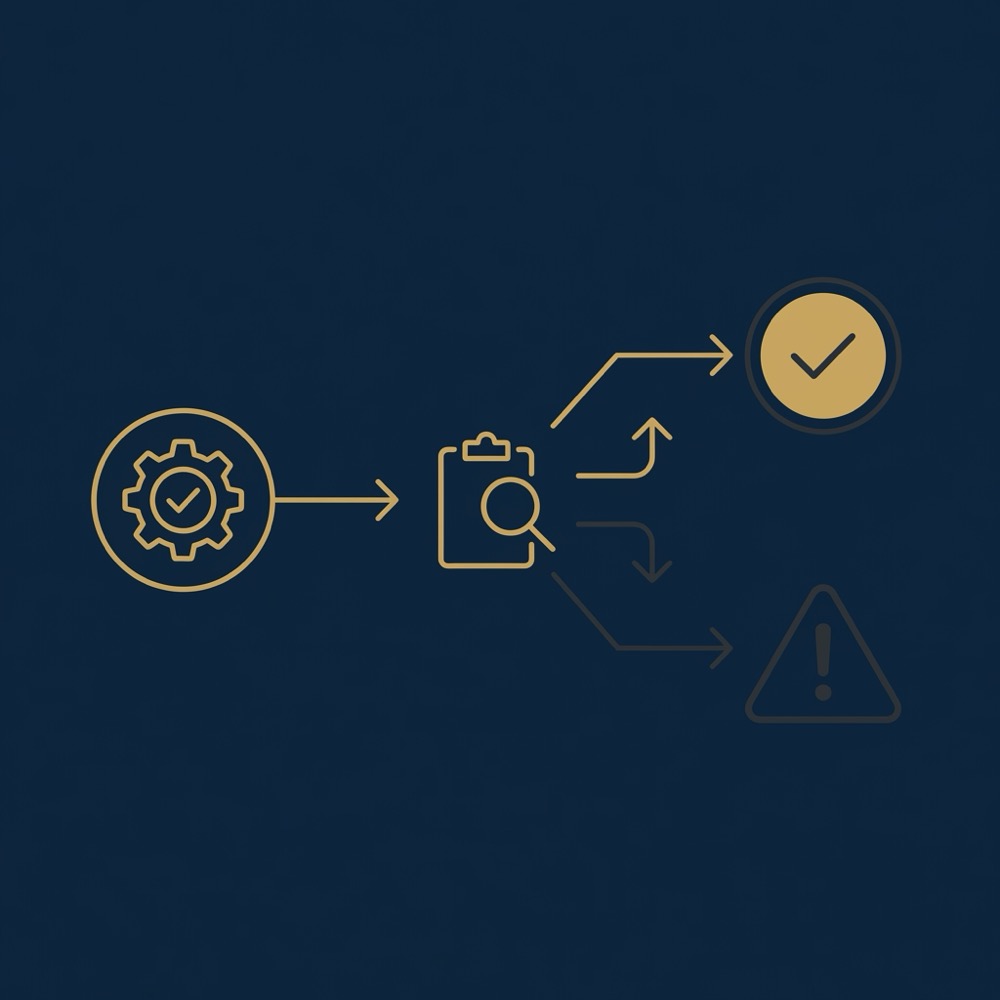
Use a repeatable workflow: pick the unit to rewrite, choose tone and strength, run the rewrite, compare meaning, verify facts and citations, and keep versioned originals. Add governance that restricts heavy rewrites for sensitive content and requires human expert review when needed.
Length controls and paraphrase strength
Length controls let you compress or expand the input, and paraphrase strength sets how much the tool changes wording. A light setting keeps close fidelity, while a heavy setting increases novelty at the cost of greater review. How to Paraphrase Effectively Using AI Tools
Quick criteria: choose light or heavy rewrite
Risk based rules of thumb
Use light rewrites for sentences that contain named facts, dates, or citations. Heavy rewrites are useful for improving rhythm and voice in nontechnical prose. When in doubt, pick the lower intensity and edit further by hand.
When to prefer manual editing
If a passage contains complex reasoning, technical specifics, or quoted material, consider manual rewrites by a subject matter expert to avoid meaning loss and preserve nuance. Automated rewrites can speed work but are no substitute for expertise on sensitive topics.
Step by step workflow for predictable rewrites
Select unit and target settings
Start by identifying the smallest unit that expresses one idea, typically a sentence or a short paragraph. Choose the target tone and length before running the rewrite to set expectations for the output.

Run, compare, and edit
Run the rewrite and compare the result side by side with the original. Confirm that the central idea, qualifiers, and any named facts are intact. Save the original text in version control so you can roll back if needed. Purdue OWL guidance
Best practice is to keep a short edit note that records the settings used, the reviewer, and any manual changes made after the rewrite. This metadata supports auditability and helps teams learn which settings work for which content types. Google Workspace Blog
How modern editors integrate rewrite suggestions in-place
Inline suggestions versus replace-in-place
Editor integrations typically present rewritten suggestions inline or in a side panel. Inline suggestions let authors accept a replacement with a single action while side panels show alternatives for review. Suggestion mode preserves edit history and reduces accidental overwrites.
UX patterns that reduce friction
Useful UX patterns include previewing changes before acceptance, showing the edit delta, and providing a quick toggle between original and rewritten text. These patterns help reviewers spot meaning drift early. Adobe Rewrite FAQ
Measuring rewrite quality: automated metrics and human review
Embedding based scores and semantic similarity
Teams can use automated metrics such as semantic similarity and embedding distance to prefilter rewrites before human review. These metrics help spot outputs that diverge in meaning even when surface wording looks fluent. A Survey on Paraphrase Generation and Evaluation
Consultation available for workflow diagnostics and tooling
Consider running a short trial that pairs automated prefilters with human spot checks to see how your content types tolerate different rewrite strengths.
When to use human evaluation
Automated scores are useful but do not replace human judgment. Human review is necessary when edits touch factual claims, legal language, or research findings, because models can introduce omissions and subtle errors. Pair automated metrics with sampling-based human checks for higher risk content. Paraphrase and Summarize guidance
Common error modes and how to avoid meaning drift
Typical hallucination and omission cases
Common failures include meaning drift where qualifiers are lost, omission of key context, and insertion of false specifics that were not in the original. These are more likely with heavy paraphrase settings or when the input contains compressed technical statements. A Survey on Paraphrase Generation and Evaluation
Practical mitigations
Mitigations include using light rewrites for factual passages, explicitly marking quoted material to avoid change, and adding a mandatory verification step for content with named entities. When automatic checks report low semantic similarity, route the item for human review. How to Paraphrase Effectively Using AI Tools Editorial guidance
Practical examples: light and heavy rewrites with side by side checks
Sentence level example and review steps
Before: "Sales increased 15 percent in Q2 after the new campaign." A light rewrite keeps the numeric claim and phrasing but smooths flow: "In Q2, sales rose by 15 percent following the new campaign." After any automated change confirm the number, period, and source. For factual numbers prefer minimal lexical shifts. Proofed's rewrite tips
Paragraph level example and verification
Before: a three sentence product description that includes technical claims and a citation. For a heavier stylistic rewrite you might aim to improve rhythm and reduce repetition, but you should then verify every technical claim, preserve any citations, and keep a copy of the original. Use side by side comparison and mark any added specificity for review. Google Workspace Blog
Attribution and plagiarism: when to cite after rewrites
Guidance from writing centres and plagiarism vendors
Authoritative guidance is clear that paraphrasing does not remove the need to attribute ideas that are not original. If a rewritten passage expresses another author's idea, add an attribution even if the wording changed. Purdue OWL guidance
Practical citation rules
Practical rules are simple: keep the original snippet and source in metadata when you run a rewrite, and add a citation in the edited text whenever the idea or interpretation comes from someone else. If you use automated rewriting in publishing workflows, require a citation check before approval. Turnitin Research & Insights
Using rewrite tools in sensitive contexts: academic and legal cautions
Why automated rewrites need extra governance
Academic integrity standards and legal precision demand human oversight. Automated rewrites can alter nuance that is material in scholarly arguments or contractual language, so require stricter review and retention of originals. Purdue OWL guidance
Checklist for sensitive content
For sensitive content, require a human expert review, preserve sources and original phrasing, and limit rewrite strength so changes remain transparent. Keep an audit trail that documents who approved changes and why.
Team governance: embedding rewrites into editorial workflows
Roles, permissions, and version control
Define roles such as author, reviewer, and approver, and restrict who can apply heavy rewrites in production. Integrate the rewrite action with your version control so every change can be traced and reversed if needed. Google Workspace Blog (see our about page)
Policies for rewrite usage
Policies should specify allowed rewrite strength by content type, mandatory citation checks, and when to escalate to subject matter experts. Embed these rules in editorial dashboards to reduce ad hoc decisions and to keep workflows consistent.
Fast checklist: what to do immediately after any automated rewrite
Immediate verification steps
Run this quick checklist: confirm named facts and dates, compare the rewritten text to the original for intent, and ensure tone fits the publication. Record the original and the settings used for traceability. Purdue OWL guidance
When to escalate to subject matter experts
Escalate whenever the content contains legal, clinical, or research claims. These areas require specialist review because automated rewrites can lose qualifiers or introduce errors.
Conclusion: practical next steps to add safe rewrites to your workflows
Starter actions are: pick one content type to pilot, define allowed rewrite strength, and run a short trial that pairs automated prefilters with human checks. Measure semantic fidelity and reviewer feedback rather than only surface novelty. Read more on our blog.
Track changes, require citation checks when ideas originate elsewhere, and iterate policies after the trial to scale the practice with less risk. See the Orvus homepage for contact and services.
Use a light rewrite when the passage includes named facts, dates, or citations so you keep precise meaning and reduce the need for verification.
No, paraphrasing does not remove the need to attribute ideas that are not original; keep the source and add a citation where the idea came from.
Compare the rewritten text side by side with the original, confirm named facts and qualifiers, and use semantic similarity checks plus a human spot review for risky items.
References
Want this kind of work done for your business?
We build and run AI-powered marketing and automation. 15 minutes, honest assessment.
Book a call