 Orvus
OrvusIs Magento better than WooCommerce for SEO? Guidance for operators
February 1, 2026
What magento seo means: scope, common terms and realistic expectations
When we say magento seo we mean the set of technical and content controls available to teams using Magento, now often called Adobe Commerce, to influence search visibility. That includes server-side settings, URL management, canonical behaviour and how the system exposes metadata for crawlers.
The platform provides a range of built-in controls, but those controls do not operate in a vacuum. Hosting, caching, image delivery and frontend optimisation strongly shape outcomes, so the CMS is only one part of the full delivery stack Adobe Experience League SEO overview.
Operationally, magento seo describes both platform features and the processes teams run to keep those features correct. For example, canonical tag settings or URL rewrites are platform features, while testing, deployment and monitoring are process items that determine if those features stay correct over time Usage statistics and market share of e-commerce software.

Defining magento seo versus store-level SEO
Distinguish platform-level controls from store-level choices. Platform-level controls are things the CMS exposes, like canonical tag management, URL rewrites and sitemap generation. Store-level choices include content strategy, internal linking and metadata templates.
Knowing the boundary helps teams assign responsibility. Developers handle server-side rules and deployment. Content teams own taxonomy, copy, and internal linking. Measurement and reporting track whether those changes move organic traffic.
Common misconceptions operators hold about platform limits
A frequent misconception is that moving CMS will fix organic performance by itself. In practice, many performance problems trace to hosting, caching or frontend build rather than the CMS core. Multiple comparisons from recent years emphasise the infrastructure side of performance outcomes Magento vs WooCommerce comparison and other comparisons show similar findings.
Another misconception is that availability of a plugin equals a solved problem. Plugins and modules change the operational surface area. They can make tasks easier but they also add maintenance and potential regressions if not audited.
How Magento and WooCommerce implement core SEO features
Magento exposes canonical tag management, URL rewrites and sitemap generation as part of its server-side admin controls, which supports more granular rules for large catalogs and multi-store setups Adobe Experience League SEO overview.

Those server-side controls often live in the platform configuration and require developer review when they intersect with templates or custom modules. As a result, teams using Magento frequently include developer steps in their SEO release workflow.
Canonical tags, URL rewrites and server-side controls
Magento's server-side approach can be an advantage when SEO priorities need consistent, enforceable rules across thousands of SKUs. Because canonical and rewrite behaviour is set at the application layer, it can be integrated into automated deployments and tested in staging before release Adobe Experience League SEO overview.
WooCommerce, running on WordPress, does not always expose identical server-side interfaces. Instead, teams commonly manage sitemaps, schema and advanced on-page controls through well-known plugins. That makes on-page SEO accessible to non-developers but places a dependency on the plugin ecosystem WooCommerce SEO documentation.
Start a short diagnostic to separate hosting from platform issues
If you need a short diagnostic checklist to see whether platform settings or hosting are the primary constraint, run a quick audit of canonical settings, sitemap coverage and Core Web Vitals before making platform decisions.
XML sitemaps, schema markup and on-page tools
WooCommerce store owners typically rely on plugins such as Yoast or Rank Math to generate sitemaps, add schema markup, and provide metadata templates that content teams can edit without developer changes WooCommerce SEO documentation.
Both platforms can produce the same SEO outputs in the end, but the operational pattern differs: in WooCommerce common changes are often made through plugin UIs, while in Magento changes may be implemented through configuration plus deployment and testing pipelines.
Hosting, performance and Core Web Vitals: why infrastructure often beats CMS choice
Empirical reviews from independent sources show that page speed and Core Web Vitals are driven mainly by hosting, caching, image delivery and frontend optimisation rather than by whether a site runs Magento or WooCommerce Search Engine Journal comparison. See also this full comparison Magento vs WooCommerce: Full Comparison.
That means before planning any large platform move you should prioritise evaluating hosting and delivery. A modestly optimised stack on strong hosting usually outperforms a poorly configured stack on a larger platform.
Magento can offer more granular server-side SEO controls that help with large catalogs and multi-store setups, while WooCommerce often reduces time-to-change for lean teams via plugins; the final outcome typically depends more on hosting, deployment discipline and team skills than on the CMS itself.
Key infrastructure areas to evaluate include server capacity and response times, CDN configuration, caching layers such as full page cache or object caches, and image asset pipelines that serve appropriately sized and modern formats.
Practically, the prioritisation is: fix hosting and delivery issues first, then apply platform-specific tuning. Platform-level tuning still matters, but it often produces diminishing returns until the infrastructure baseline is solid Kinsta platform comparison.
Which infrastructure factors drive page speed
Server response times on dynamic pages, inefficient database queries, or missing caching layers are common speed regressions on both platforms. These are hosting and architecture problems rather than intrinsic CMS limits.
For stores with many SKUs, caching strategies and queueing for index updates become especially important because heavy catalog activity can create spikes in backend load.
Caching, CDN and image delivery best practices
Use a CDN for static assets and setup caching at multiple layers: reverse proxy or edge cache, application-level full page cache, and object caches where appropriate. Those measures reduce time to first byte and improve Core Web Vitals.
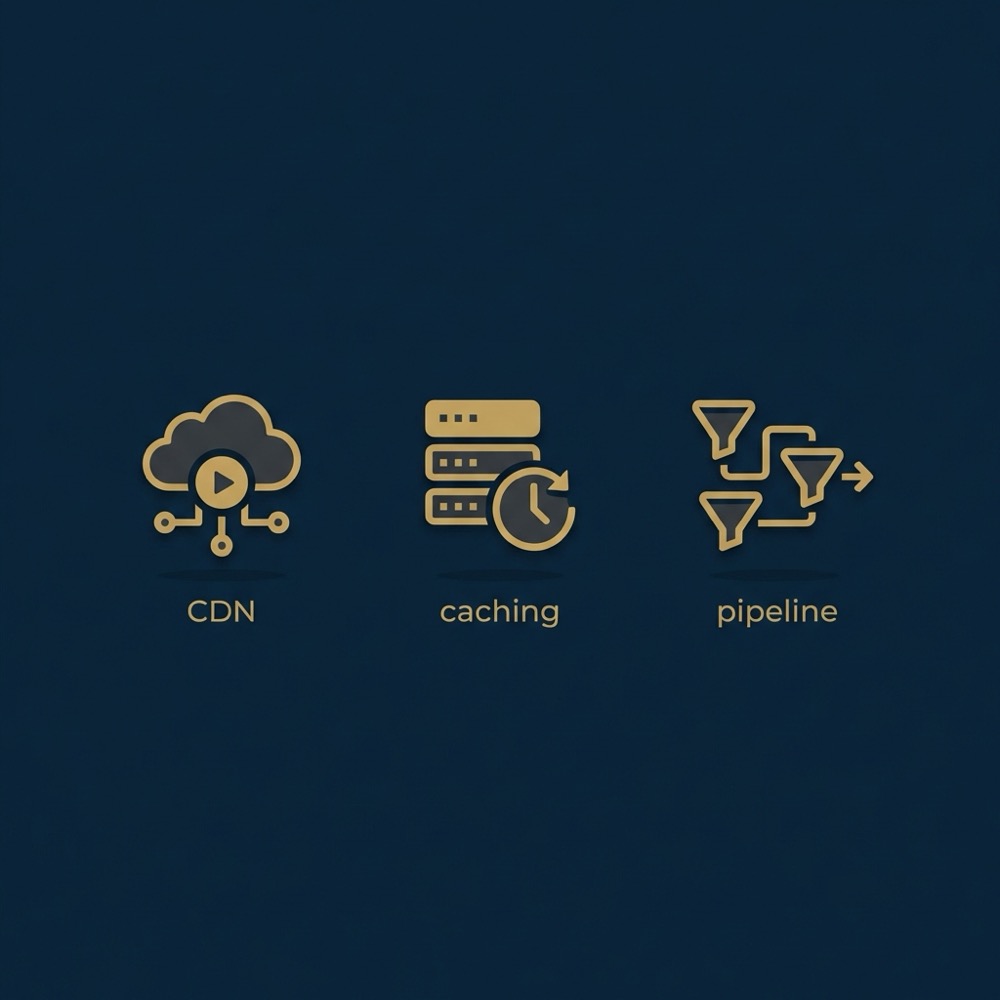
Image pipelines that deliver appropriately compressed and responsive images are low-hanging fruit. Implement responsive image attributes, serve modern formats where supported, and use lazy loading for offscreen images to reduce layout shifts and speed up initial rendering Kinsta platform comparison.
Extensions, modules and operational trade-offs: plugin convenience versus deployment rigor
WooCommerce benefits from a very active WordPress plugin ecosystem that makes common SEO tasks accessible to teams that lack ongoing developer support. That ease of change is a practical benefit for lean teams and faster iterations WooCommerce SEO guide.
However, plugin density increases the surface area for compatibility issues and performance regressions. Each plugin adds code, and some plugins can conflict or require frequent updates, which raises maintenance overhead.
Plugin density and time-to-change for WooCommerce
For quick metadata updates, schema tweaks or sitemap adjustments, WordPress plugins provide a near-instant UI path. This reduces time to market for content changes and experiments, which can be important for small teams focused on conversion and content velocity WooCommerce SEO documentation.
That convenience comes with the need for governance: maintain an inventory of active plugins, track update cadence, and test updates on staging to avoid regressions in performance or SEO outputs.
Module quality and release discipline for Magento
Magento modules tend to be more enterprise-oriented and often require stricter deployment discipline. Changes that touch server-side SEO controls are more likely to involve developer work and formal testing, which can increase change lead time but reduce the risk of inconsistent behaviour in large catalogs Adobe Experience League SEO overview.
Evaluate modules by code quality, update frequency, and compatibility with your extension stack. For both platforms, prefer extensions that are actively maintained and have clear change logs.
Decision framework: choose the platform that matches team skills, catalog scale and hosting budget
Make platform decisions around your constraints: developer capacity, SKU count, internationalisation needs, integrations and hosting budget. These practical constraints predict how much ongoing effort SEO will demand. See the Orvus homepage for context Orvus.
For many teams the final choice depends on hosting and deployment practices rather than the CMS alone, so include hosting evaluation in your decision checklist Usage statistics and market share of e-commerce software.
Checklist of operational constraints
Use a short checklist: expected SKU growth, need for multi-site or multi-currency support, availability of in-house developers, hosting budget, and existing integrations that must be retained. Answering these items clarifies the platform that reduces operational friction.
Map those answers to likely outcomes. If you expect thousands of SKUs and complex canonical rules, server-side controls and disciplined deployment that Adobe Commerce provides often matter. If you need speed-to-market with few technical resources, WooCommerce can be more pragmatic Adobe Experience League SEO overview.

Mapping constraints to recommended platform direction
When developer capacity is limited and the catalog is small, lean setups on managed WordPress hosting with curated plugins usually reduce operational friction. Conversely, when catalog complexity grows and internationalisation is required, Magento's server-side controls can provide the enforcement points teams need WooCommerce SEO documentation.
Orvus often recommends starting with a diagnostic phase to validate constraints and then selecting the platform that minimises long-term operational work rather than upfront feature lists. See Orvus services here.
Migration and implementation approach for SEO-safe platform moves
A migration should start with a pre-migration diagnostic: baseline traffic, key landing pages, index coverage, and Core Web Vitals. That baseline lets you measure impact and catch regressions early.
Document current URL structures and sitemap coverage before making any changes, and test canonical behaviour in staging environments to reduce surprises during cutover Adobe Experience League SEO overview.
Pre-migration diagnostic and baseline measurement
Collect list of high-value pages, organic landing pages, and their traffic metrics. Capture search console data for indexation and manual actions, and export current sitemap files for reference. These artifacts are your rollback map if problems appear.
Also record Core Web Vitals and server response metrics so you can compare infrastructure differences after migration. Hosting changes often explain performance gaps more than platform code changes Kinsta platform comparison.
Preserving URLs, redirects and canonical behaviour
Core migration tasks include URL mapping and implementation of 301 redirects for changed paths, verification of canonical tags on migrated templates, and regeneration of sitemaps pointing to the canonical versions. Staged testing of these items reduces indexation surprises.
Maintain a rollback plan for DNS, hosting, and routing in case performance or indexing issues appear. Measure search console coverage and server logs after each staged release to validate behaviour.
Common SEO mistakes and where teams misallocate effort
A common error is blaming the CMS for slow pages when the real problems are hosting or frontend assets. Focus first on delivery and caching before considering platform replacement Search Engine Journal comparison.
Another frequent mistake is over-relying on plugins or modules without quality checks. Unverified extensions can introduce security, performance, or SEO regressions that are hard to diagnose later WooCommerce SEO guide.
quick checklist to validate common SEO misconfigurations
run tests on staging before production
Blaming the CMS instead of fixing hosting
Teams often start platform projects because they see slow pages. Running a targeted hosting and delivery audit first will show if issues are infrastructure related. If they are, platform migration is rarely the most efficient fix.
Prioritise caching, CDN and image pipelines, then reassess whether CMS-level rules still need changes.
Over-relying on plugins without quality checks
Plugins can be useful but should pass basic checks: active maintenance, clear changelogs, and staging tests. Keep a lightweight inventory of extensions and their purpose to avoid duplication and conflicting behaviours.
Where possible, centralise SEO configuration and avoid duplicating logic across multiple plugins or modules.
Practical scenarios and example recommendations
Scenario A: small single-market store with a lean team. Practical approach: choose WooCommerce on managed hosting, use a small set of trusted SEO plugins for sitemaps and schema, and prioritise a CDN and image pipeline. Next step: run a 30 day diagnostic to stabilise Core Web Vitals and content templates WooCommerce SEO documentation. See Orvus knowledge base here.
Scenario B: large catalogue or enterprise merchant. Practical approach: consider Magento/Adobe Commerce with disciplined deployments, server-side canonical controls, and enterprise hosting that supports horizontal scaling. Next step: implement staging testing for canonical and rewrite rules and validate module behaviour on sample high-traffic SKUs Adobe Experience League SEO overview.
Scenario C: international or multi-store setups. Practical approach: evaluate Magento for its granular server-side control over multi-store canonical rules, but balance that against integration complexity and hosting budget. Next step: run a costed diagnostic for hosting and integration needs before committing to a platform move Usage statistics and market share of e-commerce software.
Checklist and next steps: applying the framework to your store
Quick technical checklist: audit hosting and response times, check canonical tags and sitemap configuration, review plugin or module inventory, and measure Core Web Vitals on key landing pages.
Prioritise: fix hosting and delivery issues first, then implement platform-specific SEO rules and measurement. Allow a 30 to 90 day diagnostic window to validate choices before large migrations.
Final reminder: platform choice matters, but it rarely solves foundational infrastructure or measurement gaps by itself. Treat the CMS as part of a broader search architecture that includes hosting, content architecture and measurement systems.
No. Switching platforms alone rarely fixes SEO problems. Hosting, caching and frontend delivery often determine performance; a diagnostic is needed before a migration.
Magento can be effective but usually requires stronger developer involvement and deployment discipline; for small teams WooCommerce with curated plugins is often more pragmatic.
Start with hosting and delivery: server response, CDN, caching and image pipelines. Platform settings matter after those fundamentals are stable.
References
Want this kind of work done for your business?
We build and run AI-powered marketing and automation. 15 minutes, honest assessment.
Book a call