 Orvus
OrvusIs JavaScript still relevant? A guide for teams
February 1, 2026
You will find a compact checklist and measurement steps to validate your choices using Search Console, Lighthouse, and field data. The guidance is pragmatic and conditional: the right path depends on your funnel, device mix, and engineering constraints.
What javascript seo means today: definition and context
javascript seo describes how JavaScript affects content visibility, metadata exposure, and indexing for search engines. For teams that build interactive sites, this term covers the full stack from initial HTML served by the server to client side rendering and dynamic updates that happen after load. The phrase is practical: it points to the intersection of front end architecture and search outcomes, not a separate discipline.
JavaScript remains the dominant client side language in modern stacks, present in the vast majority of projects and developer surveys, which matters for how teams choose rendering strategies and build workflows Web Almanac 2024.

At its core, javascript seo is about trade offs. Heavy client side rendering can deliver rich interactivity. That interactivity often requires larger bundles and more client CPU time. The consequence is a tension between interactive experiences and the need to present reliable initial HTML for search engines and fast page loads for users. (discussion)
When a page must be discoverable by organic search, teams often prioritise serving critical content in server rendered HTML so the content is visible immediately to both users and indexing systems. That approach reduces the risk that content remains hidden until client execution completes.
How major search engines handle JavaScript and indexing

Major engines execute client JavaScript as part of their rendering pipelines, but those pipelines are resource limited. Rendering often happens in a deferred or queued stage that can add latency to when dynamic content is indexed. For pages that rely on client side rendering for core content, this can mean slower discovery or inconsistent indexing behavior compared with pages that serve the same content in initial HTML JavaScript SEO basics. (see Vercel explainer: how Google handles JavaScript)
Practical symptoms you might see include quick updates in the browser that do not appear in search results, content that is present visually but missing in cached or rendered snapshots, or metadata changes that are visible to users but not reflected in search snippets. These symptoms often point to rendering budget limits rather than pure relevance problems.
To confirm how a page renders to search engines, use server side rendering snapshots, Search Console’s URL Inspection rendered view, and the rendering tools in Bing Webmaster. These tools show whether critical content and metadata are present in the engine’s rendered DOM and help isolate whether indexation delays are likely.
When investigating, focus first on pages that drive organic discovery. If those pages rely on client execution to expose titles, descriptions, or main content, treat them as high priority for server rendering or reliable pre rendering.
Plan a short consultation on rendering and search visibility
Download a short diagnostic checklist to prioritise pages for rendering checks and Search Console validation.
Modern rendering options: SSR, SSG, edge rendering and hybrid hydration
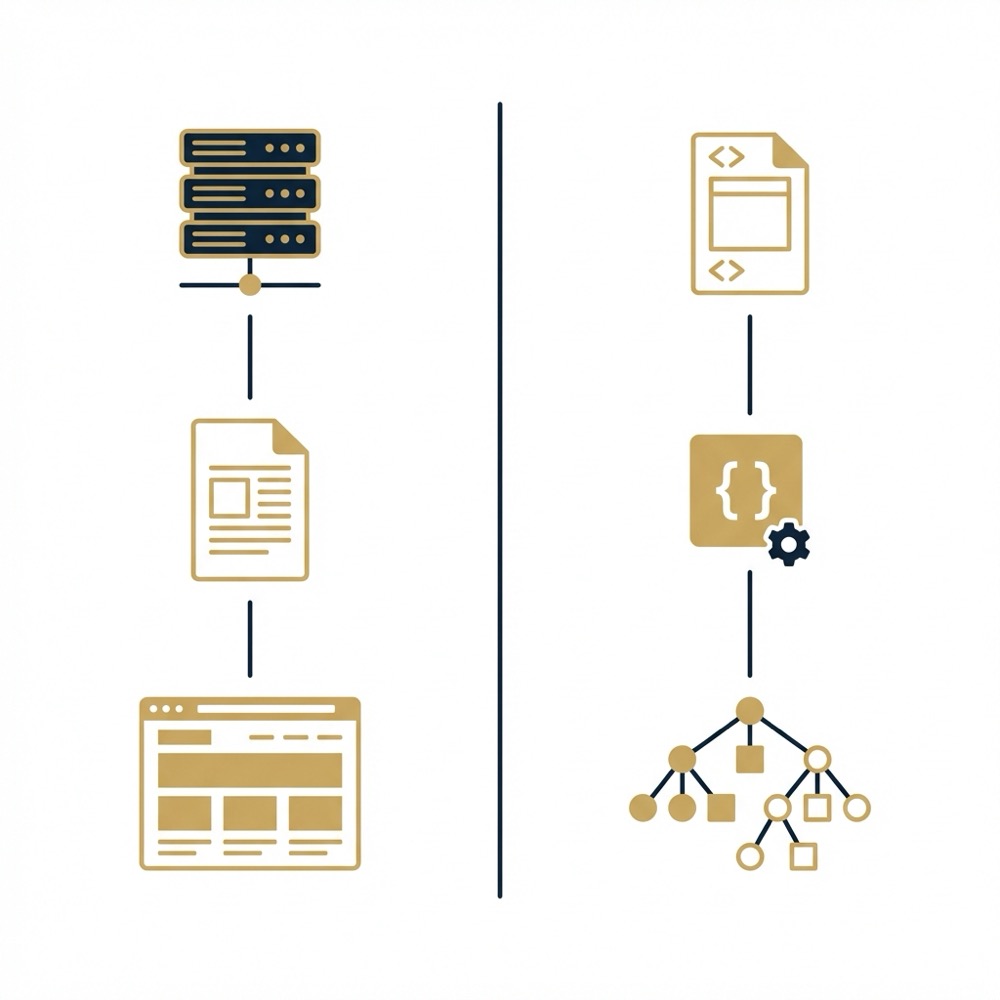
Server side rendering, or SSR, and static site generation, or SSG, are two patterns teams use to deliver initial HTML that contains critical content and metadata. SSR builds the HTML on request, which can help with personalised or frequently changing content. SSG pre builds pages at deploy time and often suits catalog and content pages where the surface is relatively stable.
Edge rendering moves the HTML generation closer to the user by running rendering logic on edge nodes. This reduces round trip latency and can lower client CPU work by delivering a smaller, already rendered payload.
Yes, JavaScript remains central to modern front ends, but teams should use hybrid rendering patterns and measurement to balance interactivity with reliable indexing and performance.
Hybrid models attempt to balance interactivity and initial load cost. Partial hydration, islands architecture, and deferred hydration let teams ship minimal, server rendered HTML for critical content and enable selective client side activation only where interaction is required. These approaches can reduce initial CPU and network demands while preserving dynamic capabilities for parts of the page.
Choosing between SSR, SSG, edge rendering, and hybrid hydration is rarely binary. Consider how frequently content changes, whether pages are personal or public, and the technical skills available. For many teams a mixed approach that uses SSG for catalog pages, SSR for personalised flows, and partial hydration for interactive widgets is a pragmatic compromise.
Performance trade offs: client bundle size, Core Web Vitals, and mitigations
Heavy client side bundles correlate with poorer Core Web Vitals unless teams use targeted mitigations. Large JavaScript payloads increase parsing and main thread work, which can delay first input responsiveness and inflate time to interactive metrics. The practical impact is detectable in both lab audits and field metrics.
Common mitigations include code splitting to reduce initial bundle weight, deferred hydration to postpone non essential interactive code, SSR or SSG to move critical content into initial HTML, and resource hints to prioritise important assets. Managing third party scripts and measuring their runtime cost is also essential to control unexpected CPU use and layout shifts Lighthouse overview and performance audits.
Start by running Lighthouse audits in lab and comparing those results with field metrics from real user monitoring. Lab tools help identify heavy bundles and blocking scripts. Field data validates whether mitigations translate into measurable user experience improvements across real networks and devices.
When you implement mitigations, measure before and after on the same pages and on representative devices. Small changes in bundling or hydration strategy can shift Core Web Vitals, but the net effect depends on the page template, audience device profile, and third party scripts in use.
WebAssembly: when it complements JavaScript and when it does not
WebAssembly has matured as a component for compute intensive and edge workloads, and it typically complements JavaScript rather than replacing it for UI logic. Use cases where WebAssembly adds value include heavy image or media processing, cryptographic tasks, and performance sensitive libraries that benefit from lower level execution WebAssembly - MDN Web Docs.
For most user interface code, JavaScript remains the natural choice because of ecosystem integration, developer ergonomics, and the ability to iterate quickly. WebAssembly can be integrated for discrete workloads while JavaScript continues to drive DOM updates and event handling.

Teams should weigh the operational cost of adding WebAssembly against the performance gains. Introducing WebAssembly can add build complexity, debugging friction, and deployment considerations. If the workload is compute heavy and measurable gains are plausible, prototype and measure before expanding usage.
SEO checklist and measurement: what to validate and how
Keep a short, evidence based checklist for JavaScript driven pages. At minimum, ensure critical content appears in server rendered or pre rendered HTML, expose clear metadata including canonical links, and confirm search engines can fetch and render the page. These steps reduce surprises when search engines process your pages Rendering - Crawling, indexing, and rendering.
Tools to use include Search Console for live URL inspection and rendered snapshots, Bing Webmaster for alternate engine validation, Lighthouse for lab audits, and field metrics from real user monitoring to track Core Web Vitals over time. Use both lab and field data to separate blocking issues from device and network variability.
Prioritise pages that are most important for organic discovery. Typical candidates are home pages, category and product pages for ecommerce, and high intent landing pages. For those pages consider SSR or reliable pre rendering so critical content and metadata are available on first load.
When validating, follow a simple measurement pattern: document baseline metrics, implement a single mitigation, and then compare lab and field metrics. If metrics improve in lab but not in field, check audience device mix and third party script behaviour before assuming the mitigation failed.
Orvus often recommends starting with a compact diagnostic that maps pages to rendering risk and funnel impact. That diagnostic helps teams decide which pages to move to SSR or which widgets to hydrate selectively.
Decision framework for teams: SSR, hybrid, or client heavy app
Decide by asking practical questions about SEO criticality, interactivity requirements, team skills, and measurement maturity. If a page must be discovered organically and shows content that search engines need to see immediately, favour SSR or pre rendering. If a page is highly interactive and discovery is lower priority, a client heavy approach may be acceptable.
A lightweight prioritisation matrix starts with two axes: organic discovery importance and interactivity need. Pages high on organic importance and low on interactivity are strong SSR or SSG candidates. Pages low on organic importance and high on interactivity can be client heavy with selective hydration for embedded critical items.
Prioritise pages for SSR and render validation
Use this as a compact starting checklist
Validate choices with staged rollouts or A/B tests where possible. Run Lighthouse and monitor field metrics for the variant group and the control group. If SSR or partial hydration improves discovery and user experience for priority pages under realistic conditions, broaden the approach incrementally.
Keep decisions conditional and data driven. Preferences for full SSR versus hybrid models depend on performance budgets, engineering constraints, and how quickly teams can measure outcomes.
Common mistakes, audits and troubleshooting steps
A few recurring errors reduce indexability and harm user experience. Common problems include leaving critical content out of the initial HTML, failing to expose canonical and meta tags early, and letting unmanaged third party scripts add unpredictable runtime cost.
Triage by checking server rendered HTML, using Search Console’s rendered view to confirm what engines see, and comparing Lighthouse lab audits with field metrics. If server HTML contains the content but engines do not index it, the issue may be rendering budget or crawl timing rather than content quality.
Quick fixes include pre rendering high value pages, deferring non essential scripts, and applying code splitting to reduce initial bundle size. More extensive remediation may require engineering work to change rendering strategy or to introduce partial hydration patterns.
Practical examples and recommended next steps
Scenario one, ecommerce: an online catalog depends on organic traffic to product pages. For these pages, prefer SSG or SSR so product titles, descriptions, and canonical links appear in initial HTML. Use code splitting and deferred hydration for interactive widgets like image zoomers to limit initial CPU work.
Scenario two, SaaS app: the marketing site and landing pages should use SSR or pre rendering for discovery, while the in app dashboard can be client heavy. Separate the public discovery surface from the application shell and treat them as different rendering domains.
Minimum viable tests: prerender a representative product page or landing page, run Lighthouse audits and compare field Core Web Vitals before and after, and check Search Console rendered snapshots for the prerendered page. If possible, run an A/B test or staged rollout to validate impact on discovery and user engagement.
Plan follow ups around measurement cadence. Measure weekly for field metrics and after each deploy for lab audits. Prioritise pages where rendering changes have the largest funnel impact and iterate from there.
In many cases, applying selective server rendering and careful hydration reduces indexing risk and improves perceived performance without sacrificing interactivity. The best approach depends on constraints and realistic performance budgets for your user base.
Summary
JavaScript remains relevant in 2025 as the dominant front end language, but its role is more nuanced. Teams balance interactivity and reliable indexing by using SSR, SSG, edge rendering, and hybrid hydration patterns. Measuring the effects with Search Console, Lighthouse, and field metrics is essential before committing to large changes State of JavaScript 2024.
Use a prioritized checklist, start with the pages that matter most for organic discovery, and validate changes with staged experiments. That disciplined approach helps reconcile the needs of interactivity, performance, and search visibility.
Yes, major search engines execute and index client side JavaScript, but rendering is resource limited and may delay indexing compared with server rendered HTML.
Prefer SSR when a page must be reliably indexed or when critical metadata and content must be visible to search engines on first load. Use client side rendering for highly interactive app areas where organic discovery is not the priority.
No, WebAssembly complements JavaScript for compute intensive tasks but typically is not used to replace UI logic due to ecosystem and build complexity.
References
- https://almanac.httparchive.org/en/2024/javascript/
- https://developers.google.com/search/docs/advanced/javascript/javascript-seo-basics
- https://vercel.com/blog/how-google-handles-javascript-throughout-the-indexing-process
- https://www.clickrank.ai/javascript-rendering-affect-seo/
- https://developer.chrome.com/docs/lighthouse/overview/
- https://developer.mozilla.org/en-US/docs/WebAssembly
- our services
- our knowledge base
- about Orvus
- orvus.net
- https://2024.stateofjs.com/en-US/
Want this kind of work done for your business?
We build and run AI-powered marketing and automation. 15 minutes, honest assessment.
Book a call