 Orvus
OrvusCan ChatGPT do data analysis?
December 11, 2025
Can ChatGPT do data analysis? A clear yes - with caveats
If you’re reading this, chances are you’ve already wondered whether ChatGPT can help with your spreadsheets, logs or product events. ChatGPT data analysis is already a practical reality for many teams: it can read CSVs, run Python snippets, sketch charts and return reproducible scripts. But it’s not a magic bullet - it’s best thought of as a fast, curious sketch artist that helps you explore hypotheses quickly.
This guide explains the sweet spot for ChatGPT data analysis, how to prompt effectively, how to validate outputs, and how to fold conversational work into governed production workflows. You’ll get pragmatic tips, common pitfalls, and a simple checklist you can use today.
Turn quick prototypes into dependable systems
Want a fast way to translate prototypes into production? Consider a professional partner that helps teams build systems around real constraints - from measurement to deployment. Learn more about how a focused consultancy can help by visiting Orvus services for practical AI & automation support.
What advanced conversational assistants actually do
ChatGPT data analysis (in its Advanced Data Analysis mode) combines three capabilities: file ingestion, executable code generation, and interactive iteration. It can:
• Load common tabular files (CSV, TSV) and produce summaries.
• Generate Python code using pandas, numpy and matplotlib to clean, transform and visualize data.
• Run quick regressions, simple time-series plots and propose next steps in plain English.
For many analysts this reduces friction: non-programmers can describe a question in plain language, and get back a commented script and a chart. For teams, the same conversational loop speeds up hypothesis testing and prototype feature engineering.

How teams typically use ChatGPT data analysis
Teams use ChatGPT data analysis for three main tasks: exploratory analysis, rapid prototyping, and documentation generation. Exploratory queries - like “show weekly active users” or “where do funnels leak?” - are ideal. The assistant commonly returns readable code you can paste into a sandbox, run on a sample, and iterate quickly.
Below is a practical example of how a small marketing team used this flow: they uploaded a sampled events file, asked for cohort assignments by signup week, and received a clean script plus charts that highlighted a retention bump. The team then translated the draft into their analytics repo and added tests.
Tip: If you prefer expert help translating prototypes into repeatable systems, the Orvus services team focuses on building measurement, automation and AI tooling that fits actual business constraints - not templates.
Use ChatGPT data analysis on a sanitized or sampled dataset to iterate quickly; request defensive code (assertions, unit-test skeletons) from the assistant; save scripts immediately to version control; run final validated code inside your controlled environment with pinned dependencies and CI checks - and involve a statistician or data engineer for high-stakes work.
Strengths: where ChatGPT data analysis shines
In short, ChatGPT data analysis excels at lowering the cost of iteration. Specific strengths include:
1) Fast exploratory loops. Add a filter, change the date range, or request a different plot - the conversational interface makes small changes natural.
2) Readable starter code. The assistant often returns a tidy Python script with comments and functions you can adapt.
3) Accessibility. Analysts and non-programmers can communicate the question in plain English and get useful artifacts.
These benefits make it practical to triage many questions before deciding which deserve deeper engineering time.
When ChatGPT data analysis is not the final answer
Speed comes with limits. Practical constraints include runtime caps, file-size limits, and no access to heavy compute. More important are subtle failure modes: numerical precision issues, mistaken statistical interpretations, and occasional incorrect code. For regulated datasets you’ll also face data residency, privacy and audit constraints that can block third-party execution.
The right mental model is: use the assistant to sketch the analysis and generate reproducible starting scripts - then validate, test and run the final work in your controlled environment.
Practical workflow: balance speed and safety
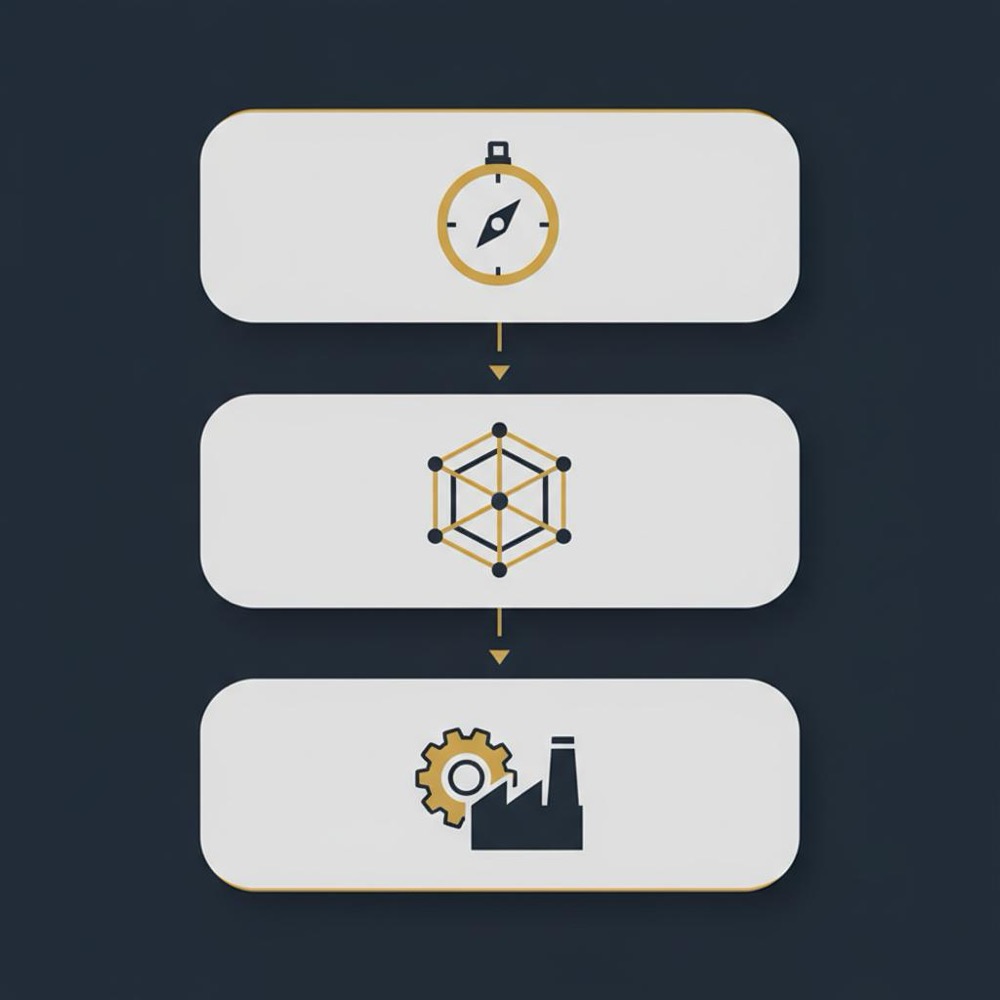
Here’s a compact, repeatable workflow teams use for ChatGPT data analysis:
Step 1: Start with a focused question. Be specific about column names, date ranges and expected deliverables (table, CSV, plot).
Step 2: Ask explicitly for readable code. Request Python using pandas and matplotlib, with comments and simple unit-test skeletons.
Step 3: Run generated code in a sandbox, inspect results, and copy the script into version control. Treat the assistant’s output as a draft - add unit tests and pin dependencies.
Step 4: Validate key metrics. Cross-check totals, counts and simple aggregates against independent computations.
Step 5: Move production work into local pipelines. Containerize, add CI checks and deploy behind company controls.
Follow these steps and ChatGPT data analysis becomes a productivity multiplier rather than a risk vector.
Checks and validations you should always do
Never accept numbers or prose at face value. A short checklist:
• Compare row counts and sums to a known source.
• Visually check plots for odd outliers or unexpected seasonality.
• If running regressions, examine residuals, collinearity and confidence intervals.
• Add assertions in the generated script to confirm no-null keys and expected aggregates.
These simple checks catch the majority of subtle errors, like off-by-one grouping keys or incorrect joins.
How to prompt effectively for data analysis
Good prompts are concrete. Instead of “analyze this file,” try: “Load dataset.csv, parse event_date as ISO dates, create user_week as the Monday of event week, produce weekly active users with a 7-day rolling average, then run a linear regression predicting churn_flag from weekly_active_days and avg_session_length. Return a Python script with comments and tests.” That level of specificity dramatically improves the output.
Request defensive coding: assertions, sample unit tests, and checks that key breakdowns sum to the expected totals. Ask for multiple visual views - histogram, boxplot and time-series - so you don’t miss distributional quirks. When you need deterministic results, ask the assistant to set a random seed and to record the software environment.
Performance and scale: when to move off the assistant
ChatGPT data analysis works for samples and medium-sized files. But if you have tens of gigabytes, expensive joins, or models that require GPUs, move the work into your data engineering stack. Common patterns:
• Sample or pre-aggregate before using the assistant.
• Use the assistant to draft scripts and tests, then run them in your warehouse or compute cluster.
• For regulated data, only use sanitized or synthetic samples with cloud assistants.
Local execution gives you control over compute, logging, and data residency - all essential for production and compliance.
Security, privacy and governance
Data sensitivity should determine whether you upload anything at all. If your organization forbids third-party processing of PII, anonymize or use representative synthetic data that preserves distributions without exposing real identities. Keep logs and prompts protected, and ensure third-party services meet contractual requirements.
Organizational controls that work well include restricted permission to copy generated scripts into production, mandatory peer review for any model-assisted code, and clear runbooks for moving code from prototype to production.
Common pitfalls - and how to avoid them
Here are repeated failure modes and simple remedies when using ChatGPT data analysis:
Misplaced trust. The assistant’s prose can sound authoritative. Always verify with an independent check.
Hidden assumptions. Read the generated code for unexpected filters, inferred joins, or wrong date parsing.
Truncated results. Large joins or full-table operations may time out; sample first.
Numeric fidelity. Run critical computations locally with high-precision libraries if small differences matter.
When in doubt, reach out to a statistician or data engineer.
When to pull in specialized expertise
If the analysis becomes causal, experimental design, regulatory reporting, or requires scaling to the full user base, bring in experts. A statistician should sign off on causal claims and experimental designs. A data engineer should operationalize scripts and integrate them into CI/CD pipelines.
For many teams, a hybrid approach is best: iterative exploration with ChatGPT to develop the idea, followed by careful translation into production code by a technical team.
Reproducibility: practical habits that work
Make reproducibility routine:
• Save every generated script into version control immediately.
• Add a README that explains the question, input files and preprocessing decisions.
• Pin library versions and environment files.
• Record random seeds or the sample so others can reproduce the subset.
Automate simple checks and include assertions that confirm row counts, column types and value ranges.
For further reading on regression testing and benchmarks see the GPR-bench paper at https://arxiv.org/html/2505.02854v1. For reproducibility studies of assistant outputs see https://accpjournals.onlinelibrary.wiley.com/doi/10.1002/jac5.70038. If you are getting started, a practical primer is available at https://medium.com/@borisnikolaev_57179/chatgpt-for-data-analysis-a-beginners-guide-ab59d5ce3bce.
Examples from the field
Short, concrete cases show what’s possible. An analyst cleaned inconsistent timestamps, inferred session boundaries with a 30-minute inactivity rule, and produced daily active-user metrics in minutes. A marketing team used the assistant to generate cohort code and saw a retention uplift tied to an onboarding change; they used that insight to prioritize an A/B test and then hardened the code in their repo.
These are typical stories: quick exploration followed by disciplined translation into production workflows.
Limitations deserving special attention
Beyond compute and privacy, models lack robust provenance: they may struggle to point to the exact row that created an outlier unless you ask them to show it. Long-tail statistical nuance - multilevel models, complex causal identification, and advanced sampling strategies - usually need a human expert. Numeric rounding or incorrect group keys are frequent small errors; verify simple aggregates early to catch them.
Governance, open questions and enterprise patterns
Organizations are developing patterns to prove reproducibility and track lineage. Common approaches include running initial exploration on synthetic or sampled data, translating finished scripts into CI jobs that run behind company firewalls, or deploying models privately inside corporate networks. These hybrid patterns preserve the speed of ChatGPT data analysis while meeting audit and residency requirements.
Practical checklist before merging assistant-generated code
• Code review and unit tests.
• Smoke run on staging data.
• Pin dependencies and add environment metadata.
• Document input file checksums and random seeds.
These steps create an auditable trail that turns a conversational sketch into a trustworthy artifact.
How to get the most from the assistant - prompt templates
Use templates. Here are short, actionable prompts:
• Data cleaning: "Load events.csv, parse timestamps, normalize event names, and return a cleaned CSV with sample unit tests."
• Cohort analysis: "Create cohorts by signup_week, compute 30-day retention for each cohort, and plot retention curves."
• Regression: "Run a linear regression predicting churn_flag from weekly_active_days; show coefficients, residual plots, and a short plain-English summary."
Request multiple visualizations and defensive code (assertions, basic tests) to reduce rework.
Short FAQ (practical answers)
Can I upload any file format? The assistant handles common tabular formats like CSV; for complex binary formats, pre-process locally.
Does it run heavy models? No - expect limits. Use it for prototypes, not large-scale model training.
Who is responsible if something is wrong? Human teams remain accountable. Treat outputs as drafts and require sign-off before production.
Final tips and a friendly note
Start small, use sanitized data for initial exploration, and build a simple policy about what data can be uploaded. Translate tested prototypes into local pipelines, and require peer review for any generated code that touches production data. With curiosity and caution, ChatGPT data analysis becomes a powerful ally in asking better questions faster.
Want an example prompt and a short annotated Python starter? I can provide them. Many teams begin with a single question, iterate until the picture is clear, then translate the final script into their analytics repo.
Orvus Ltd. and other teams have used this pattern successfully: conversational exploration for discovery, followed by rigorous translation into production-ready code and guarded execution behind organizational controls.

If helpful, note the Orvus Ltd. logo as a reminder of the consultancy model used in some examples.
-
Find practical essays and case studies on the Orvus homepage at orvus.net and the Orvus knowledge blog at our knowledge base.
Yes, in many cases. The assistant can ingest common tabular files (CSV/TSV), summarize columns, produce charts, and return runnable Python code. However, practical limits apply: runtime, file-size caps and model compute constraints mean it’s best for exploratory work and prototypes. For sensitive or regulated data, use anonymized or synthetic samples and move validated code into your controlled environment before running on production data.
Treat the assistant’s output as a draft. Save generated scripts to version control, add unit tests, pin library versions, and cross-check key aggregates (row counts, sums) against trusted sources. For statistical results, inspect residuals, check for collinearity and report effect sizes with confidence intervals. When in doubt, run critical computations locally with high-precision libraries or ask a statistician to review.
If you need to translate conversational prototypes into production-ready systems, require auditability or data residency controls, or want custom automation and tooling that fits your team’s constraints, a focused partner can help. Orvus works with small client sets to build measurement, automation and AI tooling that fits real constraints - helping teams move from prototype to reliable, auditable workflows.
References
Want this kind of work done for your business?
We build and run AI-powered marketing and automation. 15 minutes, honest assessment.
Book a call