 Orvus
OrvusWhich SEO checker is the best?
December 10, 2025
Which SEO checker is the best? A clear way to choose with confidence
Picking the best SEO checker starts with the problem, not the logo. In this guide you'll learn how to match a tool to a task, when to run a deep crawl, when to rely on a cloud platform, and when a quick browser check is enough. You'll also get practical playbooks, measurement templates, and a realistic take on 2024-25 limitations so you can act with clarity.
Start with the problem, not the brand
Imagine a kitchen drawer full of knives: some slice bread, some fillet fish, and one is a tiny paring knife. The question isn’t which knife is the best; it’s which knife solves the immediate task. The same applies to the best SEO checker. Different checkers are built for different problems - deep technical discovery, ongoing competitive monitoring, or instant page-level validation. Choose the tool that fits the job and the team who will act on the results.

When you ask “which tool is right?”
When you ask “which tool is right?” first clarify the task. Are you preparing a large site migration that needs precise redirect and canonical checks? Are you tracking rank and backlinks across dozens of domains? Or do you want fast editorial signals in the browser before a page goes live? Each situation points toward a different class of the best SEO checker.
How this article helps
This piece explains three tool classes, trade-offs to expect in 2024-25, a practical rubric for prioritisation, step-by-step audit playbooks, and measurement advice so technical work converts into business results. It also shows when to bring in a technical partner and how they change the outcome.
Three tool classes: match the work to the right checker
One simple rule: align the tool category with your workflow and desired outcome. Here’s a practical task-to-tool match: For broader tool comparisons see The Rank Masters guide and Search Atlas.
1) Desktop crawlers - deep technical work
Desktop crawlers are the tool of choice when you need raw, configurable depth. They run locally, can simulate many crawl configurations, and expose the raw signals you need to diagnose indexation, redirects, duplicate content, canonical problems, and internal link graphs. For complicated migrations or mysterious drops in organic traffic, a desktop crawler often finds the subtle template or rendering issue that cloud tools miss.

Use a desktop crawler when you need the most accurate view of how a crawler interacts with your site. If you want to reproduce search-engine-like rendering, tune JavaScript settings, and control thread counts, a desktop tool typically gives the flexibility required. That’s why many technical SEOs consider a desktop crawler an essential part of being the best SEO checker for deep investigations.
2) SaaS ecosystems - scale, history, and reporting
Cloud-based SEO ecosystems trade the local depth of a desktop crawler for breadth across domains and convenience over time. These platforms store large keyword and backlink histories, run scheduled audits, offer dashboards for clients, and provide ongoing competitive intelligence. Use them when you manage portfolios of domains, need historical rank data, or want scheduled checks and shareable reports. For a recent roundup of top SEO tools, see Surfer's list.
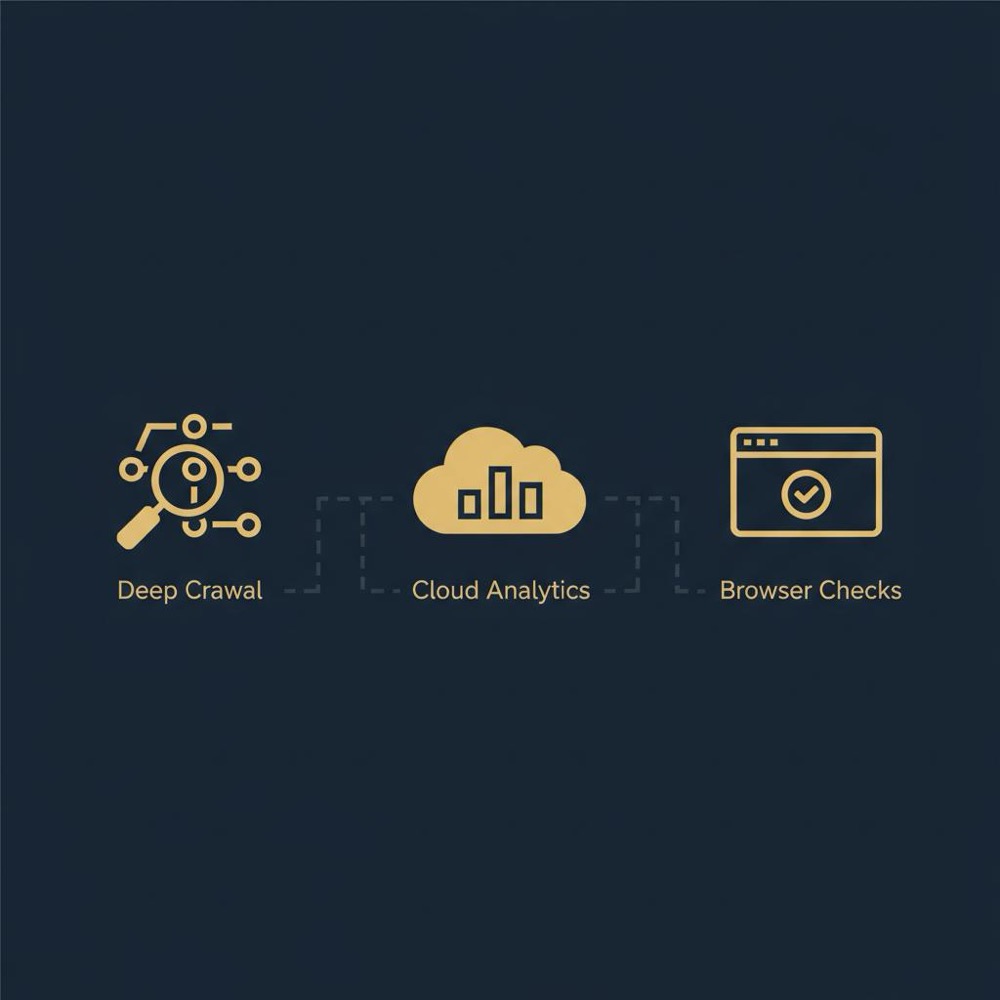
For agencies and growth teams that report month-to-month and need a single source for rank tracking and backlink discovery, a SaaS ecosystem is often the practical best SEO checker option.
3) Browser extensions - instant page-level checks
Browser extensions and bookmarklet tools are the grab-and-go option. They show meta tags, H1s, schema hints, and a quick page score. They’re excellent for editors and content strategists who need to validate a page before publishing. They are not a replacement for full-site crawling, but they are often the quickest path to catch obvious issues before a page goes live.
Common limits you'll hit with any SEO checker in 2024-25
No tool is perfect. The following are the practical, repeatable limits teams run into when they rely on a single kind of checker.
JavaScript rendering differences
Modern sites assemble content client-side. Some tools execute JavaScript differently than search engines, causing missed content or links. That can lead to recommendations that don’t reflect what users or engines see. Always validate suspect findings with a headless browser or a staging environment. If you don't, you risk taking action on false positives - and that's why understanding rendering behavior is central to picking the best SEO checker for your site.
Backlink index variability
Backlink databases differ - some providers discover more links, others deduplicate differently. When you’re prioritising outreach or cleanup, these differences matter. Treat backlink counts as directional and stick with the datasource you trust for consistency. The best SEO checker for backlink decisions is the one whose index you can interpret and verify reliably.
Crawl and credit limits
SaaS tools often price by credits, pages crawled, or projects. Desktop tools might require a paid license for high-volume crawling. If you run large audits frequently, cost mechanics matter. Estimate how many pages, recurring scans, or scheduled tasks you'll run and include cost-per-audit in your selection rubric. This helps you pick the best SEO checker that stays within budget and delivers results.
AI-driven recommendations and false positives
AI has made audits faster but also noisier. Automated suggestions can highlight useful quick wins, but they can also generate one-size-fits-all advice that doesn’t suit site nuance. Treat AI recommendations as prompts for human verification. The most reliable path is to use the AI outputs as a starting point - not the final instruction - when selecting the best SEO checker approach.
How to match a tool to a task
One simple rule: align the tool category with your workflow and desired outcome. Here’s a practical task-to-tool match:
Task examples
- Large CMS migration with template changes: desktop crawler.
- Ongoing local visibility and rank tracking for many clients: cloud platform.
- Quick editorial checks before publishing: browser extension.
Picking the best SEO checker means matching capability to outcome. Don’t buy a cloud platform for a one-off migration, and don’t try to rely on a browser extension when you need a precise redirect audit.
Practical audit playbook - step-by-step
The following playbook turns a checker into action. Use it to scope work, prioritise fixes, and measure impact.
Phase 1 - Scoping and sampling
Start with a clear scope: which templates matter, which traffic tiers matter, and what your success metrics will be. For very large sites, sample pages across 5-10 core templates (homepage, category, product, blog posts, author pages) and extrapolate patterns. Sampling reduces noise and focuses effort on the parts that move the business.
Phase 2 - Deep scan
Run a deep crawl that matches your site’s rendering model. If your site uses client-side rendering, configure the crawler to execute JavaScript and compare the results to a headless browser view. Export raw data: HTTP codes, redirect chains, canonical tags, indexation signals, and a list of unique issues by template.
Orvus technical growth services can help if you need a steady hand to turn crawl findings into prioritised fixes and measurement plans - the kind of partner who works with engineering, analytics, and product teams to make fixes stick.
Phase 3 - Prioritisation and triage
Use a simple rubric: impact (traffic/revenue), severity (blocking indexation or conversions), and effort (engineering hours). Score each issue and focus on high-impact, low-effort wins first. A thousand small issues are less important than one broken canonical on a high-traffic category page.
Phase 4 - Implement, measure, repeat
Assign owners, set deadlines, and measure relevant KPIs before and after each change. Track organic sessions, impressions, clicks, and any conversion metric tied to the fixed pages. A measurement plan turns technical work into a business case and informs what to fix next.
Measurement checklist: what to track
When you fix SEO issues, measure with rigor. Here’s a short list of metrics you should track per fix:
- Organic sessions and impressions for affected pages.
- Click-through rate (CTR) changes from SERP features.
- Indexation status and crawl frequency for changed templates.
- Revenue or conversion numbers tied to product/category pages.
- Technical metrics: server response times, render times, and JS execution patterns.
Automation and tooling: when to automate
Automate repeatable checks that save time: scheduled crawls, regression checks after releases, and alerts for indexation drops. But automation needs sensible thresholds to prevent alert fatigue. Use automation to guard against regressions, not to generate more noise.
Ticket generation
Connect your audit tool to your issue tracker so each verified problem creates a ticket with context: steps to reproduce, pages affected, and a suggested fix. That reduces hand-off friction and helps engineering act quickly.
Common mistakes teams make (and how to avoid them)
Here are recurring problems that waste time and how to fix them:
Mistake: Running a single audit and letting the report sit.
Fix: Create a 90-day remediation plan with owners and deadlines.
Mistake: Acting on every AI suggestion.
Fix: Sample and validate before rolling changes site-wide.
Mistake: Chasing backlink counts as absolute truth.
Fix: Use backlink data directionally and verify high-impact targets manually.
Detailed case studies - how the right checker saved time and traffic
Case: ecommerce template release and indexation drop
A mid-sized ecommerce site experienced a sudden drop in organic sessions following a template deployment. A cloud audit flagged duplicate titles across many pages - but the team suspected a deeper runtime issue. A desktop crawl configured to render JavaScript found that the client-side framework prevented canonical tags from being injected on category pages. Fixing the template and re-running a controlled crawl corrected indexation within weeks and restored traffic. The key takeaway: the best SEO checker for that job was the desktop crawler with proper rendering settings.
Case: link remediation for a marketplace
A market platform saw millions of low-quality links in one backlink index but far fewer in another. The team almost began a broad disavow, which would have been noisy and costly. Instead they prioritised domains that appeared in both indexes and passed a quick manual quality check. That focused approach saved time and reduced risk. The lesson: treat link indexes as directional and verify the high-impact candidates.
Practical tips to make any checker more useful
Whether you use a desktop crawler, a cloud platform, or a browser extension, these tips will make the tool more actionable:
- Use sampling for large sites: check 5-10 representative templates and extrapolate.
- Match rendering settings to the site’s technology.
- Keep a change log and correlate it with metric shifts.
- Combine logs, analytics, and crawl data for fuller context.
- Validate AI suggestions with manual tests.
Checklist: how to evaluate the best SEO checker for you
Use this checklist when you evaluate products:
- Does the tool execute JavaScript in a way that matches your site?
- Can it export raw data and redirect chains?
- Does the pricing model fit your audit frequency and site size?
- Are historical keyword and backlink databases included (if you need them)?
- Does it integrate with your issue tracker and analytics stack?
- How easy is it for editors to get fast page-level guidance?
Team roles and workflows that make checkers effective
Even the best SEO checker fails if the team won't act. Make sure you have:
- An owner who prioritises fixes and coordinates with engineering.
- A measurement lead who designs pre/post tests.
- Editors who use browser-level checks before publishing.
- Engineers who can roll fixes with clear tickets.
Pricing strategies and cost control
SaaS platforms often charge by credits or pages; desktop products often sell licenses. To keep costs under control, scope audits to business-critical pages, use sampling, and schedule full-site audits only after major releases. Track how many credits typical audits use and align cadence with release cycles.
When to bring in a technical growth partner
If your audit requires prioritised fixes across engineering, analytics redesign, or automation to repeat at scale, a partner can speed results. A technical growth partner turns raw findings into measurable outcomes - they triage, implement, and measure. For teams that lack engineering bandwidth or measurement confidence, that partnership is often the fastest path from audit to impact. Learn more about Orvus on our about page.
Turn audits into measurable growth with Orvus
Start with Orvus services - book a compact diagnostic to translate a crawl into a prioritised execution plan that ties fixes to business metrics.
How to run a verification experiment
When a tool flags a problem, don’t fix everything at once. Pick a small sample of pages and run a controlled experiment:
1) Select 5-20 pages that represent the affected template.
2) Implement the change on a staging or a small live subset.
3) Track organic sessions, indexation status, and clicks for 2-6 weeks.
4) Compare to a control group of similar pages that weren’t changed.
5) If positive, roll the change; if not, re-evaluate.
Integrating crawl data with analytics and logs
Crawl data shows what the site returns. Logs show what crawlers actually requested. Analytics shows how users behaved. Tie these together to understand impact: use logs to confirm crawl coverage, use analytics to measure traffic changes after fixes, and use crawl exports to guide engineering work.
AI and automation: what to trust
AI helps identify patterns faster but often overstates severity. Use AI as a triage layer: it can surface patterns, but a human must set priorities and validate changes. Combine AI-suggested issues with sampling-based verification before applying site-wide fixes.
Frequently missed technical checks
Here are items I see missed most often:
- Client-side injected rel=canonical tags that fail at runtime.
- Template-level meta tags unintentionally overwritten by a CMS.
- Redirect loops caused by misapplied rewrite rules.
- Robots.txt rules that accidentally block important crawl paths.
- Structured data that renders differently when JavaScript runs.
Run a 5-10 page rendering test matching your site’s template types and compare the tool’s output to a headless browser. If the checker shows the same content, canonical tags, and structured data as the headless rendering, it’s likely a good fit.
Choosing the best SEO checker - final guidance
Labeling one product as the universally best SEO checker misses the point. The right tool depends on your site, your workflow, and what you need to achieve. Use a desktop crawler for deep technical work, a cloud platform when you need historical data and reporting, and a browser extension for quick editorial validation.
Most importantly, invest in a process: prioritise issues, assign owners, measure change, and automate the checks that save time. If your team lacks bandwidth or measurement expertise, a technical partner can turn audits into measurable growth.
Parting practical checklist
- Define the task before choosing a tool.
- Sample for large sites.
- Validate rendering behavior.
- Prioritise by impact and effort.
- Measure before and after fixes.
Final thoughts
There is no single universal winner for every situation. The best SEO checker is the one that matches the problem, fits your team, and helps you act with measurement. Use the checklists and playbooks above to pick and operate the tool that delivers measurable results.
Thanks for reading - act with curiosity, validate your tools, and let results guide the next move. Visit our homepage to learn more.
Backlink indexes vary significantly: each provider discovers links using different crawlers and deduplication rules, so counts can differ widely. For choosing the best SEO checker for backlink work, rely on a consistent source you can interpret and verify manually for high-impact decisions. Use multiple sources directionally and prioritise domains that appear across indexes or that you validate by hand.
No. AI speeds up pattern detection and surfaces likely problems, but human judgement remains essential to prioritise fixes, interpret context, and design measurement. Use AI as a triage layer: let it find patterns quickly, then verify a sample before applying site-wide changes.
Bring in a partner when you need audits translated into prioritised fixes across engineering and analytics, when you lack bandwidth to measure impact, or when automation and repeatable processes are required. Orvus Ltd. focuses on building systems that tie technical fixes to business outcomes - a practical move when you need fixes implemented and measured, not just a report.
References
Want this kind of work done for your business?
We build and run AI-powered marketing and automation. 15 minutes, honest assessment.
Book a call