 Orvus
OrvusIs there an AI that can analyse a website?
December 11, 2025
AI website analyzer tools are no longer sci-fi: they crawl pages, score content, flag accessibility gaps, and surface performance problems in minutes. But can they do a full audit and make the right calls? The honest answer sits between a confident yes and an important no. In this long, practical guide you'll learn exactly what an AI website analyzer can handle, where human judgment is still essential, and how to run audits that produce real business outcomes.

Why teams use an AI website analyzer
Time, scale and repeatability are the three reasons teams reach for automated tools. If you manage hundreds or thousands of pages, manual checks quickly become a bottleneck. An AI website analyzer lets you:
1. Crawl at scale: scan thousands of pages fast and find patterns you would otherwise miss.
2. Prioritize work: rank issues by likely business impact so teams focus on what moves the needle.
3. Repeat audits: run scheduled scans that track improvements and regressions over time.
What an AI website analyzer can realistically do
An AI website analyzer is excellent at tasks that are rule-based, repetitive, or require looking across many pages at once. Typical strengths include:
Technical crawling: find broken links, 4xx/5xx responses, crawl chains, or redirect loops.
Metadata and structure checks: detect duplicate or missing meta titles, long or truncated descriptions, mismatched H1 tags, and thin content patterns.
Performance scanning: integrate Lighthouse or PageSpeed metrics and suggest targeted fixes like image compression or lazy-loading.
Content pattern detection: spot pages that target the same keywords, recognize topic clusters with weak internal linking, and surface drafts that lack depth.
Basic accessibility checks: flag missing alt attributes, color-contrast issues, and simple ARIA mistakes - with the caveat that automated detection usually finds roughly 30-50% of routine WCAG errors.
What AI brings beyond raw checks
Beyond listing problems, many AI website analyzer platforms offer prioritization and remediation suggestions. For example, they can estimate which slow pages cost you conversions, or propose content outlines that match user intent. That turns a raw list of 4,000 errors into a manageable roadmap.
If you want a quiet, pragmatic partner to turn automated scans into a sensible roadmap, Orvus Ltd.'s services are a useful option - they combine technical audits, prioritization and hands-on execution to make sure insights turn into results.
But remember: the AI is an assistant, not an oracle. The output needs interpretation, especially when business context or legal nuance matters.
Yes - an AI website analyzer can often surface the single high-impact technical problems (like slow images or a broken checkout redirect) that block conversions, but it usually takes human review to confirm the cause and implement the best fix.
Where an AI website analyzer falls short
Machines are fantastic at breadth but not always at depth. Here are realistic limitations to watch for:
Contextual decisions: architecture changes, taxonomy redesigns, or decisions about multilingual site structure usually require stakeholder knowledge and human experience.
Nuanced UX critique: AI can flag long load times or intrusive pop-ups, but it struggles to judge trust, tone of microcopy, or how a checkout flow feels to a nervous buyer.
Legal and privacy interpretation: an AI can flag forms that send personal data, but it can't authoritatively draft GDPR-compliant text or settle consent procedures - that requires legal counsel and policy context.
Creative content quality: automated scoring may penalize creative, long-form work that does not closely match keyword patterns of top-ranking pages. Always treat AI content scores as guidance, not final judgement.
Three-step flow to combine AI and human review
Most successful teams use a mixed approach:
1. Crawl & ingest: connect the site, analytics, and index data, and capture HTML, response codes, renders and performance traces.
2. Multi-tool analysis: run SEO checks, accessibility scans, and content scoring across the corpus; let the AI spot patterns and anomalies.
3. Human review & prioritized remediation: triage false positives, interpret complex cases, and craft an execution roadmap linked to business impact.
How to read an AI-generated audit report
A clear audit report should include:
Issue list: grouped by type (technical, content, accessibility), each flagged with impact and estimated effort.
Top templates and pages: which templates or page groups cause the most issues.
Actionable fixes: example code snippets or content rewrites, not vague suggestions.
Measurement plan: which KPIs to track and how to re-run scans to measure impact.
Sample prioritization framework
Use a simple impact/effort matrix: high-impact, low-effort fixes go to the top. Typical quick wins include compressing images, fixing broken CTAs, and consolidating duplicate meta titles on product pages.
Privacy and compliance: practical choices
Not every AI website analyzer treats data the same. Choose based on the sensitivity of pages you scan:
Public brochure sites: cloud scanning is usually fine.
Sensitive dashboards and intranets: prefer on-prem or private-cloud analysis, or anonymize data before scanning.
Hybrid setups: use cloud crawls for public pages and shift internal pages to an on-prem engine for deeper analysis.
Controls to ask for from vendors include redaction features, clear deletion policies, and contractual clauses limiting data use and retention.
Pricing, scale and how to choose
Pricing varies with crawl limits, integrations and support. Typical tiers look like this:
Free / freemium: good for small sites, basic checks, and a first look.
Mid-market: richer integrations and larger crawl allowances; under a few hundred euros per month for many teams.
Enterprise: SLAs, high crawl limits, and private deployments; commonly starting around €1,000/month and rising with custom work.
Choose based on trade-offs: do you want convenience and speed (cloud) or tighter control (on-prem)? The right answer depends on data sensitivity, budget and internal skills.
Practical checklist: what to ask before buying an AI website analyzer
Ask these vendor questions before you sign up:
Data handling: Where is page HTML stored? For how long? Can you request deletion?
Crawl behavior: Does the crawler respect robots.txt and staging-only directives? What are rate limits?
Integrations: Can the tool ingest Google Analytics, Search Console, server logs, or a sitemap feed?
Exportability: Can you export raw data and reports if you leave?
False positives: What’s the reported false-positive rate and how is triage handled?
On-prem options: Is there a private-cloud or on-premise offering for sensitive data?
Real-world case stories
Story 1: A small e-commerce owner used an AI website analyzer and found duplicated meta titles, slow image delivery and a mobile layout issue. After implementing fixes (image optimization, consolidated titles, mobile breakpoint adjustments) conversion improved noticeably within weeks. The AI did the heavy lifting in discovery; humans executed and wrote better product copy.
Story 2: A large university scanned thousands of pages and used the tool to flag missing alt text and low-contrast links. Accessibility specialists then performed manual tests with screen readers and keyboard navigation. The automated pass accelerated triage and targeted manual work where it mattered most.

Story 2 showed how an automated pass can accelerate manual accessibility work; small visual checks often save hours during triage.
How to run an initial AI audit: a practical step-by-step
Follow these steps for an effective first audit:
Step 0 - define goals: are you chasing performance, content quality, compliance, or a mixture?
Step 1 - scope the crawl: choose publish vs staging, limit depth for the first run, and exclude admin or private paths.
Step 2 - collect baseline data: export current traffic metrics, conversions, and templates to link issues to outcomes.
Step 3 - run the scan: gather technical, performance and accessibility data.
Step 4 - triage: filter obvious false positives and highlight high-impact items.
Step 5 - plan fixes: map fixes to owners, estimate effort, and schedule sprints.
Step 6 - measure: re-run the scan after fixes and compare KPIs.
Tips to reduce noise from automated tools
Automated scans produce false positives. To reduce noise:
1. Build ignore rules: exclude known patterns that are not issues.
2. Use templates: triage at the template level rather than page-by-page if many pages share the same problem.
3. Add human triage: have a quick manual validation stage to confirm high-impact issues before scheduling dev time.
Content workflows: how to use AI suggestions safely
AI content suggestions are best used as starting points. Recommended workflow:
1. Generate outlines: use the AI to create a structure that matches search intent.
2. Draft & refine: writers turn the outline into content, adding expertise, examples and original research.
3. Edit for voice & accuracy: ensure facts are correct and tone matches brand voice.
4. Publish & monitor: track ranking and engagement; iterate as needed.
When to hire a human-led engagement
If you face any of these, start with a human expert:
• Complex architecture changes (e.g., merging domains or restructuring commerce taxonomies)
• High-stakes privacy work (sensitive customer data or logged-in areas)
• Legal or regulatory compliance requiring written policies and contracts
For teams that need both automation and a human strategy layer, Orvus specialises in combining automated crawls with hands-on triage to convert insights into prioritized delivery plans.
Fast AI scans, expert human follow-through
Want an audit that blends AI speed with expert judgement? Book a practical diagnostic at Orvus Ltd.'s services and get a prioritized roadmap that ties fixes to real business outcomes.
Commonly asked questions (short answers)
Can AI fully replace a human website auditor? No. AI accelerates discovery and prioritization but humans interpret nuance, legal issues and design trade-offs.
How accurate are automated accessibility scans? They catch many routine issues (roughly 30-50%) but cannot replace manual assistive-technology testing.
Is my data safe with cloud analyzers? It depends on vendor policy; anonymize sensitive pages or choose on-prem options for critical sections.
When in doubt, run sensitive pages through a private scan before sharing raw HTML with cloud tools.
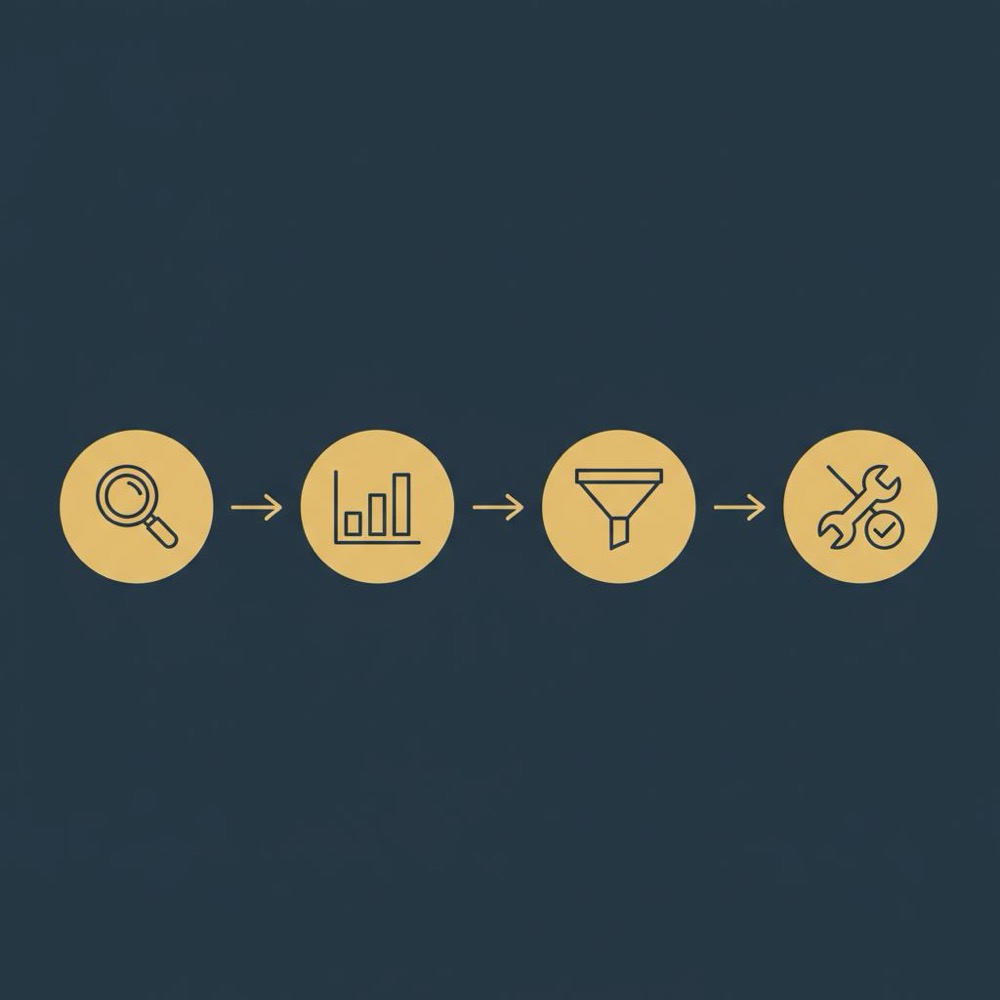
A sample set of acceptance criteria for fixes
When a task completes, the fix should have measurable acceptance criteria, for example:
• Performance: Largest Contentful Paint (LCP) under 2.5s on the affected template.
• SEO: duplicate meta titles consolidated, with unique, intent-aligned titles for high-traffic pages.
• Accessibility: contrast ratios meet WCAG AA and key pages pass keyboard-only navigation tests.
How to measure ROI from AI audits
Link audit fixes to outcomes. Examples include:
• Conversion uplift: a faster checkout page increases completed purchases.
• Traffic gains: fixing thin content and consolidating cannibalising pages can improve organic traffic.
• Time saved: automated triage reduces manual inventory time from weeks to hours.
Vendor comparison checklist
When comparing tools, score each on:
• Data handling & deletion policy
• Crawl scale & rate limits
• Integrations (Search Console, Analytics)
• Exportability & formats
• On-prem or private-cloud options
• Pricing & SLAs
Future trends to watch
Expect three shifts:
1. Better hybrid models: smarter on-prem inference that lets teams keep sensitive data in-house while using cloud for public pages.
2. Improved content intent modeling: tools will get better at judging whether content truly satisfies a searcher’s need.
3. Richer remediation tooling: expect tools to not just list errors but offer code snippets, PR-ready fixes, and automated deployables for common patterns.
Final checklist before you run an AI audit
• Define clear goals (technical fixes, content scoring, accessibility)
• Choose the right scope (public vs staging)
• Protect sensitive data (anonymize or use private deployment)
• Plan for human triage (validate high-impact items)
• Measure success (KPIs & re-runs)
Takeaway
An AI website analyzer is a powerful assistant that can find issues at scale and help you prioritize. It works best when paired with human judgment - to interpret nuance, make strategic calls, and execute meaningful fixes. Use AI to illuminate the obvious problems, then let people decide how to act.
Need a pragmatic partner to combine automated scans with hands-on delivery? Orvus helps operators turn AI findings into prioritized, measurable growth work.
No. AI can accelerate discovery, surface repeated issues and prioritize work, but humans remain essential for contextual decisions like architecture changes, legal interpretation, nuanced UX, and final content quality judgments. Treat AI as a powerful assistant that reduces manual effort and frees expert time for high-value decisions.
It depends on the vendor and settings. Public brochure sites pose less risk, but if scans include customer dashboards or pages with personal data choose tools with redaction, on-prem/private-cloud options, or anonymize data before scanning. Always request clear deletion policies and contractual clauses limiting data use and retention.
If you want automated scans plus a pragmatic, prioritized execution plan, Orvus is a good fit. They combine technical audits, content triage and hands-on execution to convert AI findings into measurable improvements - especially useful for complex sites, sensitive data environments, or teams that need a clear roadmap tied to revenue.
References
Want this kind of work done for your business?
We build and run AI-powered marketing and automation. 15 minutes, honest assessment.
Book a call