 Orvus
The journal
Why have my emails suddenly stopped coming through?
Practical ways to diagnose “missing” emails with a focus on your email preference center, plus quick fixes for spam filtering, bounces and inbox issues.

Possible causes include a changed subscription, filtering, mailbox storage or a delivery failure. The right first check depends on whether one sender or all incoming mail is affected. Start by checking your email preferences, then rule out spam and common delivery issues that providers like Gmail document, such as temporary rejections or a full inbox on the recipient side.
Is one sender affected, or all incoming mail?
For missing mail across senders, check the provider’s web inbox as well as any app. Gmail’s missing-message guide covers searching Spam and Trash, storage, filters and forwarding settings. A brand’s preference centre cannot fix a mailbox-wide sync or delivery problem.
Check preferences when one brand is affected
If this is about messages from a specific brand, navigate to that brand’s known website or a verified existing message to open its preference centre, and confirm:
- You are still opted in to receive emails.
- The categories you want are enabled (for example: newsletters, product updates, offers).
- Your email address is correct and saved.
If you previously opted down (fewer emails) or unsubscribed from a category, turn it back on and save. If you fully unsubscribed, follow the brand’s resubscribe path in the preference center or their latest message footer.
Rule out delivery failures outside the preference center
1) Check spam and filters
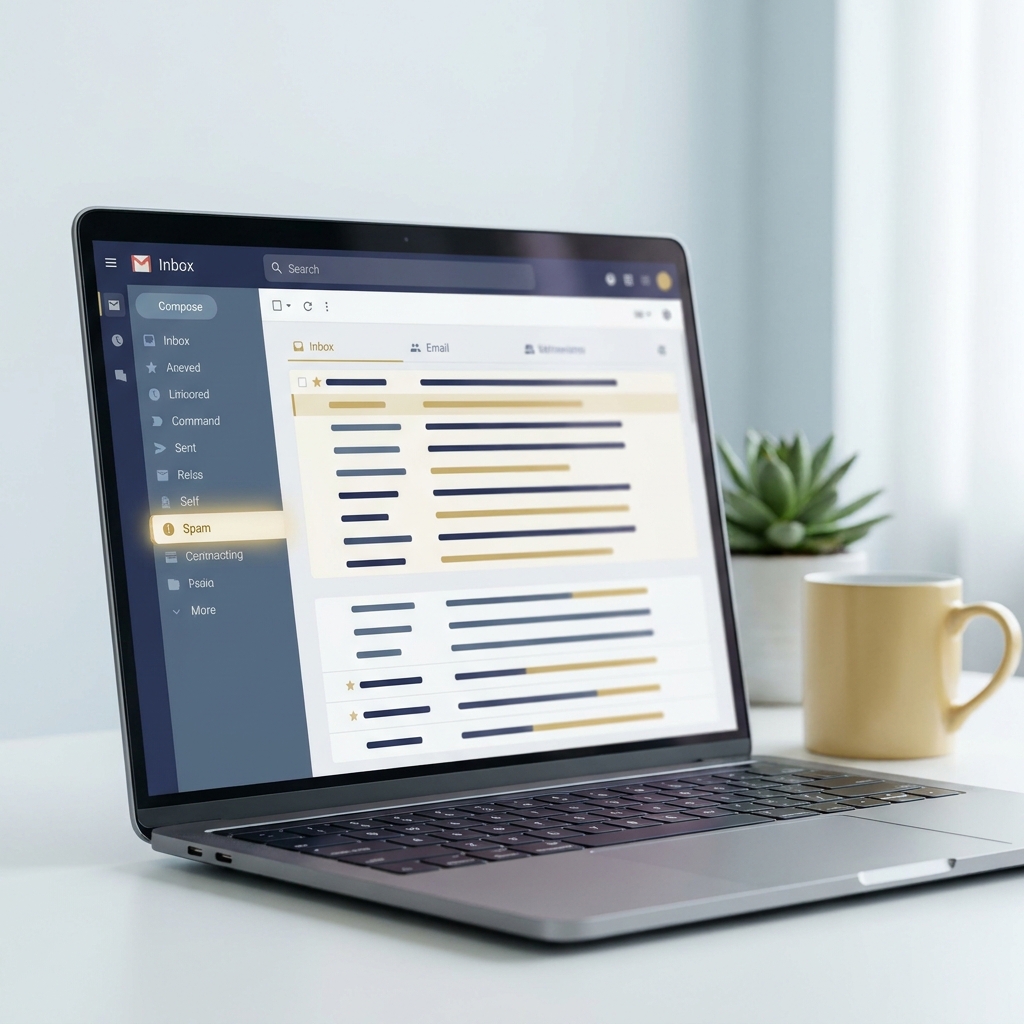
Look in Spam/Junk and any custom mail filters. If you find a recent email, move it back to your inbox and mark it “Not spam.” Email providers can route messages to spam or temporarily reject them based on message content and filtering; Gmail notes that messages can be flagged as spam or temporarily rejected for reasons like links, attachments or content that trigger filters (Gmail Help: fix bounced or rejected emails).
2) Check for temporary inbox or server issues
Sometimes the sender did send the email, but the receiving side had a temporary problem. Gmail documents that mail can fail when the recipient’s server is busy or offline, or if the recipient’s inbox is out of storage. The fix is to try again later, or free space if the mailbox is full (Gmail Help: fix bounced or rejected emails).
3) If you’re the sender, consider sending limits and bounce notices
If you send test or bulk emails and they stop arriving, check for an automated bounce message in your own inbox from “Mail Delivery Subsystem.” Review the error text to see why it failed. Gmail also sets daily sending limits for personal accounts, and exceeding them temporarily blocks further sends for about 24 hours (Gmail Help: fix bounced or rejected emails).
If you manage the preference center or mailing list
When subscribers say “your emails stopped,” verify that their current preferences and status actually allow mail:
- Confirm the contact is still subscribed and the chosen categories map to an active send segment.
- Review recent delivery logs for spam complaints, hard bounces, or a full mailbox status, then follow your re-permission or retry policy.
- Re-test segment logic after any changes to naming, tags, or categories to ensure opted-in subscribers are included.
If your troubleshooting touches broader data quality or automation routing, these guides can help you structure the work:
When to involve support or your email provider
Contact support if:
- Your preference center shows you’re subscribed, but no emails arrive and none are in Spam/Junk.
- Bounce messages cite persistent rejection despite correct addressing.
- You’ve freed inbox storage and waited, but messages still don’t deliver.
Provide timestamps, the sending address, and any bounce text. According to Gmail’s guidance, specific error wording helps pinpoint whether a message was flagged as spam, exceeded a limit, or hit a temporary mailbox issue (Gmail Help).
Put this into practice
Record one missing message’s sender, recipient, time and delivery evidence before changing settings. Separate arrival, filtering and application notification problems so a rushed fix does not disrupt a working mail route.
Quick checklist to get emails flowing again
Short FAQ
Why did I stop getting emails from only one brand?
Check both the brand’s subscription status and your mailbox filtering. This guide does not establish which cause is most common for your account (Gmail Help).
What does “temporarily rejected” mean?
Gmail describes temporary problems like a busy or offline receiving server as causes for retries; sending again later typically resolves it (Gmail Help).