 Orvus
The journal
Seven email types for planning a clear preference centre
A practical way to structure your email preference center around seven subscriber-friendly categories, with examples and implementation tips.
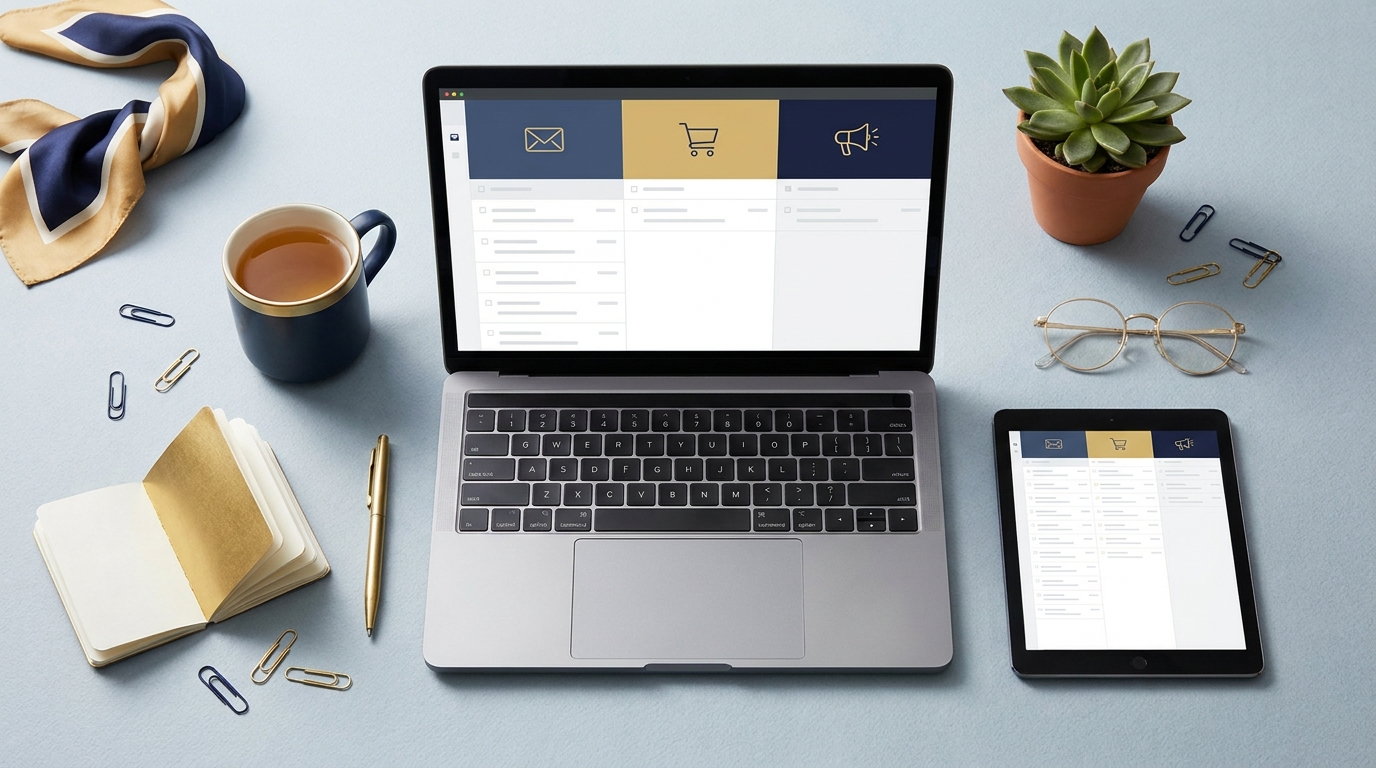
There is no universal set of exactly seven email types. For planning a marketing programme, one useful grouping is welcome and onboarding, newsletters, product announcements, promotions, feedback requests, behavioural marketing and re-engagement. These are editorial planning labels, not legal classifications or proof that a message may be sent.
Seven marketing categories you can adapt
Use clear names and brief descriptions so subscribers know exactly what they are opting into.

1) Welcome and onboarding
Purpose: greet new subscribers/customers, set expectations, share first steps. This covers welcome sequences and early how‑to messages. Welcome emails are a staple category in mature programs (Cakemail) and are central to onboarding flows (HubSpot).
2) Newsletters and educational content
Purpose: deliver articles, guides, and non‑promotional tips. This maps to “content emails” seen in common 7‑type lists and the content‑focused newsletters many senders rely on (Cakemail) and (Cattoni).
3) Product updates and announcements
Purpose: share new features, releases, maintenance notices, and company news or events. Announcement emails are a defined campaign type (Cakemail).
4) Promotions and offers
Purpose: sales, discounts, seasonal campaigns, loyalty perks and occasional flash sales. Cakemail distinguishes special offers and flash sales as core promotional patterns; many teams present them under one “Promotions” toggle in a preference center (Cakemail).
5) Surveys and reviews
Purpose: request feedback, NPS, product reviews or short progress polls. This is a common, separate stream worth its own toggle (Cakemail).
6) Behavioural marketing
Purpose: marketing messages prompted by behaviour, such as cart or browse reminders, where your applicable permissions and platform rules allow them. An automated trigger does not make a promotional message transactional. Abandoned‑cart and autoresponder sequences appear in standard 7‑type frameworks (Cattoni).
7) Re‑engagement
Purpose: win‑back outreach to inactive subscribers, or a check‑in before you reduce message frequency. Re‑engagement is one of the common planning categories in 7‑type lists (Cattoni).
How to present these options in your preference center
Keep it scannable: show the seven toggles with one‑line descriptions and expected frequency, for example:
- Welcome and onboarding: first 2-4 weeks after signup
- Newsletters: 1-4 per month
- Product updates: as needed for new features
- Promotions: occasional sales and perks
- Surveys and reviews: a few times per year
- Behavioural marketing: permitted reminders based on activity
- Re‑engagement: only if you go quiet
Tip: Pair re‑engagement with good list hygiene so you maintain deliverability and trust. See our guide on CRM data hygiene for practical cleanup steps.
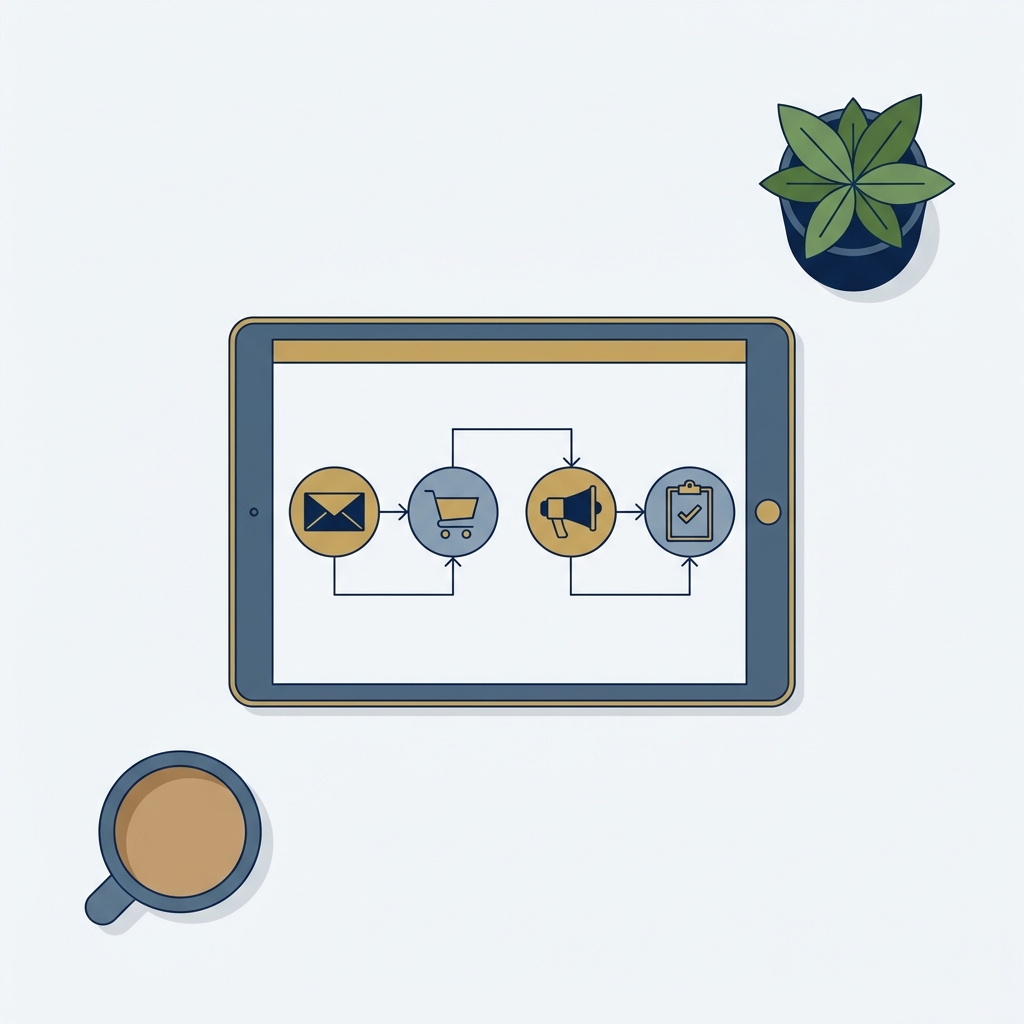
Keep service messages separate
Receipts, password resets and necessary account notices should not be bundled into a promotional preference toggle. The US Federal Trade Commission’s CAN-SPAM guide explains that message purpose and content determine its treatment; a transactional label is not a blanket exemption. Assess the actual message and the rules applying to your recipients.
Implementation quick start
Store preferences as booleans you can evaluate inside your email platform or automation tool. Here’s an illustrative JSON shape that mirrors the seven categories:
{
  "emailPreferences": {
    "welcomeOnboarding": true,
    "newsletters": true,
    "productUpdates": false,
    "promotions": true,
    "surveysReviews": false,
    "behaviouralMarketing": false,
    "reengagement": true
  }
}
A category flag is not sending permission. Global unsubscribe, consent, suppression and relevant platform controls must still govern marketing delivery. Wire each permitted preference to the corresponding audience or workflow branch. For automation measurement tips, see How to measure automation ROI.
Put this into practice
Map each message type to its purpose, audience and consent or preference handling. Test a preference change against actual downstream lists before assuming that a category name creates the required permission.
Build your 7‑option email preference center
FAQs
Do I need more than seven categories?
Use as many or as few categories as readers can understand and your programme actually sends. If you split further, keep it intuitive, for example separating “Loyalty perks” from broader Promotions. Cakemail’s list shows how offers, flash sales, loyalty milestones and birthdays all sit comfortably under a Promotions or behavioural-marketing umbrella (Cakemail).
Where do cart reminders belong?
Cart and browse reminders can be grouped as behavioural marketing for planning. Being triggered by an action does not exempt them from applicable marketing rules (Cattoni).