 Orvus
OrvusIs Yoast SEO any good? A take on Yoast SEO for teams
January 27, 2026
The goal is to help operators, founders and marketing teams decide whether yoastseo fits their content complexity and operational constraints, and to offer a clear checklist for testing and migration.
What is yoastseo? A concise definition and context
Core features at a glance
yoastseo is a WordPress SEO plugin that combines on-page content analysis, an XML sitemap generator and automated schema output into one package, helping teams apply consistent on-page practices across posts and pages. Yoast features page
The plugin is distributed as a core free extension with optional paid upgrades that add capabilities such as multiple keyphrase support, redirect management and extra schema controls; teams commonly start with the free core and evaluate premium features based on needs. WPBeginner Yoast review
Who typically uses the plugin
Operators, small marketing teams and many site owners use yoastseo when they want an integrated UI that reduces recurring, manual checks for basic on-page signals. The setup wizard and clear admin prompts make initial adoption straightforward for teams that need consistent content architecture and basic measurement. Yoast features page
Because the plugin is actively maintained and widely installed on WordPress sites, it is often chosen where mainstream compatibility and regular updates are priorities. That adoption profile also means the plugin receives regular updates tied to WordPress releases. WordPress.org plugin page
How yoastseo works in practice: setup, UI and core flows
Setup wizard and admin UI
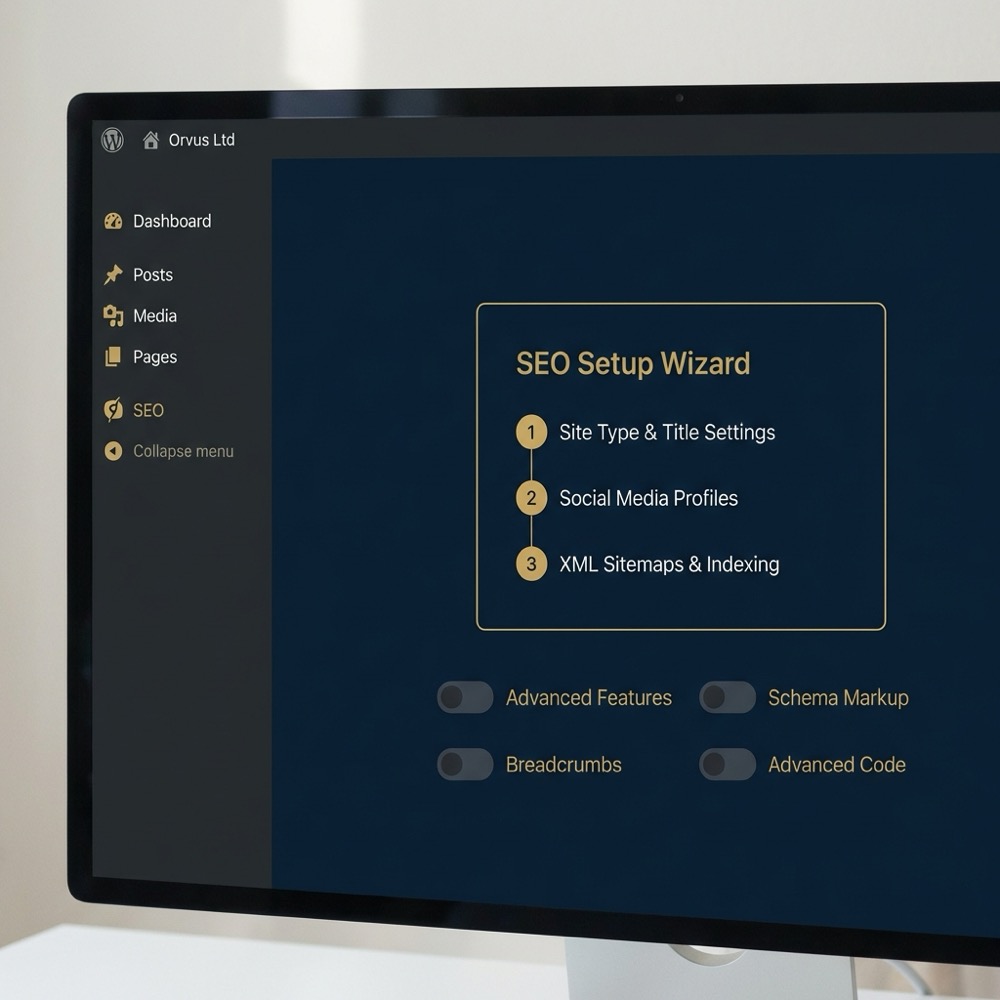
The first practical step for many sites is the guided setup wizard, which walks through basic configuration, site type and visibility settings so teams can get standard on-page defaults in place. The wizard and the integrated admin UI simplify repeating the same checks across content types. Yoast features page

Modular features and toggles
Within the admin interface, yoastseo exposes modules and toggles that let administrators enable or disable features such as XML sitemaps, readability analysis and advanced schema outputs; these toggles affect both visible behavior and the plugin's resource usage. Kinsta Yoast review
Teams should treat the module choices as configuration decisions rather than defaults; turning off unused modules reduces surface area and can cut both frontend and backend overhead. The UI's modular approach helps teams trial changes without deep code edits. WordPress.org plugin page
Need a short diagnostic for your WordPress site?
After you try the setup wizard, run a simple baseline test to see how configuration changes affect page weight and admin load before rolling out on production.
How schema and sitemaps are generated
The plugin automatically emits an XML sitemap and creates structured data for common content types; those automated outputs are active by default and can be customised or disabled if you need bespoke schema. Yoast features page
For many standard pages the automated schema output is sufficient, but the automation is opinionated and may not match requirements for complex or non-standard content types, so validate generated outputs against your content model. Search Engine Journal comparison
Performance and compatibility: what to test before you install yoastseo
Common performance effects
Independent reviews and performance analyses report that the plugin can add frontend and admin overhead depending on which modules are active and how the site is hosted; this means measurable impacts are situational and require tests in your environment. Kinsta Yoast review
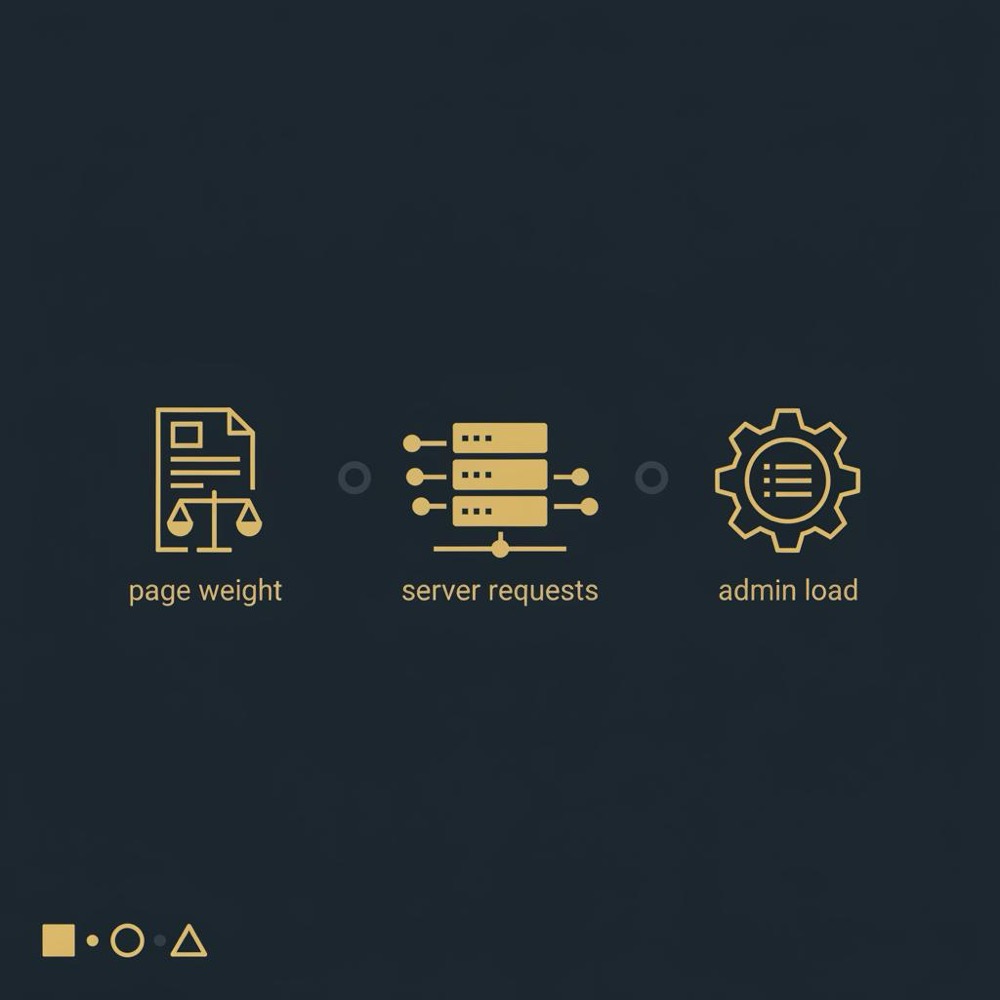
Typical effects people measure are increased page weight or additional server requests when multiple modules or add-on features are enabled, especially on low-resource hosting. Because plugins execute inside WordPress, the cost varies with theme, cache and other plugins. Moz blog on plugins and performance
Hosting, caching and module interactions
Measure server response under real admin tasks as well as page loads, because content-heavy teams can hit backend slowdowns when the admin UI runs analysis or generates schema during save operations. These admin-side tests are often overlooked but important. Moz blog on plugins and performance
Before enabling yoastseo on a production site, run baseline measurements for page weight, time to first byte, number of server requests, and admin responsiveness so you have a clear comparison after installation. Kinsta Yoast review
Include tests that exercise your cache and CDN configuration, and toggle modules one at a time to isolate the source of any additional load. Document each change so rollback is straightforward if you hit limits on low-resource hosts. Moz blog on plugins and performance
Decision criteria: when yoastseo is a sensible choice
Match plugin capabilities to site complexity
yoastseo is a sensible choice when a team needs an integrated toolset that enforces consistent on-page checks and provides sitemaps and basic schema without bespoke development. The plugin's mainstream maintenance profile also reduces upgrade risk for many WordPress sites. WordPress.org plugin page
For content that requires complex or custom schema models, yoastseo's automated and opinionated outputs can be a limiting factor; in those cases a bespoke schema implementation or supplementary tooling may be necessary. Search Engine Journal comparison
Yoast is a practical, actively maintained plugin that suits teams needing integrated on-page checks and basic schema automation, but you should test performance and validate schema for non-standard content under your hosting constraints.
Budget and team skills considerations
The free core plugin covers many standard tasks, but the premium tier adds workflow features such as multiple keyphrase support and redirects; teams should compare those feature needs against license cost and alternative approaches before committing. WPBeginner Yoast review
If your team prefers infrastructure and tooling that you can version control and audit, weigh the trade-off between a plugin that abstracts many tasks and a custom implementation that gives full control. For many small teams the plugin's UI reduces operational friction. Yoast features page
When to look beyond the plugin
Consider alternatives when you have non-standard content, strict performance constraints on low-resource hosts, or a requirement to own every element of structured data; in these situations a plugin may be a stop-gap rather than the final implementation. Search Engine Journal comparison
Common mistakes and implementation pitfalls with yoastseo
Over-reliance on plugin guidance
One common mistake is treating the plugin's prompts as a substitute for an SEO strategy; the content and readability checks are opinionated and cannot replace planning around intent, content architecture and measurement. Search Engine Journal comparison
Instead of following every score change, use the plugin's recommendations as a consistent operational baseline while keeping strategy decisions separate and documented. This prevents teams from making repetitive edits that do not serve user needs.
Performance misconfiguration
Enabling many modules or add-ons at once without measuring can increase page weight and server requests, causing regressions on lower tier hosting; toggle features incrementally and watch the metrics. Kinsta Yoast review
Also test admin workflows; some teams only monitor frontend metrics and miss admin latency that appears when many users edit content simultaneously. Regularly include authoring tasks in performance tests.
Conflicts with other plugins or duplicated sitemaps
Plugin conflicts and duplicated sitemap outputs occur when more than one plugin or theme feature emits a sitemap or when similar features overlap; audit active sitemap generators, choose one source of truth and disable duplicates. Kinsta Yoast review
Document your decisions so future plugin updates or installs do not accidentally re-enable duplicate outputs, and include sitemap checks in your monitoring. This reduces the risk of indexing issues caused by unexpected sitemap changes.
Practical checklist: testing, measurement and migrating to or from yoastseo
Pre-install test plan
Run baseline measures for page weight, server requests, time to first byte and admin-side operations so you can compare the site before and after installing the plugin. These baseline metrics are the control for any later performance analysis. Kinsta Yoast review
Also capture a snapshot of existing sitemap URLs, redirects and structured data outputs so you can identify any divergences introduced by the plugin. Having this snapshot makes rollback and reconciliation straightforward. WPBeginner Yoast review

Measuring impact after install
After enabling yoastseo, rerun the baseline tests and compare differences in page weight, response times and the number of requests; measure both cached and uncached page loads to see the full picture. Moz blog on plugins and performance
Validate generated schema against your content model and use a structured data validator on representative pages; don't assume the plugin's defaults match your information needs. Yoast features page
Safe migration steps and fallback checks
If you migrate from another SEO plugin, export and compare redirects, sitemap URLs and schema outputs before switching; map differences and create a rollback plan so you can restore the previous state if needed. WPBeginner Yoast review
Maintain a short runbook that lists which modules you enabled, the timestamp of changes, and the test results that justified each toggle. This documentation speeds troubleshooting and keeps your measurement reproducible. Kinsta Yoast review
Alternatives and what to compare: plugins, features and costs
Direct comparisons to other plugins
Independent comparisons show that plugins differ in how opinionated their guidance is and how much control they give over schema; use those comparisons as a checklist of functional gaps to evaluate against your needs. Search Engine Journal comparison
When you compare, focus on feature parity for critical functions such as XML sitemap generation, schema automation and redirect handling so decisions are apples-to-apples. This reduces selection bias driven by single features. WPBeginner Yoast review
Feature and licensing trade-offs
Evaluate whether premium licensing features actually solve a workflow problem for your team or whether a simpler tool or manual process covers the need; license costs add up across multiple sites. WPBeginner Yoast review
Remember that a plugin that reduces routine operational work can still leave strategic gaps; plan for measurement and occasional bespoke development when content models exceed plugin assumptions. Yoast features page
When to build custom schema instead
Consider custom schema when your content model is non-standard and automated outputs create either incorrect or incomplete structured data; bespoke development lets you map entities precisely to your data model. Search Engine Journal comparison
A custom approach requires development effort and maintenance, so weigh that against the convenience of a plugin; for many sites a hybrid approach, where a plugin covers common pages and custom code handles special content, is the pragmatic option. WPBeginner Yoast review
Conclusion: a constraints-driven recommendation for yoastseo
Quick summary of trade-offs
Yoast bundles on-page analysis, an XML sitemap generator and schema automation into an actively maintained WordPress plugin, making it a practical starting point for teams that want integrated tooling and guided setup. Yoast features page
Performance and schema fit are situational; test under your hosting and caching constraints and evaluate premium features only after you confirm the core plugin meets your baseline needs. Kinsta Yoast review
Run a short baseline before enabling plugin modules
Run tests with and without cache
Recommended next steps based on constraints
Start with baseline measurements, enable modules selectively, validate schema outputs against your content model and document each change. If site constraints or schema needs are complex, plan for bespoke work rather than forcing plugin automation.
For teams that need assistance turning these checks into a repeatable workflow, a strategic growth partner can help design a compact test plan and measurement dashboard that fits your constraints and priorities.
It can increase frontend or admin load depending on enabled modules, hosting and caching. Measure baseline metrics and test with modules toggled to see the real effect for your site.
Yoast automates schema for common content types but its outputs are opinionated; for non-standard content you should validate outputs and plan for custom schema if needed.
Not always. The free core covers many tasks. Evaluate whether premium features like multiple keyphrases or redirect tools solve workflow gaps before buying.
Light, contextual help from a growth systems partner can shorten the diagnostic phase if you prefer an operator-led test plan and repeatable measurement setup.
References
- https://yoast.com/site-speed-tools-suggestions/
- https://yoast.com/features/
- https://wordpress.org/plugins/wordpress-seo/
- https://yoast.com/choosing-the-right-wordpress-seo-plugin-for-your-business-yoast-vs-rank-math/
- https://kinsta.com/blog/yoast-seo/
- our knowledge base
- our services
- orvus.net
- https://yoast.com/product/yoast-seo-premium-wordpress/
Want this kind of work done for your business?
We build and run AI-powered marketing and automation. 15 minutes, honest assessment.
Book a call