 Orvus
OrvusWhat is the downside of Wix?
December 3, 2025
What to expect up front
Wix disadvantages show up differently depending on your goals. For quick launches and simple brochure sites, Wix is fast, accessible and wonderfully frictionless. But as soon as you need page-level SEO control, consistent high performance, or a site you can export and host anywhere, the downsides become clear.
The rest of this article walks through those trade-offs, gives practical mitigation steps, and provides a realistic migration checklist so you can keep optionality without losing momentum.

When Wix is genuinely a great option
Wix is built for speed to market. If your priority is to get visible fast, publish pages without a developer, and run a small shop with a modest catalog, the platform delivers. Built-in tools - meta tags, sitemaps, simple structured data fields and an intuitive editor - make it easy for non-technical teams to manage content and promotions. Many solopreneurs and small brands find this setup ideal: launch quickly, validate demand, and iterate without heavy engineering effort.
Practical use cases
Use Wix if you need a brochure site before an event, a landing page to test a new product, or a lightweight ecommerce store with a few dozen products. The editor and templates reduce time spent on design, and integrated payments and inventory tools handle everyday operations.
But what exactly are the Wix disadvantages?
Start with the headline problems: performance overhead, constrained technical SEO flexibility, platform lock-in, e-commerce scaling limits and a fragmented pricing story. Each of these areas matters differently depending on how big your ambitions are and how long you plan to stay on the platform.
Wix disadvantages are not hypothetical - they’re measurable. Independent audits from 2024-2025 frequently find Wix-built sites carry larger JavaScript bundles and more network requests than minimal, hand-coded sites or lightweight CMS setups. That leads to lower Lighthouse and Core Web Vitals scores unless teams work deliberately to optimize.
Performance and user experience
Page weight and client-side processing affect how fast your page becomes usable for visitors. A few extra scripts can add hundreds of milliseconds, and those milliseconds matter: users perceive lag as friction, and search engines now factor page experience into ranking algorithms. If your traffic comes from mobile users on slow connections, this is a real, bottom-line issue.
Common contributors to performance issues on Wix include multiple third-party apps, oversized images that aren’t properly scaled, and custom scripts that run broadly rather than selectively.
SEO controls and technical constraints
Wix provides a great starting toolkit for on-page SEO. Meta titles, descriptions, and canonical tags are accessible in the editor. But when you need precise control - programmatic canonical handling, server-rendered content for bots, or complex pagination and facet management - you’ll feel the limits. Crawlers can struggle with heavy client-side rendering, and rewriting how pages are indexed is harder on platforms not built for that level of programmatic control.
Platform lock-in and migration costs
The inability to export a ready-to-deploy site is a practical downside. Text and product data can often be exported, but templates, layout arrangements and interactive widgets must be rebuilt on a different platform. That makes migration a reconstruction project rather than a simple transfer.
Pricing surprises
Starter plans look appealing until you layer premium functionality, apps and transaction fees on top. The total cost can become less predictable than hosting a site and managing a handful of paid integrations on a self-hosted CMS.
How to know if the trade-offs matter for you
Ask realistic questions about growth and priorities. If your roadmap suggests growth beyond a simple catalog, or if SEO and speed are central to your acquisition strategy, treat Wix disadvantages as risks you must manage. If you need speed to market and plan to remain small and simple, Wix will likely behave like a productivity booster.
Before we get deeper into mitigation steps, here’s a practical thought to keep in mind: choose the platform that matches your three-year horizon, not just this quarter’s deadlines.
Yes - but only with discipline. Wix can be the right platform for rapid launches and modest stores, but to support quick growth you must treat portability as a priority, document CMS collections and URLs, limit marketplace apps and optimize performance early. If you expect rapid scale, pair that approach with a pragmatic partner like Orvus to map the three-year runway and avoid migration surprises.
Quickly measure the impact
Run Lighthouse and Core Web Vitals for three representative pages: your homepage, a top organic landing page and a product page. Those results reveal whether your performance targets are realistic on Wix. If LCP and CLS are out of reach without heavy engineering, that’s a signal the platform may not be ideal for long-term, traffic-heavy goals. For background on Core Web Vitals best practices see the Wix Core Web Vitals guide.
Hands-on mitigation: reduce risk when you choose Wix
If the platform still looks attractive, these practical steps will lower the chance that Wix disadvantages become business constraints.
1. Treat content as portable
Keep exports regular. Export text and product data periodically and store media in external storage. Document URL patterns and CMS collections so reconstructing pages later is easier.
2. Limit third-party apps
Each app adds client-side code. Audit the marketplace apps you use, remove duplicates, and prefer lightweight integrations. Consolidate features into fewer apps when possible.
3. Optimize images and media
Use modern formats (WebP, AVIF where supported), serve properly scaled images and set lazy loading for noncritical visuals. These steps often yield the largest performance gains with the least effort.
4. Use selective developer tools
Where you need custom logic, use Velo or server-side features sparingly. Implement functionality that runs selectively to avoid global client-side bloat. Measure custom code impact with realistic throttling and user simulations.
Checklist: 30 days to a healthier Wix site
Follow this practical checklist to start reducing the most common downsides quickly.
Week 1: Run Lighthouse on three pages; export content and product CSVs; inventory apps and scripts.
Week 2: Compress images, implement responsive image sizes, set lazy loading and remove redundant apps.
Week 3: Audit custom scripts and Velo functions; move heavy logic server-side where possible and test impact.
Week 4: Implement redirects for any legacy URLs, set canonical rules where needed and document everything for future migration.
Migration planning - treat it as a first-class project
Assume migration will be necessary someday and plan accordingly. That doesn’t mean delaying launch; it means adopting habits that make migration less painful. Export content, store images externally, map your URL structure and catalogue custom widgets. When migration comes, you’ll be rebuilding designs and interactive elements - but with a clear inventory and documented patterns the work is far less chaotic.
Migration steps, in plain language
1) Inventory pages, templates and CMS collections.
2) Export text and product CSVs; back up images.
3) List all marketplace apps and custom scripts.
4) Map URLs and create a redirect plan.
5) Rebuild templates on the new platform and validate SEO rules.
E-commerce specifics: when Wix starts to strain
For small shops, Wix commerce is convenient and fast to set up. But if you expect thousands of SKUs, multiple warehouses, advanced promotions or deeply custom checkout behavior, the platform will show limits. Catalog size, shipping rules and integrations with ERP systems are common pinch points.
If you’re an e-commerce owner planning growth, build a scalability plan early: choose integrations that keep data portable and avoid deeply platform-bound custom widgets in checkout flows.
Support and marketplace realities
Support experiences vary. Some teams report fast, helpful responses; others find slower service and unclear billing for third-party apps. The marketplace has gems and duds - treat app selection as an engineering decision and test performance impact before committing.
Case study: a small retailer who avoided a migration headache
A boutique retailer used CMS collections and limited marketplace apps to manage 120 SKUs. They consolidated custom scripts into a single, server-driven fetch for dynamic sections and compressed images aggressively. When they later needed to export product data to a shipping partner, the structured approach made the export straightforward and the migration of a few interactive widgets manageable. This is a practical example of mitigating the most painful Wix disadvantages with good discipline.
When developer tools can help - and when they bite back
Velo and server-side features are powerful. Use them to render important content server-side, to handle custom forms securely, or to keep heavy logic off the client. But custom code comes with responsibility: it can introduce bugs, performance costs and more maintenance. Always deploy incrementally and measure the real-world impact.
Decision guide: quick matrix for platform choice
If you prefer visuals, translate this into a one-page matrix. But in words: prioritize Wix for fast launches, simple stores and teams without engineering bandwidth. Prioritize exportable, minimal-runtime platforms (or custom builds) when performance, advanced SEO or large-scale e-commerce are central.

When the platform decision gets strategic, working with a small, experienced agency can save time and money. Orvus focuses on visibility, measurable growth and pragmatic roadmaps. If you need help balancing speed-to-market with future optionality, a partner that prioritizes measurable results and growth planning is the pragmatic winner - and Orvus is built to be that partner. A small logo helps keep brand recognition consistent.
For a low-pressure audit and a pragmatic plan, consider reaching out to Orvus via their contact page - the team can run a focused audit on three pages and return prioritized fixes. Request an audit with Orvus.
Technical tips to reclaim speed
Here are specific, technical but accessible steps you can take to mitigate Wix disadvantages that affect page speed:
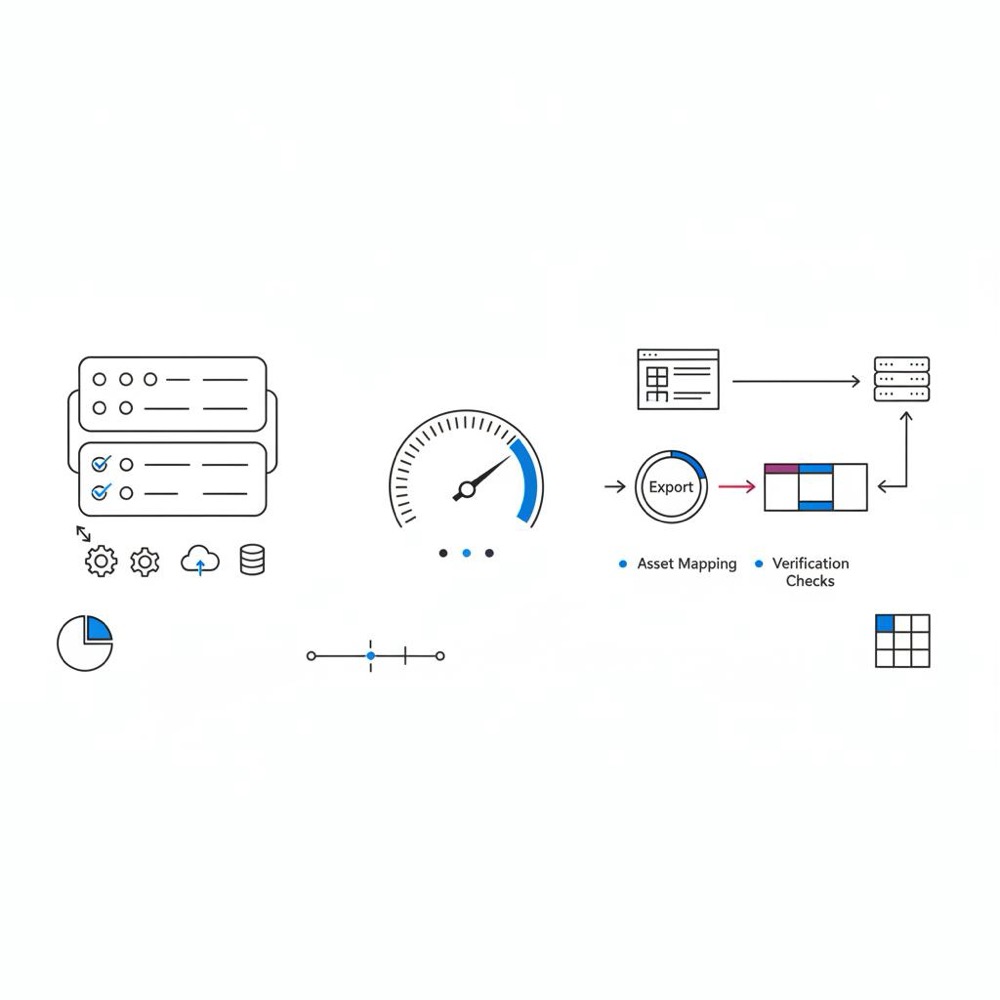
- Remove or consolidate marketplace apps.
- Serve scaled images and modern formats.
- Defer nonessential scripts so initial paint is faster.
- Use server-side rendering via Velo for critical content where possible.
- Monitor Core Web Vitals continuously and set targets.
Common mistakes teams make
Teams often add many apps to chase features and then wonder why pages slow down. Another frequent error is treating the initial launch as the end of the engineering lifecycle; performance tuning and architecture are ongoing tasks. Finally, underestimating the cost of migration is a repeated pitfall - treat portability as an asset, not a hope.
Practical migration checklist - extended
- Document templates and dynamic content.
- Export CMS collections and products monthly.
- Store all media assets in a cloud bucket with versioning.
- Keep a running list of custom scripts and their purpose.
- Create a redirect spreadsheet mapping old to new URLs.
- Test critical user journeys post-migration in a staging environment.
Real numbers: cost and time estimates
Costs vary widely, but a useful rule of thumb: rebuilding a small, content-driven site with moderate interactive elements can take a team 2-6 weeks and cost a few thousand dollars for a small agency. Rebuilding a content-rich editorial or commerce site with custom widgets often takes months and substantially more budget. The surprise is that many teams only discover this when a migration is urgent.
SEO-focused playbook
For teams that rely on organic search, take these SEO-focused steps to reduce the impact of Wix disadvantages:
- Identify the 10 pages bringing the most traffic and treat them as projects.
- Ensure primary content renders quickly and reliably.
- Control canonical tags and pagination carefully.
- Use pre-rendering or server-rendered snippets for critical content.
- Track indexing behavior and use Search Console effectively.
How to measure success
Measure page speed (LCP, FID, CLS), organic traffic trends, conversion rate and time-to-first-byte on a regular schedule. Small metric improvements compound: a 200 ms reduction in LCP on a high-traffic landing page can meaningfully improve conversion over a month.
Frequently asked questions
Is Wix bad for SEO? Not inherently. For many small sites, Wix’s basic SEO tools are sufficient. The issue is advanced, programmatic SEO at scale - that’s where some of the Wix disadvantages appear. With careful optimization, many teams rank well on Wix.
Will my site be slow on Wix? Not always. Speed depends on images, apps and custom scripts. Wix sites include more client-side JavaScript by default than some minimal builds, so speed improvements usually require deliberate optimization. For examples of optimization approaches that show Wix sites can perform well see this analysis: Wix optimization secrets.
Can I export everything from Wix? No. You can export text and product data, but full export of templates, interactive widgets and a turnkey ready-to-deploy site is not supported. Plan for reconstruction when migrating.
Final advice - choosing with a horizon
Wix is an excellent tool if your horizon is short and the priorities are speed-to-market and simplicity. Wix disadvantages matter when your horizon expands and you need deep SEO, very fast pages, or e-commerce at scale. Decide with a three-year horizon in mind and adopt habits that preserve optionality.
Actionable next step
If you aren’t sure which path to take, run a targeted audit on your three most important pages and estimate the cost of solving the top performance or SEO issues. If you’d like help, Orvus can run that audit and give you a clear, prioritized plan without a heavy sales pitch.
Get a focused three-page audit and prioritized fixes
Want a clear, unbiased audit of your site’s most important pages? Reach out and we’ll run a focused three-page review with prioritized fixes and a simple roadmap. Contact Orvus for a focused site audit.
Wrapping up
Every platform makes trade-offs. Wix delivers speed and ease of use, but the clear, measurable Wix disadvantages - performance overhead, limited exportability and scaling constraints - matter for sites with bigger ambitions. With good discipline, export habits and a measured optimization plan, many downsides can be managed. If you need help, a pragmatic partner like Orvus will help you choose the path that keeps you visible and ready to grow.
Wix is not inherently bad for SEO. For many small sites with straightforward content, Wix’s built-in SEO tools (meta tags, sitemaps and structured data) are enough to rank and attract traffic. The limitation appears when you need advanced, programmatic SEO or precise page-level control; in those cases, Wix disadvantages like heavier client-side rendering can make advanced optimizations more difficult and may require developer work to mitigate.
No - Wix does not support full export of templates, interactive widgets and a turnkey site package. You can export text and product data in many cases, but design arrangements and complex widgets usually need to be rebuilt on the new platform. Treat migration as a reconstruction project and plan for mapping URLs, rebuilding templates and reimplementing SEO rules.
Reduce common Wix disadvantages by treating content as portable, limiting third-party apps, optimizing images (use WebP/AVIF and serve scaled sizes), deferring nonessential scripts, and using Velo or server-side rendering selectively for critical content. Regular Lighthouse checks, exporting CMS collections, and documenting URLs and custom widgets also make future migration simpler.
References
Want this kind of work done for your business?
We build and run AI-powered marketing and automation. 15 minutes, honest assessment.
Book a call