 Orvus
OrvusWhat is Ahrefs for? A guide to ahrefs com for operators
February 1, 2026
The focus here is pragmatic: the aim is to help operators and founders run focused checks, embed outputs into search architecture, and avoid common evaluation errors. If you want a systematic approach rather than a marketing summary, this guide is designed for that purpose.
Quick answer: what is ahrefs com and who uses it
ahrefs com is an integrated, subscription SEO toolkit that bundles backlink analysis, keyword research, site auditing and rank tracking into a single product offering, and it targets marketers and search teams who need a unified data source for research and technical checks Ahrefs product page
Typical users include marketing operators, SEO specialists, in-house search operators and technical teams who coordinate content and engineering work. These roles use the toolkit to discover link opportunities, map content to intent, and prioritise technical fixes without treating the tool as a complete revenue attribution system.
Ahrefs is a comprehensive SEO toolkit that often fits teams needing backlink research, keyword discovery and site audits, but teams should trial exports and integration to confirm index coverage, local data fit and cost-to-value for their constraints.
For many teams, Ahrefs is one input among several: teams commonly export Ahrefs outputs into analytics and reporting systems to connect search activity to revenue and funnels.
How ahrefs com is structured: modules and workflows
Ahrefs centres on a few core modules that each serve a distinct workflow role. The main modules you will encounter are Site Explorer, Keyword Explorer, Site Audit and Rank Tracker, and they are designed to address backlink research, keyword selection, technical site health and ongoing position monitoring respectively Ahrefs product page
Site Explorer is typically the starting point for competitive backlink checks, Keyword Explorer for topic discovery and volume estimates, Site Audit for crawling and flagged technical items, and Rank Tracker for periodic position checks and reporting. Teams often combine outputs from more than one module and then export results for integration with other reporting systems to close attribution loops.
Common modular workflows look like this: use Site Explorer to map a competitor's referring domains, feed potential topic areas into Keyword Explorer to assess search volume and intent, run Site Audit to surface technical barriers to indexing, and then track selected keywords in Rank Tracker while measuring traffic and conversions in analytics. This modular approach keeps tasks focused and supports handoffs between content, outreach and engineering teams Site Audit help page
Backlink analysis with ahrefs com: Site Explorer and the backlink index
Site Explorer plus Ahrefs' backlink index are frequently cited as core capabilities for competitive backlink and referring-domain analysis, and teams use these to understand linking patterns and referring-domain footprints when planning outreach or content strategies How to use Ahrefs for backlink analysis
In practice, Site Explorer surfaces lists of referring domains, linking pages, anchor text and estimated link authority. Operators use those lists to prioritise outreach targets, identify content themes that attract links, and run link audits to flag potentially risky linking patterns.
When you run backlink research, include simple validation steps before acting on the whole set. Export a manageable sample of referring domains, cross-check where feasible against your own server logs or analytics for inbound referrals, and review anchor text distributions for relevance rather than solely for raw counts.
export a referring-domain list and basic validation checks
export sample of 500 rows first
Operationally, a quick export workflow is useful: run Site Explorer for a target domain, filter by dofollow or domain-level metrics if needed, export the referring-domain list, and then tag or bucket domains for outreach or further review in your CRM or outreach tracker.
Keyword research and content planning with ahrefs com
Keyword Explorer provides search volume, keyword difficulty and estimated clicks that teams use to prioritise topics and design content architecture, and its click-estimate metric helps adjust priorities where raw volume is misleading Keyword Explorer documentation

Use the metrics together: search volume offers scale, keyword difficulty gives a sense of competitive effort, and click estimates indicate likely organic click-through outcomes for a given query. Operators map keywords to intent stages and then design content briefs that match those stages rather than chasing volume alone.
Because these metrics are estimates, pair them with your site analytics and business constraints. Test small experiments: publish a narrowly scoped piece, measure traffic and conversions, and compare actual clicks to the Keyword Explorer estimate to learn how the metric behaves for your niche.
Site Audit and technical SEO workflows in ahrefs com
The Site Audit module crawls sites to identify technical SEO issues and produces prioritised issue lists that teams use to plan technical workstreams and search architecture changes Site Audit help page
Typical flagged items include crawlability problems, redirect chains, duplicate content signals and internal linking weaknesses. Teams export the prioritized list, assign issues to sprints, and track fixes back into the crawl to confirm resolution.

When you act on audit output in larger systems, tag each fix with an owner, expected impact, and a simple verification check (Orvus services). This keeps the search architecture workstream transparent and makes it easier to show how technical fixes feed measurement buckets later.
Rank tracking, reporting and measurement with ahrefs com
Ahrefs includes native rank-tracking and reporting features that support ongoing monitoring, and many teams use the tracker for cadence reporting and to flag unexpected movement in targeted queries Ahrefs product page
Native reporting is often sufficient for regular monitoring and for internal teams that need quick checks, but when revenue attribution is required teams commonly export or connect Ahrefs data to analytics or BI systems to join keyword data with conversion events.
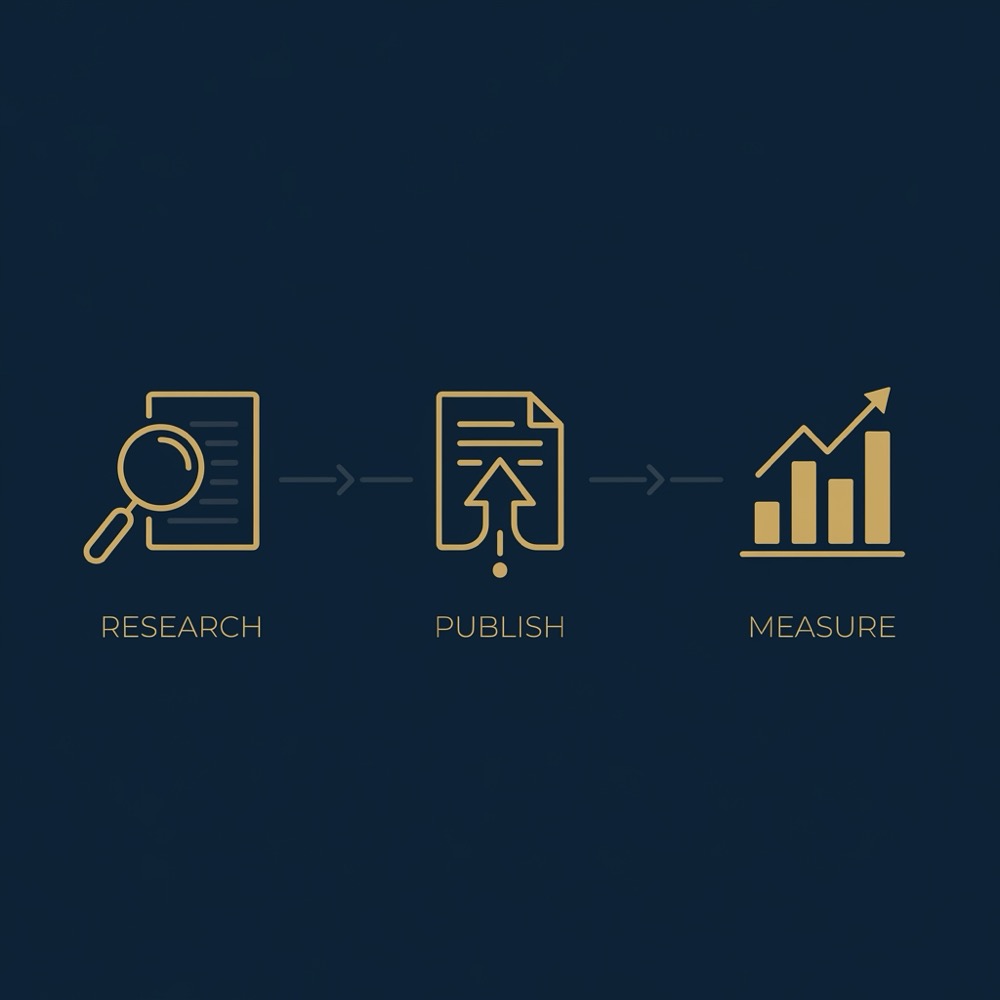
Decide when native reports suffice: if the goal is weekly trend checks and simple position alerts, the built-in tracker will do. If you need keyword-level revenue attribution, plan the integration work up front so that exports include identifiers that can join to your analytics events.
Who should (and should not) buy ahrefs com
Ahrefs is a fit for teams that need a combined backlink index, keyword research tool and audit crawler under one subscription, and that can absorb the data into existing workflows for content, outreach and technical work.
It tends to match organisations with dedicated search operators or teams who run frequent research, manage outreach programs, and can justify the query and export volumes on a paid plan.
Start with a Consultation
If you want a compact way to check data fit and integration effort, run the short evaluation framework below before committing to a plan.
Conversely, teams with very low query needs, limited budget, or strict requirements for extremely localised search coverage should validate sample exports and consider whether the subscription limits meet their constraints before buying.
How to evaluate ahrefs com for your constraints: a short framework
Run four focused checks: test index coverage, verify workflow integration, estimate pricing impact, and confirm operational fit. These dimensions help surface whether the tool's data model matches your constraints and goals (see Orvus services) Ahrefs product page
Index coverage and accuracy: export backlink samples for target markets and compare them to known references or your analytics. Integration and reporting: test how an export joins to your analytics or BI tool. Pricing and limits: estimate monthly queries, expected export volume and team concurrency. Operational fit: verify who will own the tool day to day and how outputs enter your content and engineering sprints.
During a trial, assign a single operator to run these checks and log assumptions. That makes it easier to measure marginal value and avoid surprises when you move from trial to a paid tier. See Orvus homepage for context if needed.
Typical limitations of ahrefs com and how teams mitigate them
Published comparisons note differences in index size, local search coverage and refresh cadence between providers, so these are sensible areas to validate when assessing fit Ahrefs vs competitors summary and Ahrefs link index discussion
To mitigate risk, cross-check sample exports, supplement Ahrefs outputs with your analytics, and run scoped sampling for local markets where coverage matters. These steps reduce the chance of making operational decisions on incomplete data.
Keep in mind that data freshness and depth may vary by market and query type, so accept that some manual validation will usually be necessary before scaling workflows that depend on backlink counts or local volume estimates.
Common mistakes teams make when using ahrefs com
A common error is over-reliance on a single metric, for example using raw search volume or difficulty in isolation without checking intent or click estimates, which can misprioritise topics Keyword Explorer documentation
Another frequent mistake is assuming backlink index outputs are complete. Run validation samples, and do not treat a single export as a definitive list for outreach decisions without cross-checks.
Corrective actions are straightforward: define testing rules, add validation checkpoints into workflows, and log any assumptions you make when creating reports. This turns ad hoc outputs into repeatable processes.
Practical workflow example 1: integrating ahrefs com into search architecture
Step 1: keyword discovery. Use Keyword Explorer to generate topic lists and filter by intent and click estimates. Step 2: intent mapping. Group keywords by intent stage and map them to content types. Step 3: content briefs. Create briefs that reference target keyword, primary intent and internal linking targets. Step 4: linking strategy. Use Site Explorer output to prioritise outreach and internal link placements Keyword Explorer documentation
Tag exports consistently so publishing teams can preserve attribution lines. Include the keyword ID or a simple export tag that the CMS accepts, and store the original Ahrefs query in your content tracker so you can measure the content's performance back to the research step.
Add audit checkpoints: after publishing, measure organic traffic and conversions at 30 and 90 days, compare actual clicks to the Keyword Explorer estimate, and update the content backlog based on outcomes. This keeps the architecture feedback loop closed and improves future topic selection.
Practical workflow example 2: using ahrefs com outputs in paid media and funnels
Use Keyword Explorer to identify high-intent queries that map to paid landing pages and creative concepts. Where Keyword Explorer highlights a topical gap, test paid creative that targets that intent and measure landing page performance to inform organic content briefs Ahrefs product page
Backlink insights from Site Explorer can inform partnership or outreach ideas that feed top-of-funnel efforts. For example, competitor referring domains might suggest partnerships or guest content opportunities you can test with paid amplification.
Set reporting loops so paid tests that move conversion rates feed back into the SEO backlog. That ensures content teams see which paid creatives and landing variations improved funnel metrics and can prioritise organic content or technical changes accordingly.
Pricing, plan choice and cost-to-value considerations for ahrefs com
Ahrefs is sold on tiered subscription plans, and cost-to-value depends on query limits, export volume and whether the backlink index depth and local coverage meet your project constraints Ahrefs pricing page
Estimate needs by capturing expected monthly queries, typical export sizes, and how many team members will use the tool concurrently. Running a short pilot helps reveal actual usage patterns so you can pick a plan that avoids recurring overage costs.
Align plan choice with integration and automation plans. If you will connect exports to analytics or BI tools, account for engineering time and any API limits that may affect monthly costs.
Next steps: checklist and practical decision guide for ahrefs com
Trial checklist: export a backlink sample for a target market, test Keyword Explorer estimates against your analytics, run a Site Audit for a representative site section, verify Rank Tracker covers your target keywords, and test the export integration with your reporting system Ahrefs product page
Who should own evaluation: assign an operator or analyst to run the checks and document assumptions. Success signals include exports that join cleanly with analytics, a manageable query profile during trial, and audit output that yields clear prioritised fixes. See our team notes and further reading on the Orvus blog
Remember that Ahrefs is one input in a broader measurement and automation strategy. Use the trial to learn how its outputs plug into your workflows and what small automations or reports you need to reduce manual effort.
ahrefs com is used for backlink analysis, keyword research, site auditing and rank tracking to support SEO research and technical workflows.
Ahrefs offers reporting and rank tracking, but teams commonly export or integrate data with analytics systems to achieve full revenue attribution.
Teams should export sample backlink sets, compare keyword estimates with site analytics, and run scoped audits to confirm coverage before scaling decisions.
If you document assumptions during a trial and assign ownership for evaluation, you will have clearer signals to decide whether a paid plan makes sense for your systems and constraints.
References
Want this kind of work done for your business?
We build and run AI-powered marketing and automation. 15 minutes, honest assessment.
Book a call