 Orvus
OrvusThe journal
How to create an approval workflow?
how to automate invoice approval workflow with a compliance-first approach that covers BPMN modelling, security, retention and vendor integration.

What an automated invoice approval workflow is and why it matters
Key terms and scope
An automated invoice approval workflow coordinates the steps from invoice receipt to payment so that accuracy, control, speed and auditability are enforced by rules rather than memory or email. For teams asking how to automate invoice approval workflow, the objective is to reduce manual touch points, ensure approvals follow documented authority limits and keep an auditable record of who did what and when.
Well-designed workflows map roles, decision points and exception paths so that approvals are consistent and traceable. Internal control frameworks emphasise segregation of duties, defined approval authority and monitoring to prevent errors and fraud, and organisations should use those control expectations as design constraints when they automate approvals GAO Green Book
Who benefits and common use cases
How can we set up a compliant, auditable automated invoice approval workflow?
Map the end to end process in BPMN, enforce segregation of duties and delegated limits in system rules, apply least privilege and strong logging, integrate with ERP and e invoice transports, and configure retention and export for audit support.
Finance managers, procurement leads and IT architects benefit most because they must balance speedy invoice processing with oversight and audit readiness. Common use cases include three-way purchase order matching, multi-level approvals for large invoices, staged approvals where technical and commercial reviews are separate, and automated exception routing for mismatches or disputed amounts. In regulated or public-sector contexts, workflows also need to reflect delegated authority rules and documented approvals because those requirements affect the validity of payment decisions Managing Public Money
Design principles and control framework to base your workflow on
Segregation of duties and approval limits
The first design principle is to bake segregation of duties and delegated approval limits into the process model so that no single actor can both create and authorise the same payment. Segregation of duties reduces opportunities for error and misuse, and delegated approval limits should be expressed in business terms and implemented as enforceable routing rules in the workflow engine GAO Green Book
When you define approval authority, record the decision criteria, the dollar thresholds and any conditional rules such as project, cost center or vendor restrictions. Translate those business rules into system conditions so the workflow routes invoices automatically rather than relying on managers to remember complex limits.
Least privilege, logging and role design
Limit system access to the minimum necessary for each role and require distinct accounts for creators, approvers and payment operators; this aligns access control with the principle of least privilege and separation of duties in security frameworks NIST SP 800-53 Rev. 5
Design roles narrowly and document the intended actions for each role, for example: receipt clerk, PO matcher, commercial approver, payment authoriser. Ensure all approval actions generate immutable log entries including user identity, timestamp, action taken and the data snapshot used to make the decision. These logs form the core of audit trails and support later reviews and investigations.
quick control review for approver roles and logging configuration
Step by step: how to design and build the workflow
Map the process with BPMN and identify roles
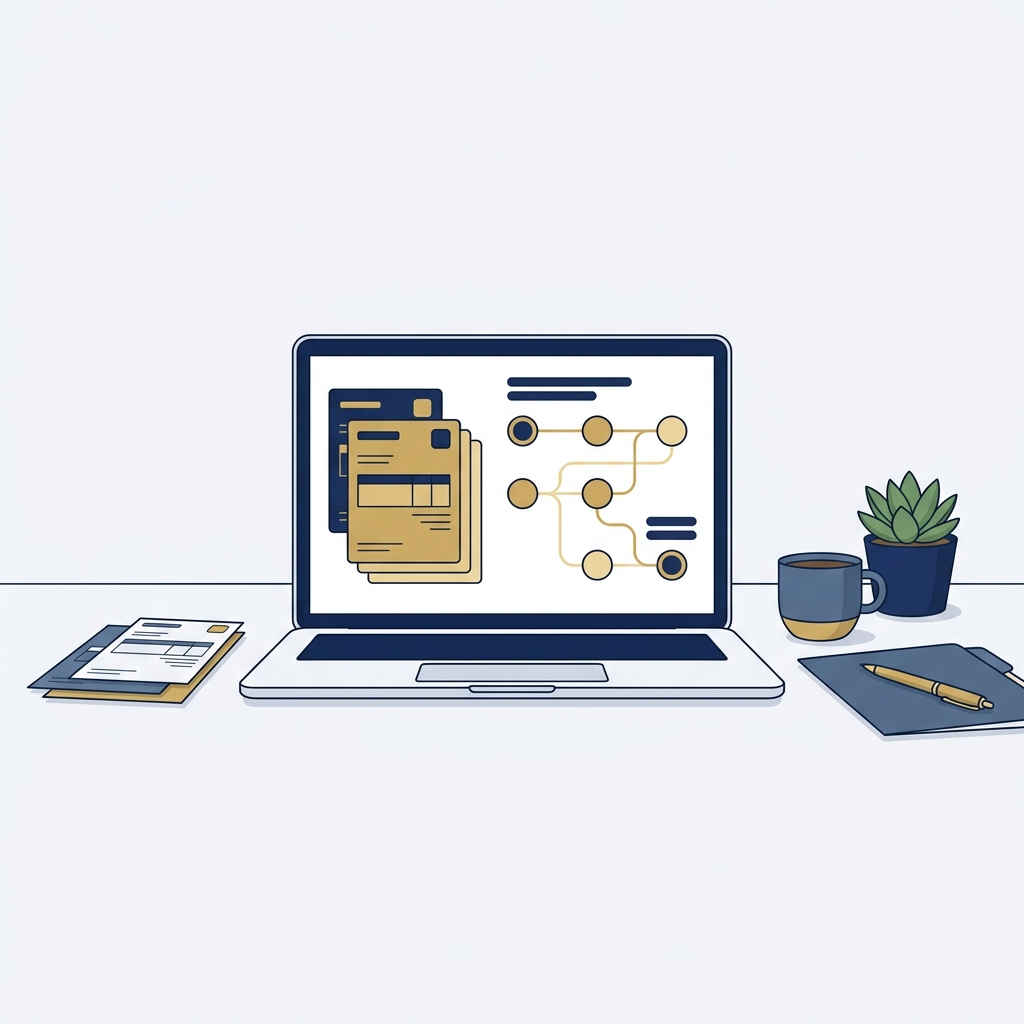
Begin with an end to end process map that includes receipt, validation, matching, approval, payment handoff and archival. Use BPMN notation to show lanes for roles, gateways for decisions, and timer events for escalations so the model is tool-agnostic and clear to stakeholders BPMN 2.0.2 specification

A simple BPMN start point might show a receive invoice task in the vendor lane, an automatic validation task, a gateway that checks PO match, and parallel lanes for commercial and technical approval where required. Label the gateways with conditions such as "amount > delegated limit" or "PO mismatch" and add explicit escalation paths for overdue approvals.
Define routing rules, thresholds and exception paths
Translate delegated approval limits into predicates the workflow can evaluate. For example, a rule could read: if InvoiceAmount <= ManagerLimit and CostCenter = X then route to Manager A; else route to Senior Approver. Express rules clearly so they map directly from the business matrix to system conditions and reduce ambiguous manual decisions Managing Public Money
Design exception flows for common issues: vendor disputes, missing POs, duplicate invoices and tax code problems. For each exception, define who can resolve it, whether the invoice is temporarily blocked for payment, and how long the system waits before escalating. Document timed reminders and escalation chains to avoid stalled items.
Integrate e invoice handling and data preservation
If you must accept electronic invoices under public procurement rules, ensure the ingestion and processing preserve the invoice core elements and metadata required by the applicable standard. Where EU public procurement applies, workflows should maintain the invoice core data model and processing integrity to support compliance with the electronic invoicing directive Directive 2014/55/EU
Plan integrations for invoice ingestion (email, EDI, portal), vendor validation, PO matching and ERP payment handoff. Verify that data fields remain intact through each translation or transport layer and that any conversion to internal formats preserves the original invoice evidence for audit and retention purposes General Records Schedule 1.1
How to choose technology and the key decision criteria
Compliance, retention and auditability
When evaluating platforms, check that they can enforce role controls, produce immutable logs and export records in a format usable for audits and records schedules. Confirm that retention settings and export tools can meet your organisational or jurisdictional schedule requirements General Records Schedule 1.1
Ask vendors or your IT team how the system represents and stores approval evidence. Ideally the platform should support export of the invoice and its approval trail in a package that preserves timestamps, user IDs and the approved document image or structured data.
Security, access controls and integrations
Prioritise platforms that support role based access controls, least privilege configurations and strong authentication options such as multi factor authentication. Verify that logging is tamper evident and that the platform documents how logs are protected and retained NIST SP 800-53 Rev. 5

Check integration capability for ERP systems, e invoice transport networks and third party validation services. Ensure the platform can accept common input formats, preserve required invoice fields, and hand off payment instructions securely. Operational criteria to confirm include scalability, throughput for peak invoice volumes, and a test environment to simulate real workload before full rollout.
Common mistakes and audit pitfalls to avoid
Missing segregation of duties or unclear authority
A frequent mistake is centralising approval power or granting broad rights that let a single person create and approve invoices. That pattern contradicts internal control expectations and often leads to audit findings; maintain clear separation of creation, approval and payment roles and reflect them in the workflow model GAO Green Book
Before you go live, run role conflict checks to find users who have overlapping permissions that could undermine segregation of duties. Fix conflicts by narrowing roles or introducing approval gates that require independent signoff.
Poor documentation and insufficient logging
Another common pitfall is relying on transient notifications or email threads instead of capturing approvals in an immutable system record. Inadequate logging or logs that are not exportable create gaps for audits and records compliance; design the workflow so every approval, reason and amendment is recorded and exportable for reviewers General Records Schedule 1.1
Run sample audits on a subset of invoices to confirm the evidence you need is present: invoice image, approver identity, timestamps, approval notes and any matched PO or contract references. Where gaps appear, update the workflow and controls before a full rollout.
Ignoring e invoice and records rules
If your organisation must accept e invoices under regional rules, failing to preserve required fields or interoperability metadata can break compliance. Workflows should keep the original invoice data and a clear chain of custody so auditors can reconstruct the processing steps Directive 2014/55/EU
To remediate, add validation checkpoints that confirm required e invoice fields are present at ingestion, and ensure any translation or transport layers do not discard or alter essential metadata. Keep records export and retention settings aligned to your legal schedules to avoid disposition errors.
Examples, a compact checklist, and next steps
Short BPMN examples and scenario notes
Example scenario: a supplier invoice arrives and is automatically validated for supplier ID, invoice number and amount. A gateway checks whether the invoice amount exceeds the submitter's delegated approval limit. If not, it routes to the manager lane for approval; if yes, it routes to a senior approver lane and triggers a parallel PO match task. Timeouts escalate to a supervisor if no action occurs within defined windows. Represent these lanes, gateways and timer events clearly in BPMN so operational teams and auditors easily understand the flow BPMN 2.0.2 specification
For each lane, attach a short role description and the decision criteria the role must apply. Use annotations in the BPMN diagram to show the business rule or the data condition that determines routing; that makes the model a living document for both process owners and IT implementers.
Implementation checklist for a first rollout
Use a concise rollout checklist to ensure nothing critical is missed. Key checkpoints include mapping the end to end process, defining delegated approval limits, configuring role based access, enabling tamper evident logging, integrating with ERP and payment systems, testing with sample invoices, and configuring retention and export settings General Records Schedule 1.1
Run a pilot with a representative set of invoices and stakeholders, capture lessons learned, and update business rules and exception paths before expanding to all suppliers. Maintain a clear change log documenting any rule changes and the rationale so governance reviews are straightforward.
Preparing for audit and ongoing governance
After rollout, schedule periodic reviews of delegated approval limits, role assignments and exception volumes. Monitor metrics such as time to approval, number of escalations, and frequency of overrides to spot control degradation early. Maintain evidence export procedures so audits can retrieve a complete packet for any sampled invoice Managing Public Money
Establish a governance forum with finance, procurement and IT to approve rule changes, review audit findings, and update retention schedules when legal requirements change. Verify records schedules and e invoice mandates early in the governance process to avoid surprises when jurisdictional rules are updated.
Frequently asked questions
How long does it take to implement an automated invoice approval workflow?
Implementation time varies with complexity; a simple pilot can take weeks while full ERP integration and governance setup may take several months.
Do automated workflows satisfy audit and records requirements?
They can if they enforce segregation of duties, produce immutable logs and support exportable records aligned to retention schedules.
Can e invoices be processed automatically across jurisdictions?
Yes, but you must preserve required invoice data and confirm transport or interoperability rules for the target jurisdiction before rollout.
An effective automated invoice approval workflow aligns business rules, security controls and records retention so approvals are efficient and auditable. Treat the workflow model as a living document and schedule regular governance reviews to keep controls effective. If you need implementation support, consult with your IT and records teams early and use the checklist in this guide to prepare a defensible rollout.
References
From another publication
If you are choosing an automation platform for this workflow, this comparison explains the tradeoffs. n8n vs Power Automate: which should you choose? (Stack & Method)