 Orvus
The journal
Can ChatGPT make a CRM for lead routing?
ChatGPT can help design and prototype a CRM. Compare that development task with connecting an existing CRM, and check storage, permissions, validation and maintenance before using real records.

ChatGPT can help design a CRM and develop a prototype, but a generated screen or code sample is not automatically a reliable production customer database. OpenAI’s training material covers building software with ChatGPT and Codex. A useful CRM still needs working storage, access control, validation, backups, deployment and ongoing maintenance.
Building a CRM and connecting one are different projects
For a custom prototype, define a small set of records and tasks, use synthetic data, and test the complete save, edit, search and export paths before adding real customer information. Review the implementation rather than treating a successful demonstration as a security or reliability test.
If you already have a CRM, a supported connector may be a simpler way to assist with record lookup or updates. The rest of this guide addresses that existing-CRM route, with lead routing as the example. Keep the agreed assignment logic and system of record explicit.
What ChatGPT can and cannot do for lead routing
- What it can do with supported connectors: In HubSpot, the ChatGPT connector can read CRM context and create or update records (contacts, deals, tickets), log emails/calls/meetings/tasks/notes, and analyze campaigns. Admin approval and user permissions apply; bulk changes are limited to 10 records per request, and custom validation rules aren’t applied when writing via the connector (Set up and use the HubSpot connector for ChatGPT).
- In Salesforce, the Agentforce Sales app for ChatGPT brings CRM context into ChatGPT so reps can see uncontacted leads, prioritize, update opportunities, and delegate work; access respects existing permissions, and Salesforce highlights its trust layer for data handling (The #1 AI CRM Meets ChatGPT).
- For the existing-CRM route: do not casually replace a working routing engine. Lead assignment rules, queues, SLAs, and audit history belong in the CRM. Use ChatGPT to assist, not to act as the source of truth.

A practical lead-routing pattern that uses ChatGPT well
- Define routing rules in your CRM first. Territory, product line, company size, or round-robin should be configured natively so assignments are consistent and auditable. If you’re still defining criteria, revisit how you label stages and readiness; see What does lead qualification mean?
- Tighten data hygiene. Routing only works with clean fields like country, industry, and email domain. Establish required fields, dedupe, and naming standards; see What is CRM data hygiene?
- Connect ChatGPT to your CRM with guardrails. In HubSpot, a Super Admin must approve the connector and select data permissions. Configure write actions to “Needs Approval” so proposed changes are shown before execution (HubSpot connector for ChatGPT).
- Use ChatGPT to assist routing, not own it. Example uses:
- Pull a snapshot of unassigned or uncontacted leads and summarize by territory or product. In Salesforce, the Agentforce Sales app can surface uncontacted leads directly inside ChatGPT (Salesforce announcement).
- Draft a proposed owner for edge cases (e.g., missing state, dual-product interest), then a human approves and the connector updates the record.
- Create follow-up tasks for reps when leads wait beyond your SLA, and log notes on the record (HubSpot connector).
- Apply safeguards. Because HubSpot’s connector doesn’t apply custom validation rules on write and bulk ops are limited to 10 records, keep the CRM’s native workflow as the final authority. Require approval on write tools, and monitor changes via audit logs (HubSpot connector).
Example: Round-robin plus territory exceptions
Keep your main round-robin assignment in the CRM. Use ChatGPT to:
- List this morning’s leads with incomplete territory data and flag missing territory data for verification rather than guessing a location.
- Flag any that match strategic accounts for manual assignment, then, after approval, update the owner and log a note referencing why.
- Create a task for the new owner with the context ChatGPT summarized from website/about pages. Verify that the expected changes and relevant audit history are actually recorded in your CRM.
This keeps deterministic routing in the CRM while using ChatGPT to accelerate triage and documentation.
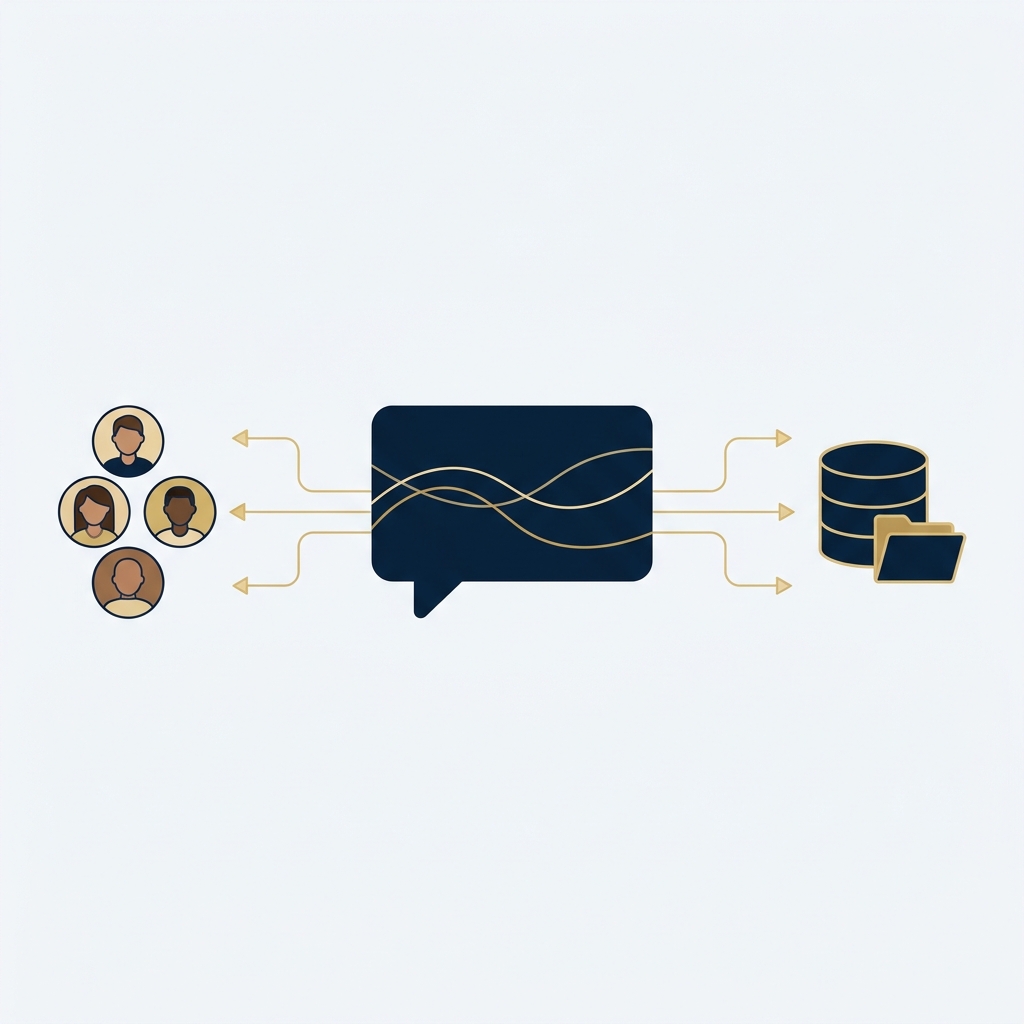
Risks and controls to keep routing reliable
- Permissions and privacy: Both the HubSpot connector and Salesforce’s ChatGPT app respect existing user permissions; installation and data scopes are admin-controlled (HubSpot connector; Salesforce announcement).
- Change control: In HubSpot, actions via the connector are attributable and should be reviewed before execution; keep write tools set to Needs Approval and rely on audit logs (HubSpot connector).
- Operational limits: Expect API usage limits and a max of 10 records per bulk write in HubSpot; plan larger reassignments with CRM-native tools (HubSpot connector).
Put this into practice
Prototype with synthetic leads and explicit routing rules before connecting live contact data. Test the exception queue and permission boundaries as well as the normal assignment path; a working demonstration is not a finished CRM operation.
Set up assistive lead routing (safe and auditable)
FAQs
Can ChatGPT auto-assign leads? Through supported CRM apps, ChatGPT can propose and execute updates to lead records after approval. Keep the definitive assignment logic in CRM workflows for consistency and auditability (HubSpot connector; Salesforce announcement).
Do I need developers? Not necessarily. Admins can approve and configure the HubSpot connector from ChatGPT, and users can act within their permissions. Start with small updates and review proposed changes before confirming (HubSpot connector).

When a prototype begins making API calls, Stack & Method explains authentication and authorisation. A successful login or signed request does not settle what the integration may access. Authentication vs authorization in APIs (with request signing).